

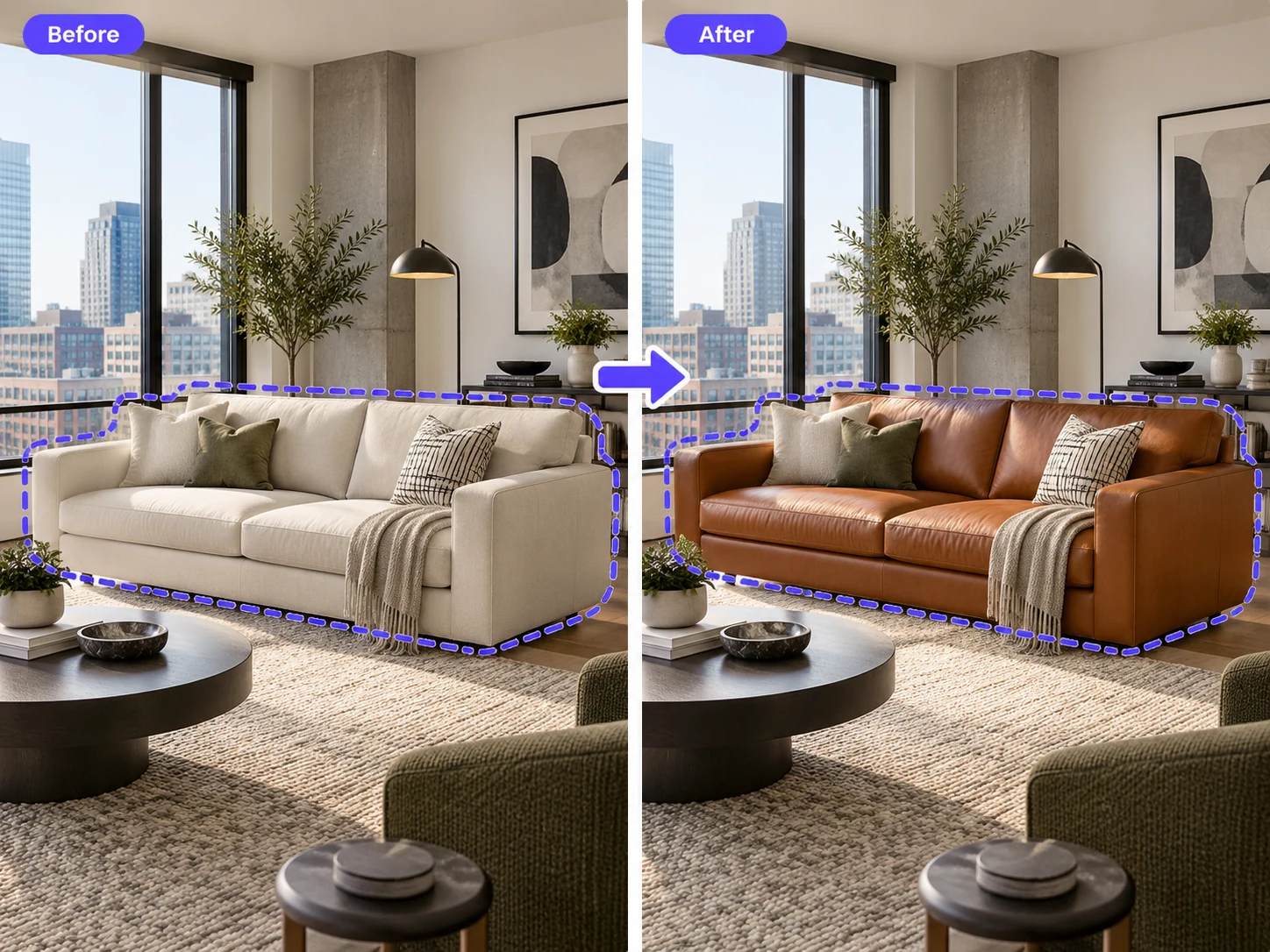
Replace a Sofa
Select an existing sofa and replace it with a different design while keeping the surrounding room visually consistent.
Replace specific furniture without redesigning the whole scene. Select the furniture you want to change, then guide the replacement with a reference image, a text description, or both.
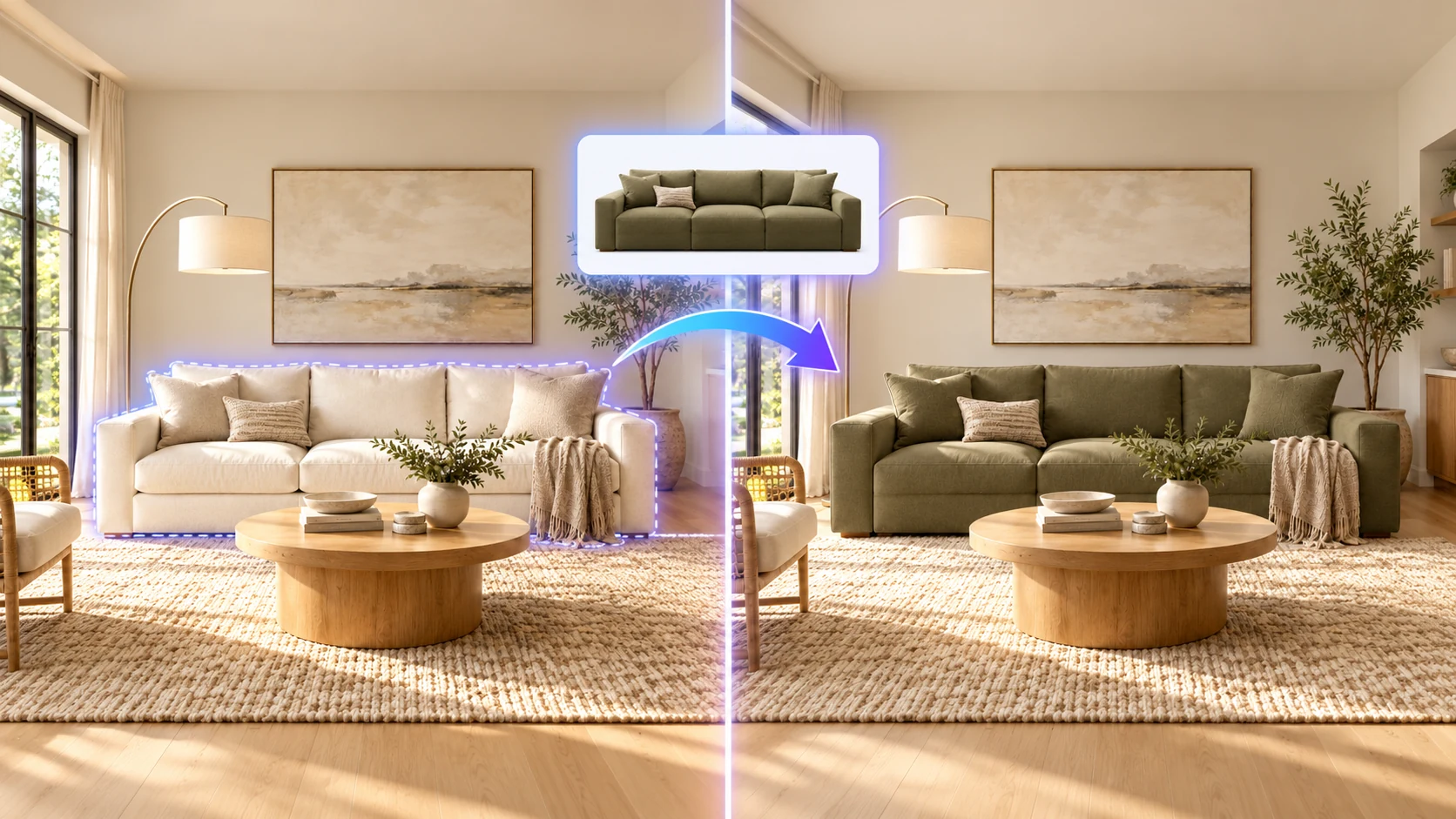
Replace sofas, beds, chairs, tables, and other furniture in existing images using a reference image, text description, or both.
Select an existing sofa and replace it with a different design while keeping the surrounding room visually consistent.
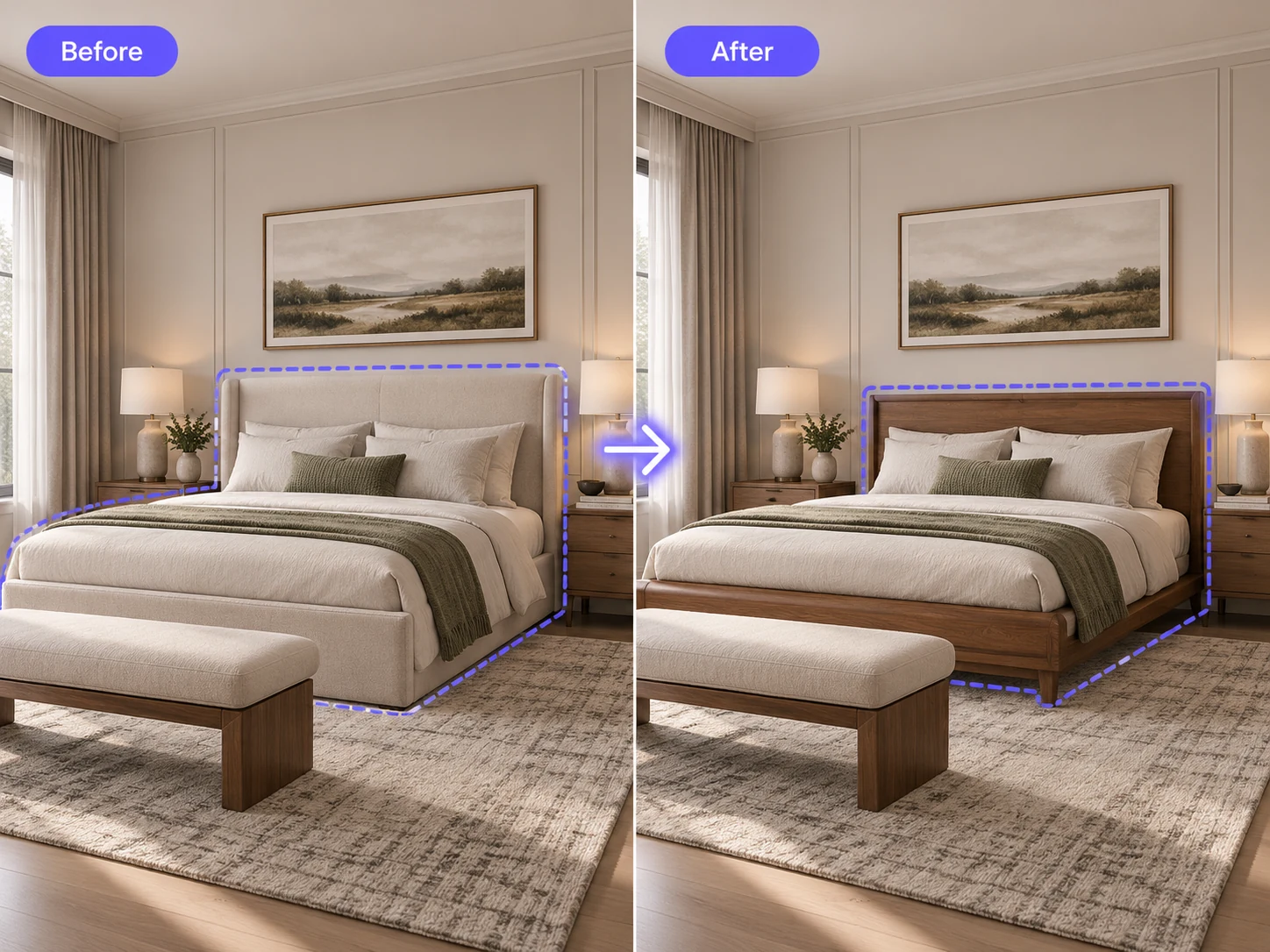
Swap the bed in an interior render without regenerating the entire bedroom.
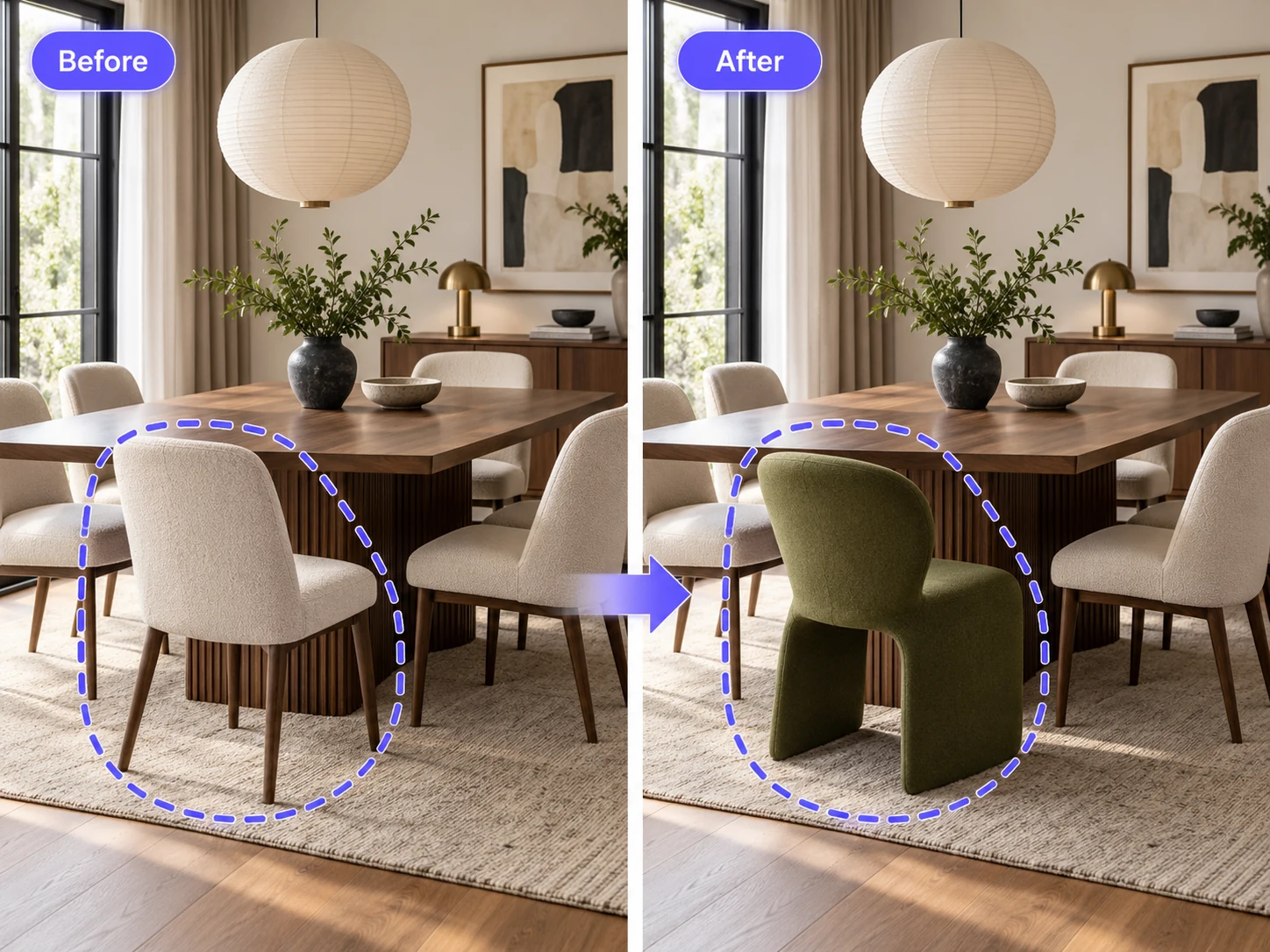
Replace a selected chair, dining table, coffee table, or other furniture item with a new design.
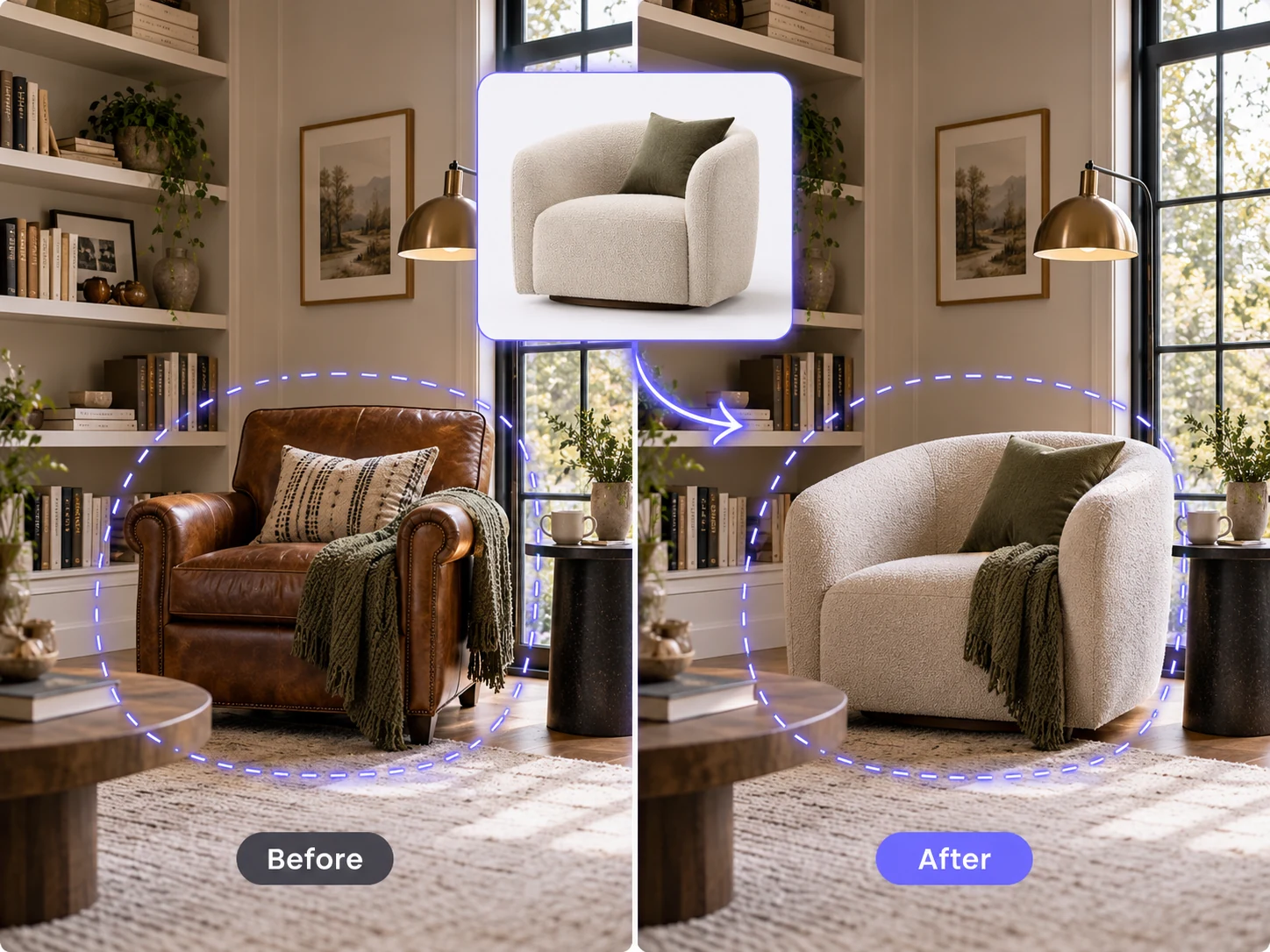
Upload the furniture you want to use as a visual reference when you already have a specific design in mind.
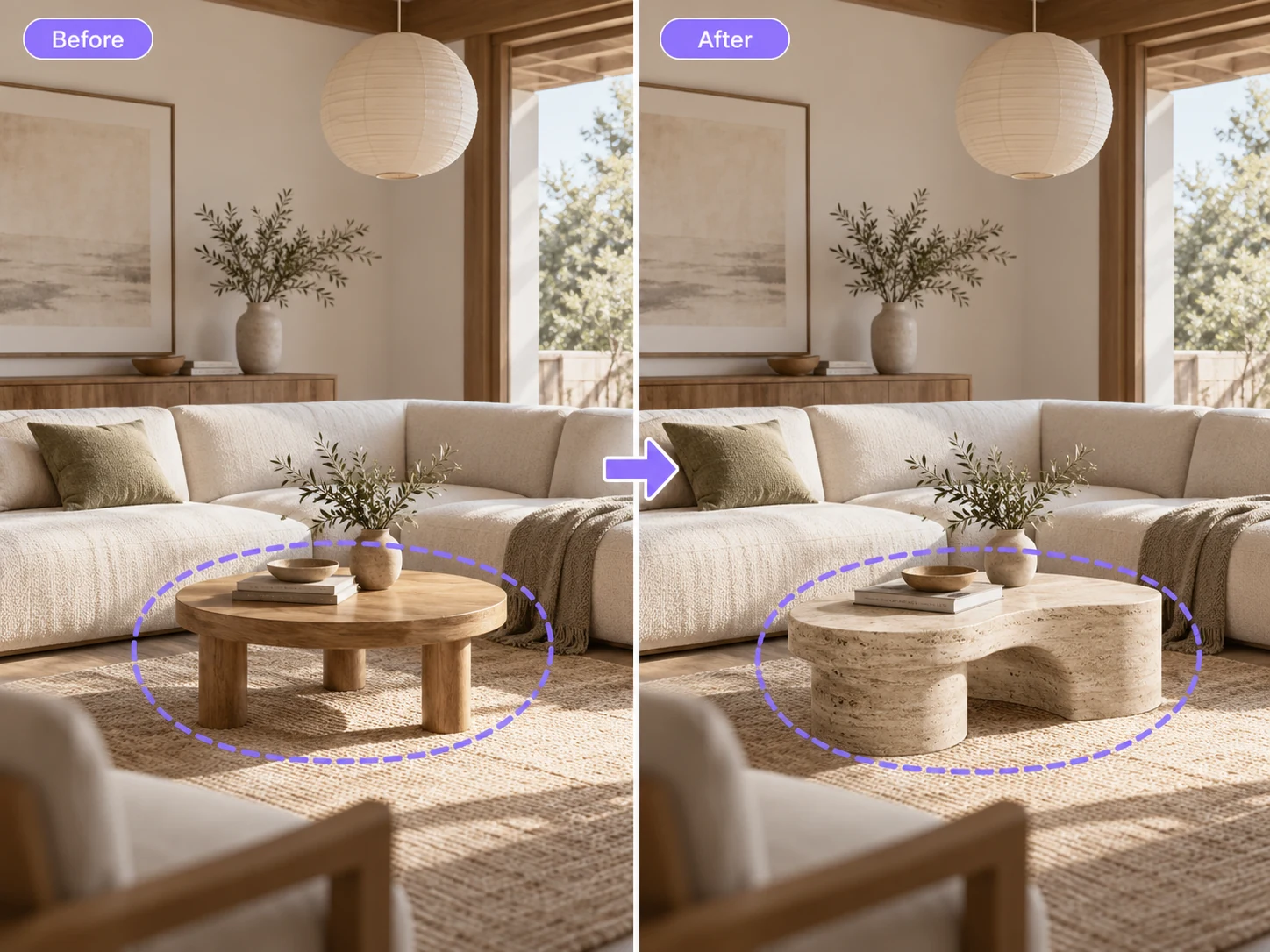
Describe the furniture you want when you do not have a reference image available.
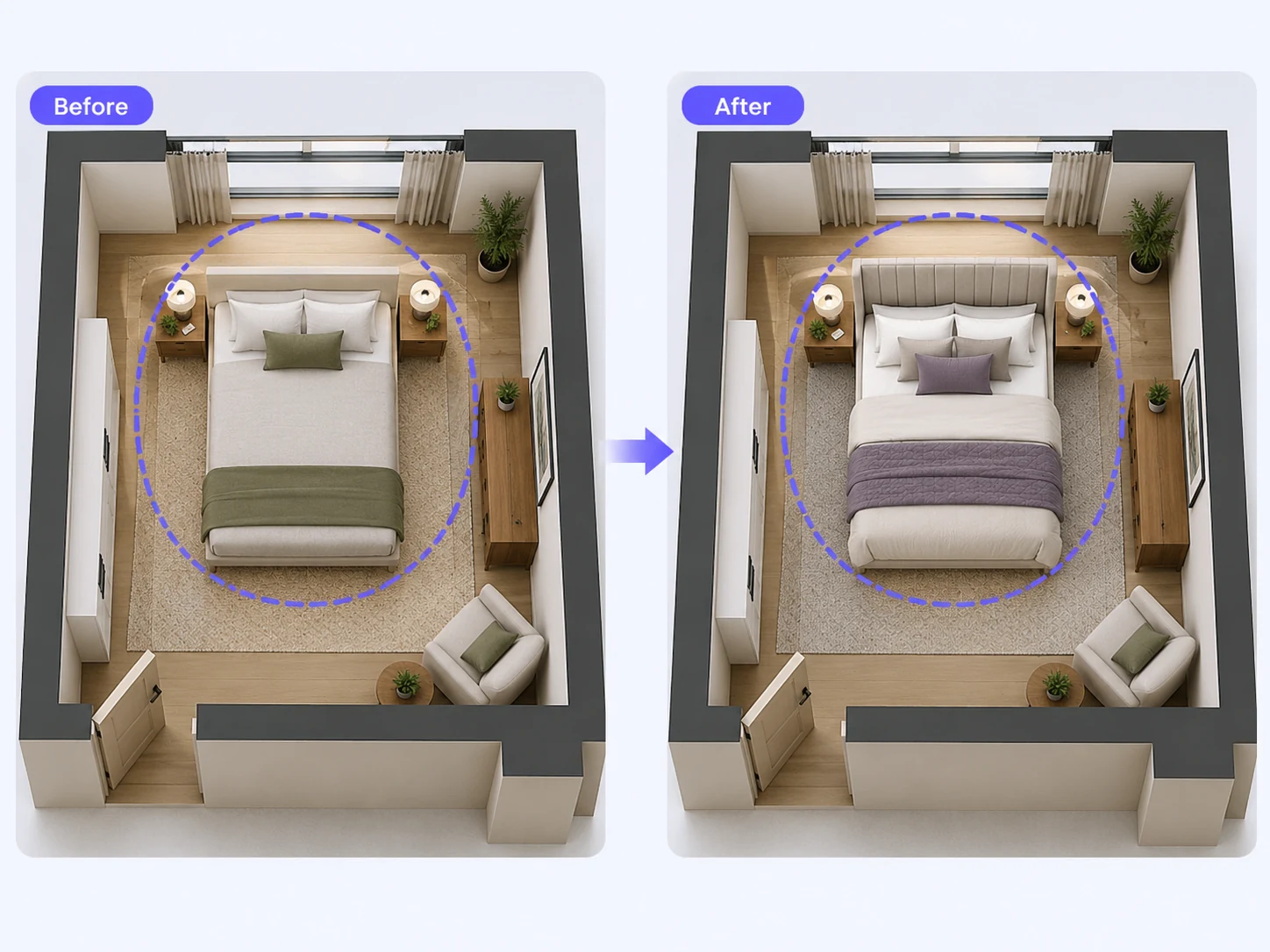
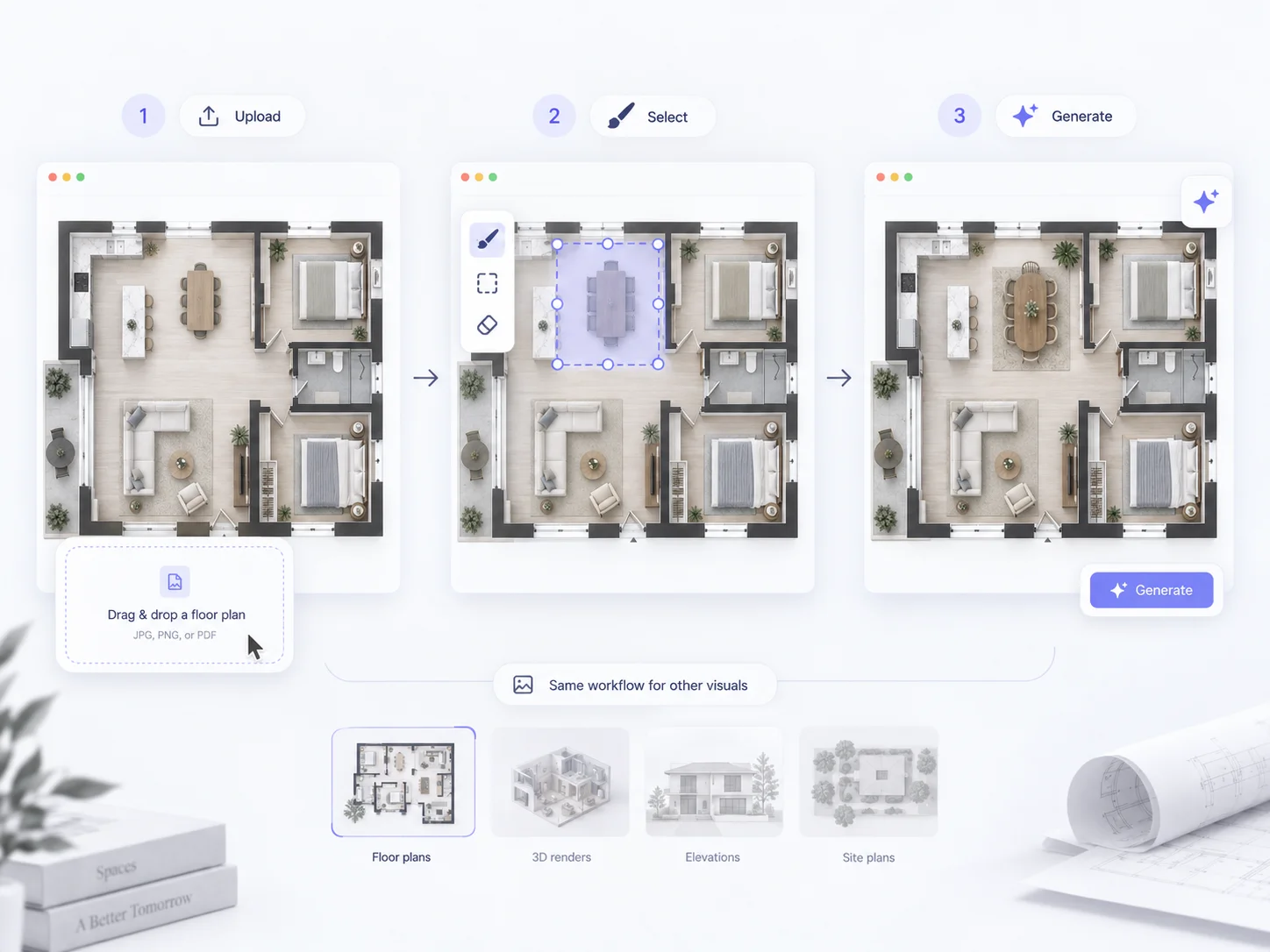
Select a furniture object in a floor plan and replace it while keeping the surrounding plan visually consistent.
AI furniture replacement is a targeted image-editing workflow that lets you replace specific furniture in an existing image instead of redesigning the entire scene.
Upload an image and select or paint over the furniture you want to replace. You can then upload a reference furniture image, describe the replacement with text, or combine both to give the AI more guidance.
The tool can be used with interior photos, interior renders, 3D floor plan images, and floor plans. Unlike a furniture layout tool, it is designed for users who already know which furniture they want to change.
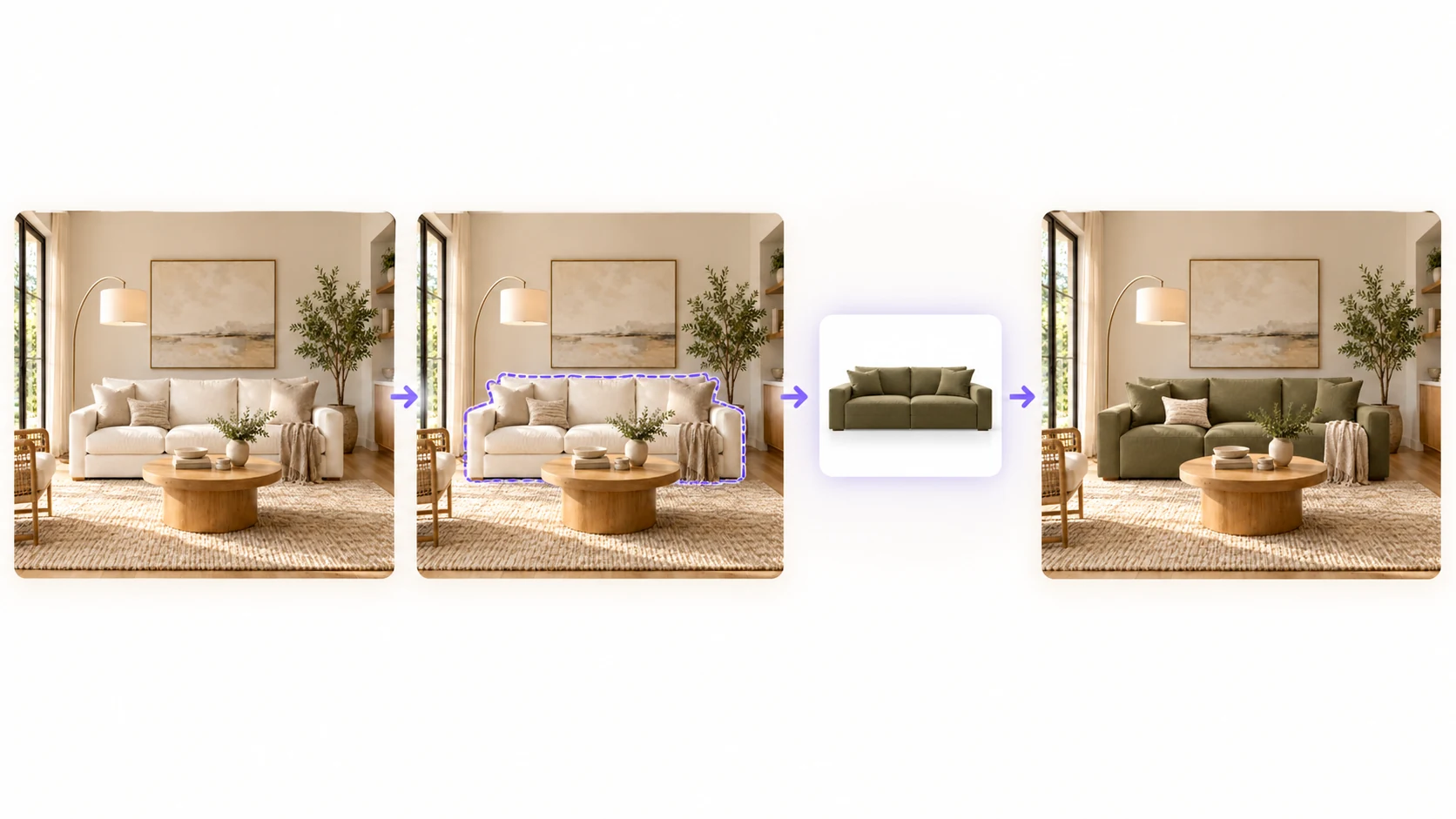
Target a specific sofa, chair, bed, table, or other furniture item instead of changing the entire scene.
Upload the furniture you want to introduce when you already have a specific design or product direction in mind.
Describe the furniture you want when a reference image is not available.
Use a reference image together with written details about style, material, color, shape, or size for more control over the replacement.
Focus the edit on the selected furniture while preserving surrounding architecture, decor, layout, and other objects as much as possible.
Try AI furniture replacement for free and visualize a new furniture option before making changes to the real space or final design.
Upload your existing image, then select or paint over the furniture you want to replace.
Upload a reference furniture image, describe the furniture you want with text, or use both together.
Add details about style, material, color, shape, size, or other requirements, then click Generate to create the replacement.
Select or paint over the exact furniture you want to replace instead of applying changes to the entire image.
Upload a furniture image as a visual reference when you already know what you want the replacement to look like.
Describe the new furniture in natural language when you do not have a reference image.
Combine a visual reference with written instructions to better define the furniture replacement you want.
Focus the edit on the selected furniture while keeping surrounding architecture, decor, lighting, and layout as visually consistent as possible.
Use the same furniture replacement workflow with interior photos, interior renders, 3D floor plan images, and floor plans.
Explore more
Make broader targeted edits to furniture, fixtures, rooms, and other selected areas in an existing floor plan.
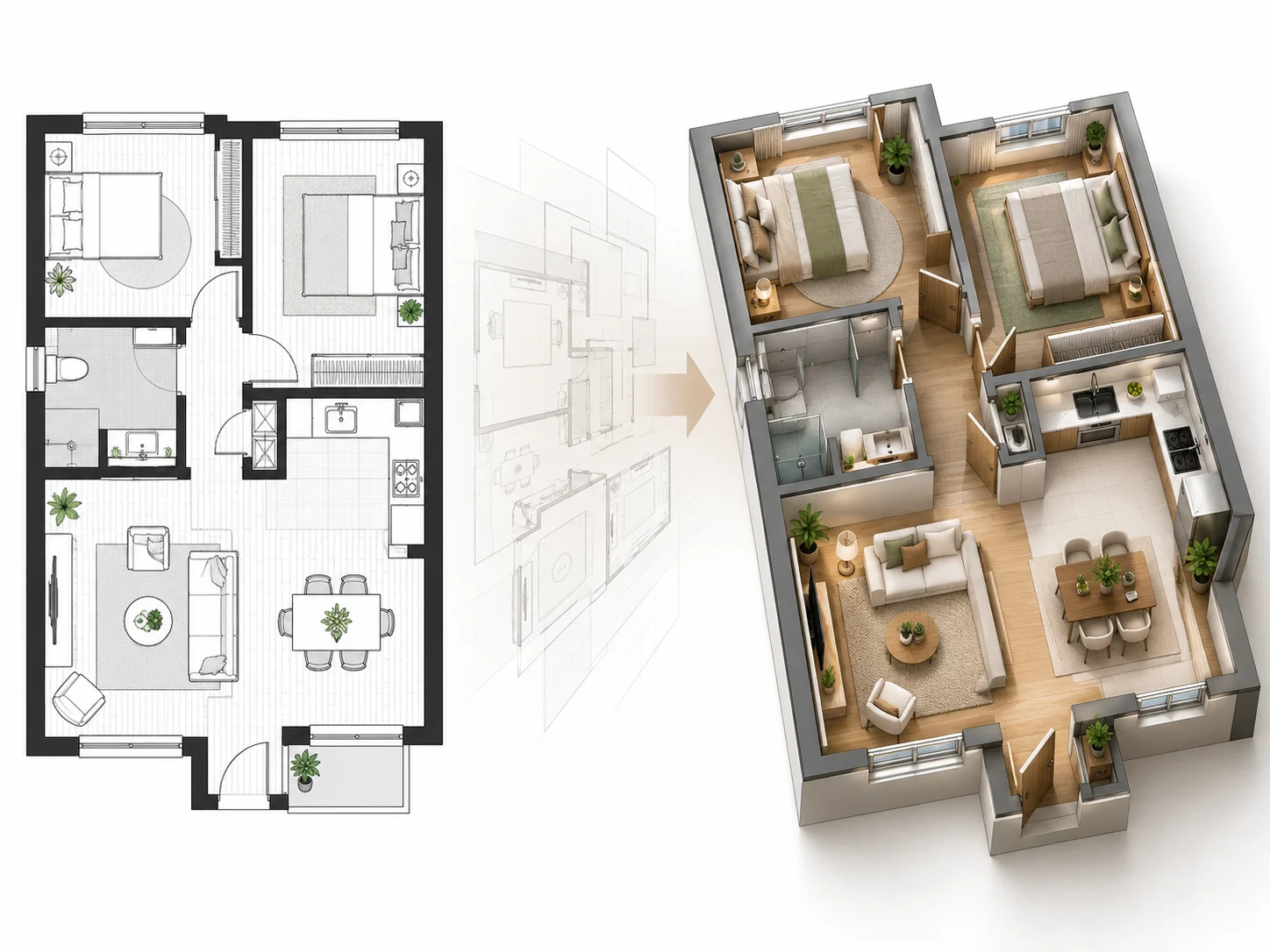
Turn a 2D floor plan into a furnished 3D interior to review furniture placement, room relationships, and space planning.
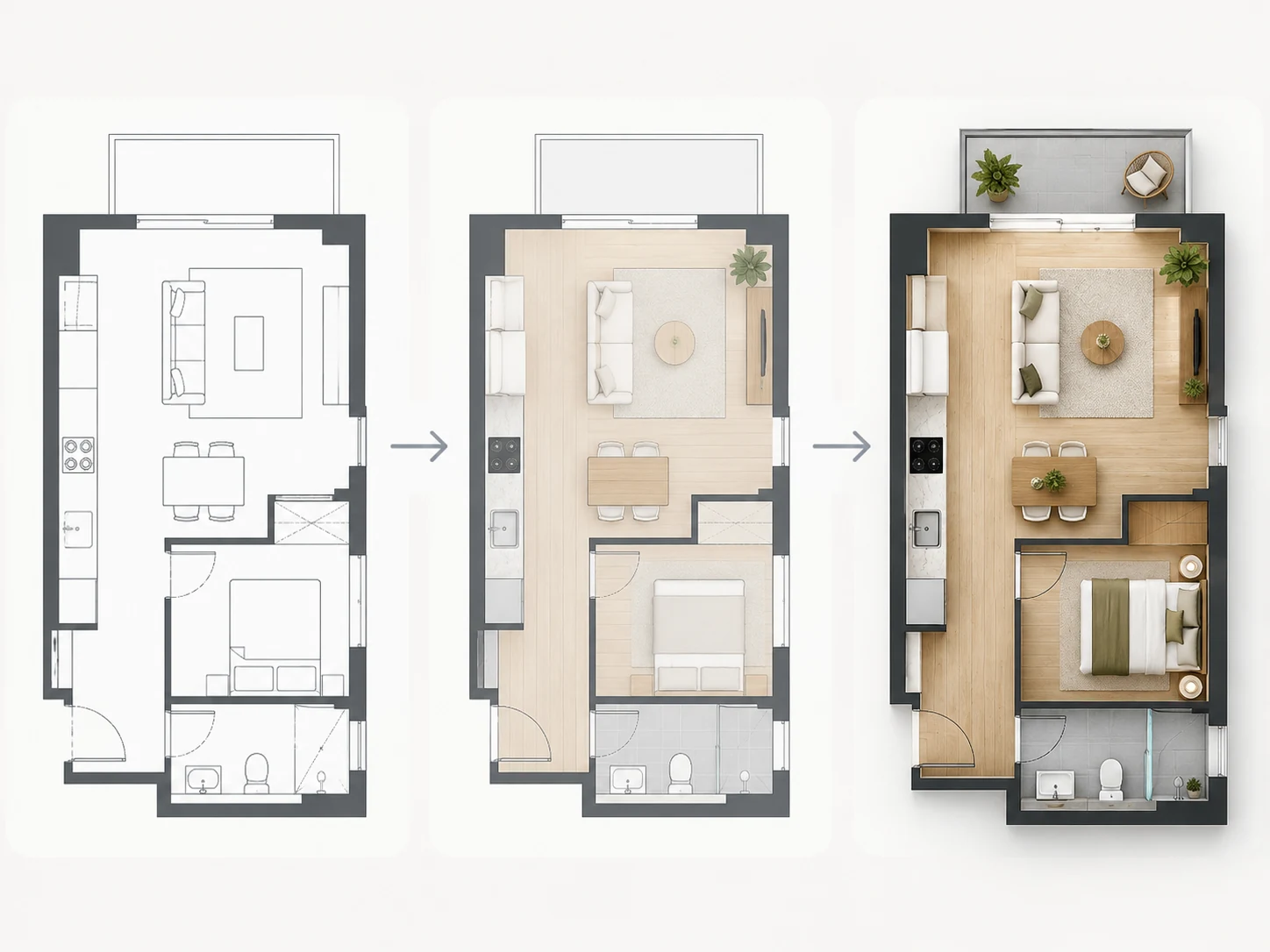
Turn your furnished floor plan into a polished rendered floor plan with different visual styles while keeping the existing layout as the foundation.
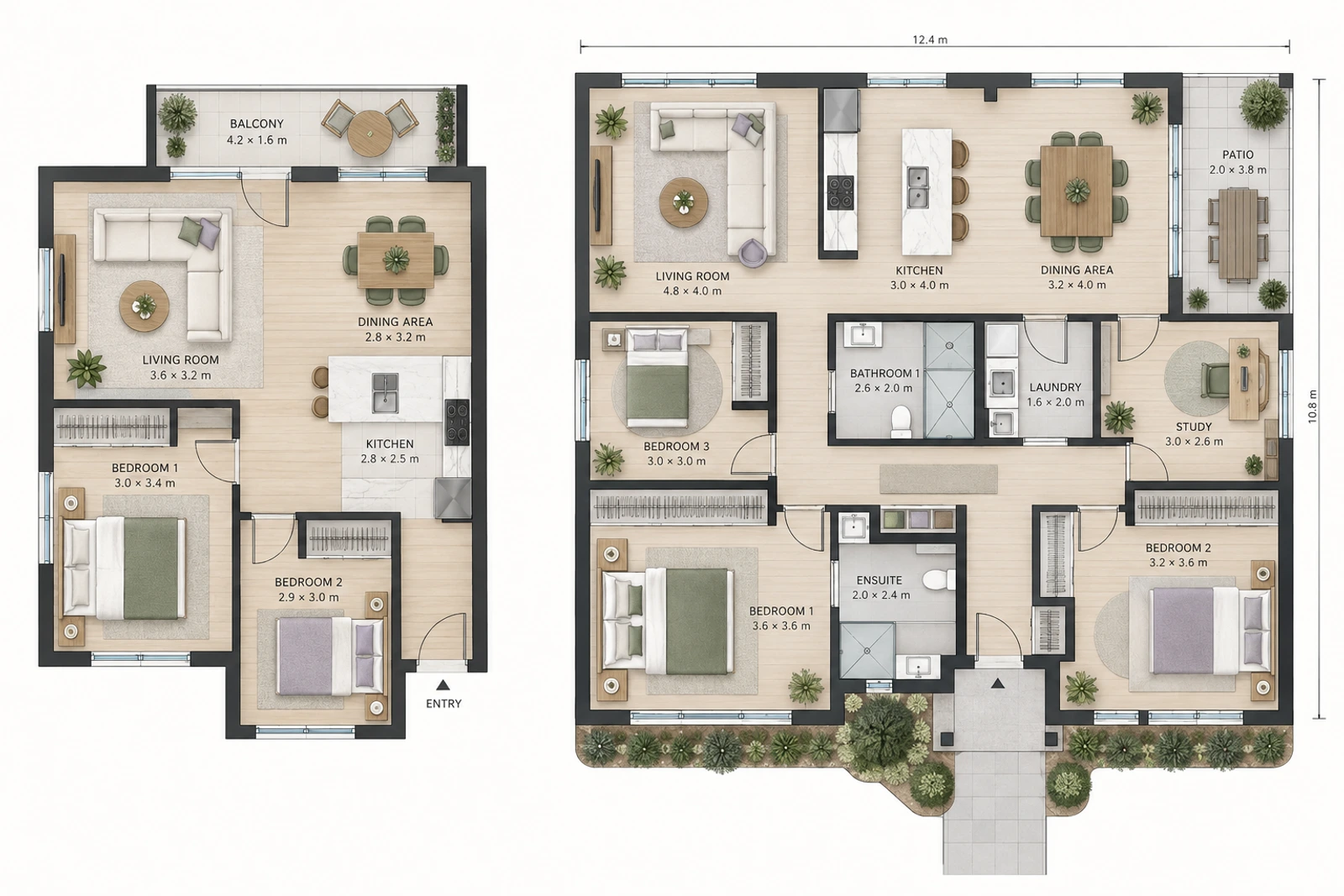
Create a new 2D floor plan from text requirements when you need a layout before editing or visualizing furniture.
Common questions about replacing, changing, and swapping furniture with AI.
AI furniture replacement lets you select specific furniture in an existing image and replace it with another design using a reference image, text description, or both.
Select the furniture you want to change and guide the replacement with a reference image, text description, or both.
Replace Furniture with AI