

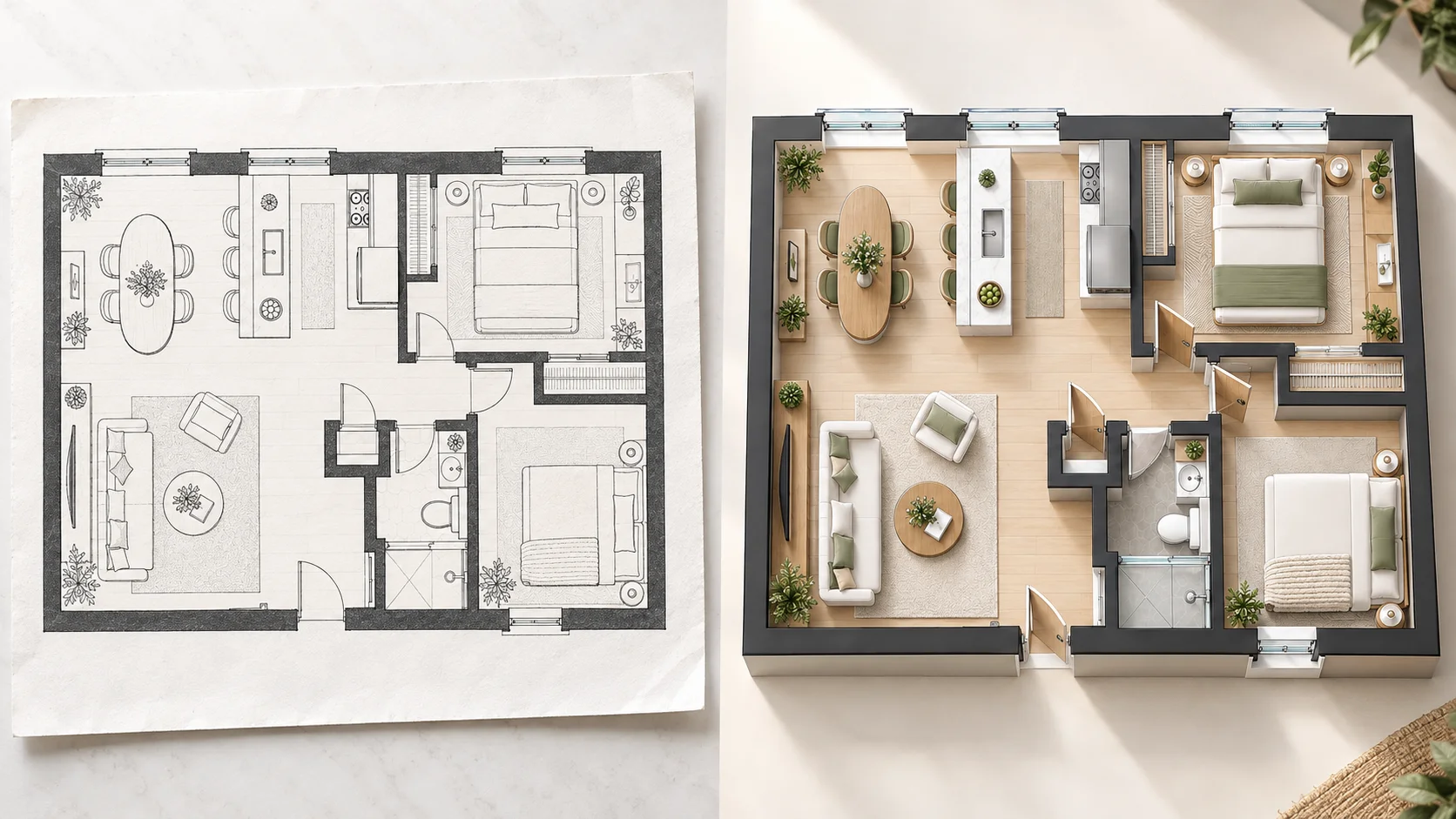
Convert a Scanned Floor Plan to 3D
Start with a clear scanned plan and turn the flat drawing into a 3D view that makes rooms, furniture, and circulation easier to understand.
Upload a 2D floor plan image and turn it into a clear 3D floor plan with AI. Start with a plan image, scan, screenshot, or exported layout, then choose the style, viewing angle, and background that fit how you want to see the space.
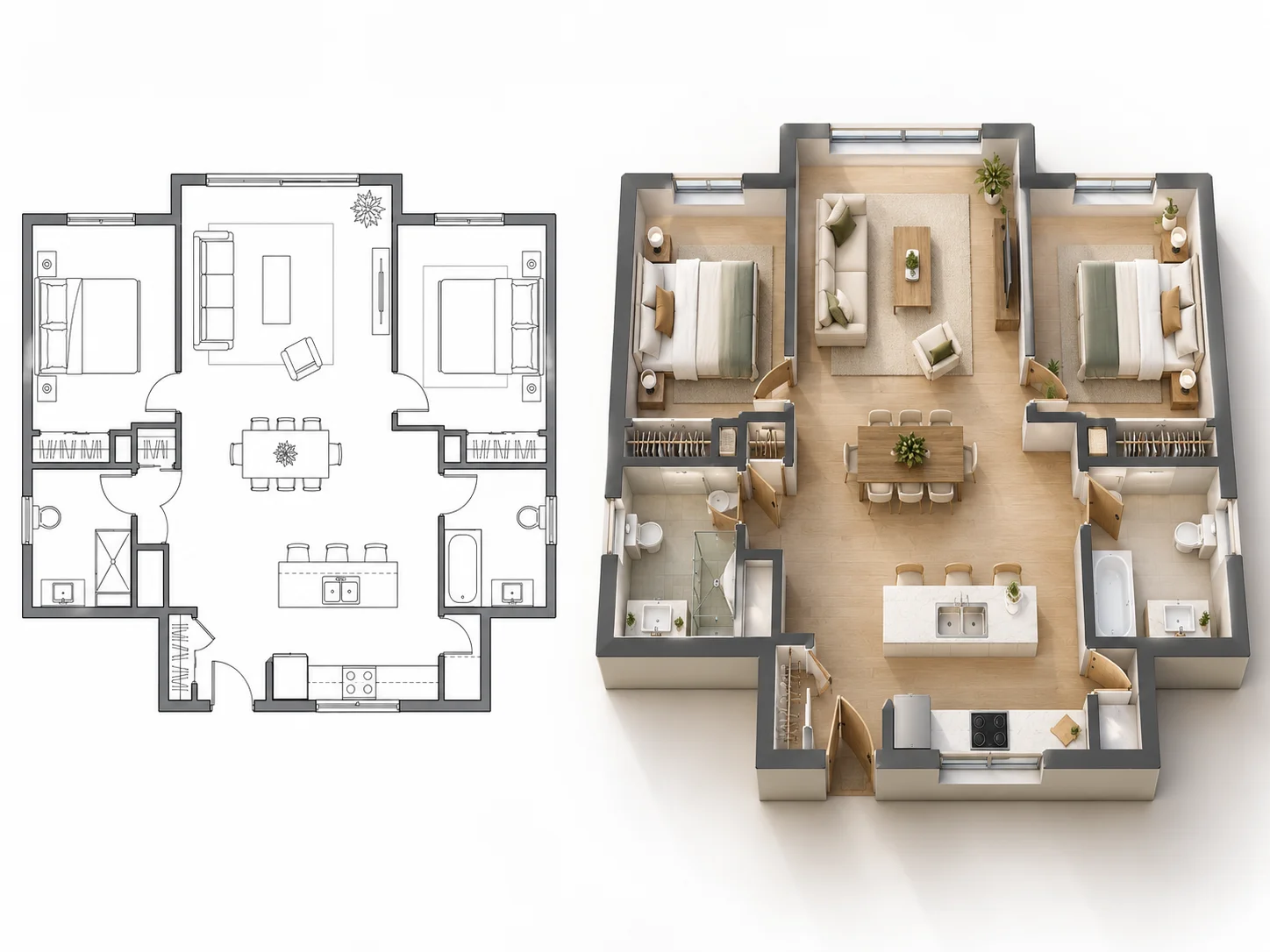
See how plan images from different sources can be transformed into clear 3D floor plan visualizations without rebuilding the layout manually.
Start with a clear scanned plan and turn the flat drawing into a 3D view that makes rooms, furniture, and circulation easier to understand.
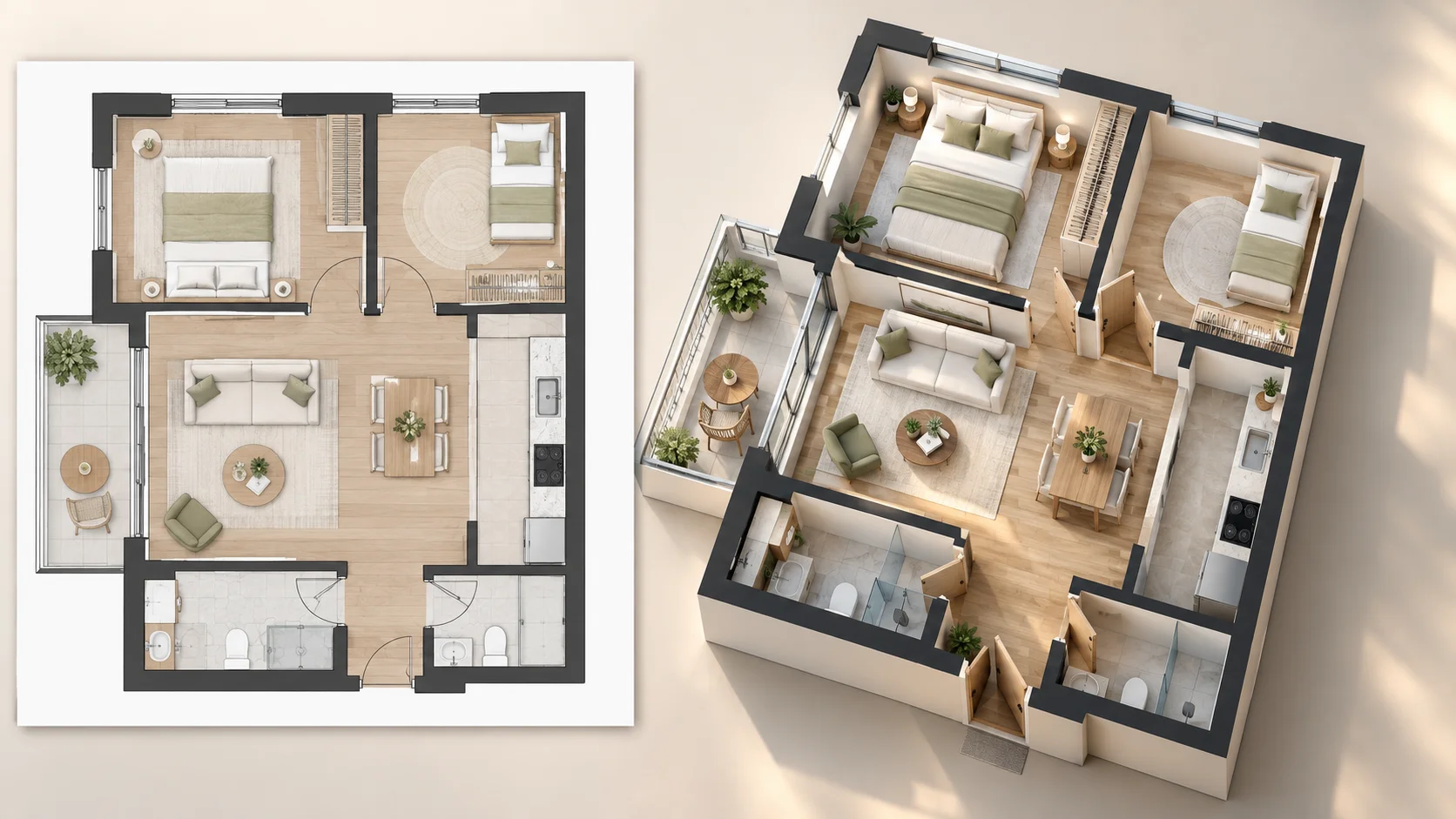
Upload a screenshot of an existing floor plan and create a three-dimensional visualization based on the visible layout.
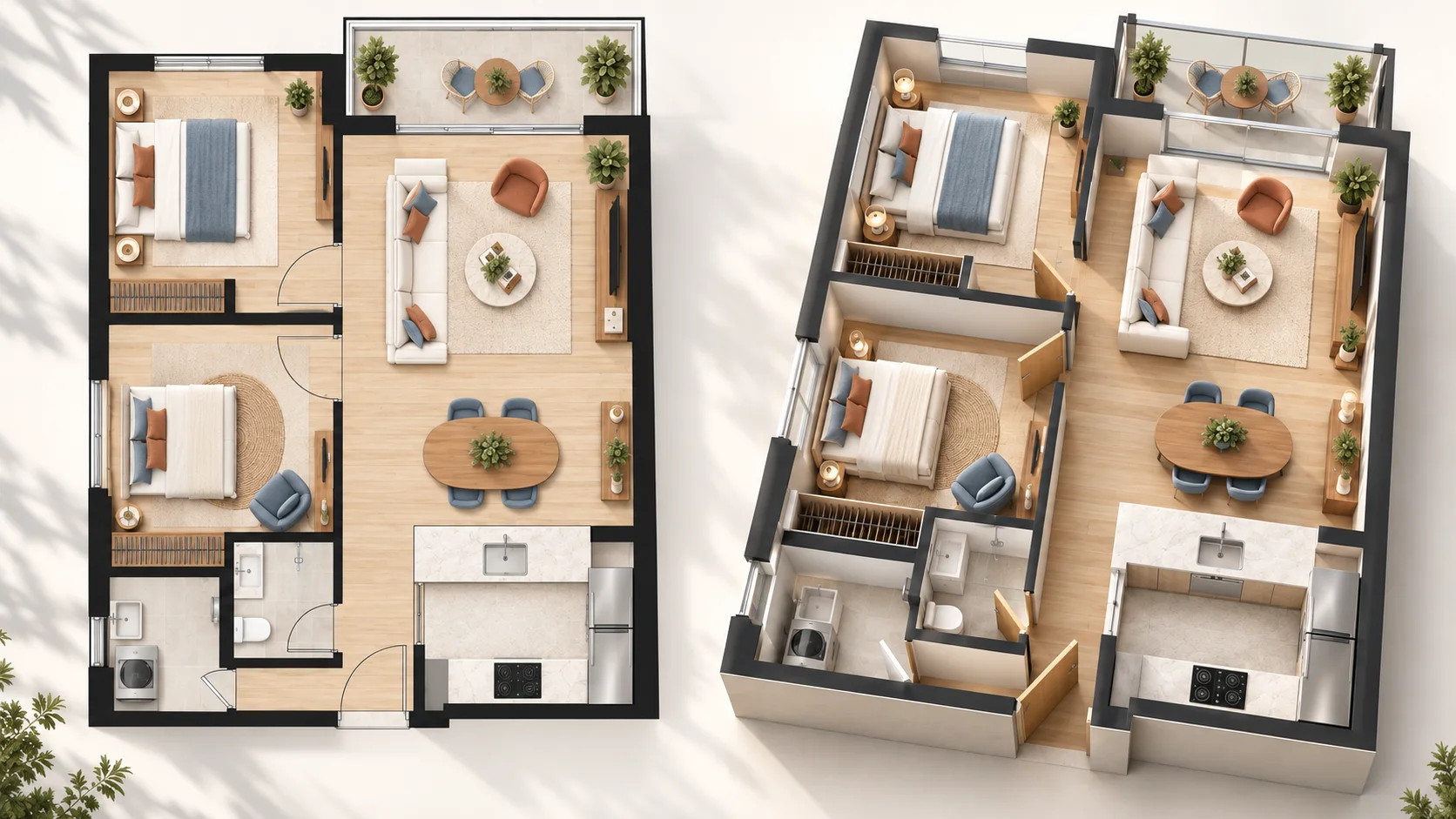
Make a flat real estate floor plan easier to read by turning it into a visual 3D presentation of the rooms and overall flow.
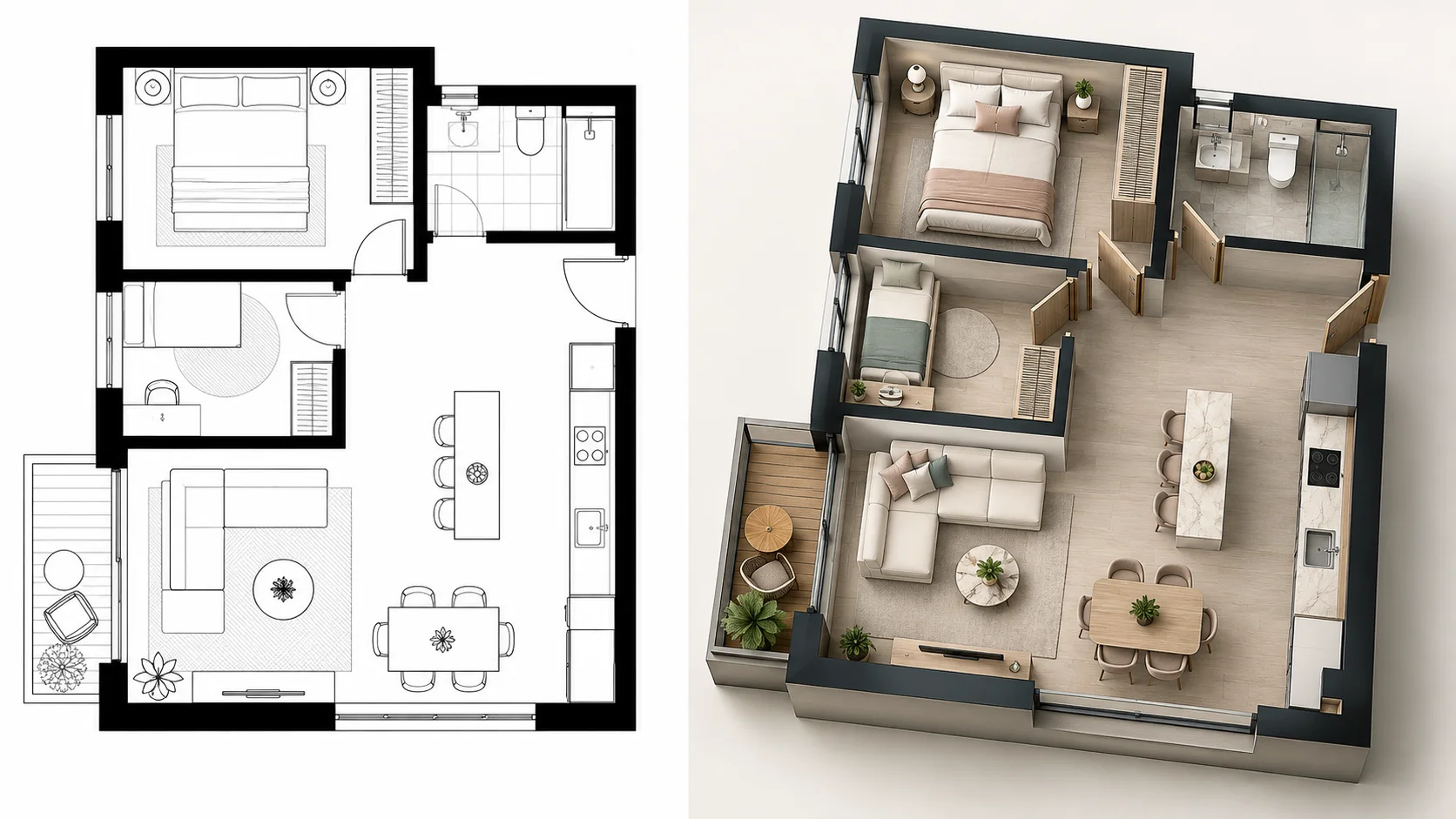
Use an exported 2D plan image as the starting point for a 3D result without manually recreating walls and rooms.
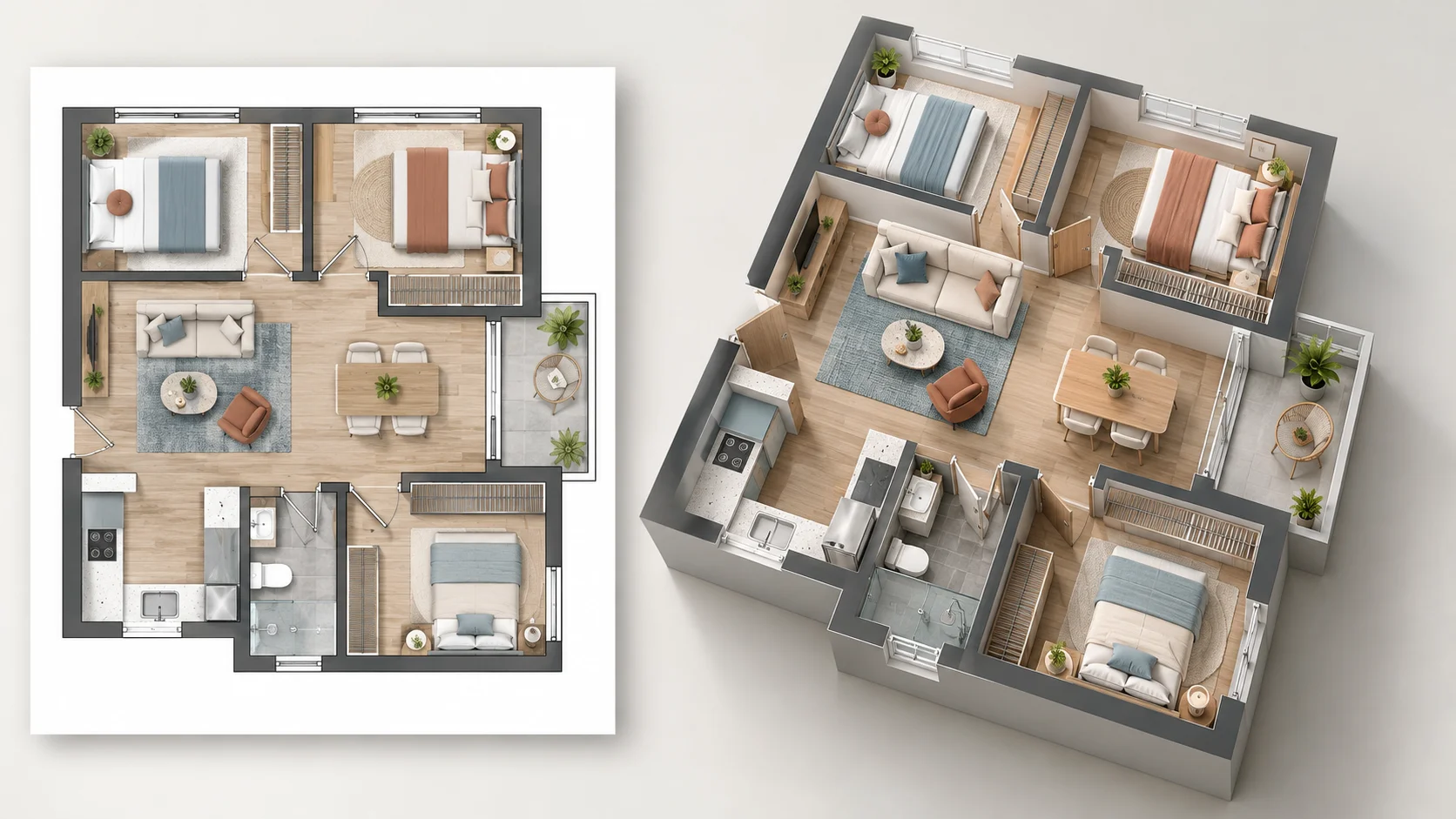
Transform a compact apartment plan image into a 3D view that gives the original layout more depth and spatial context.
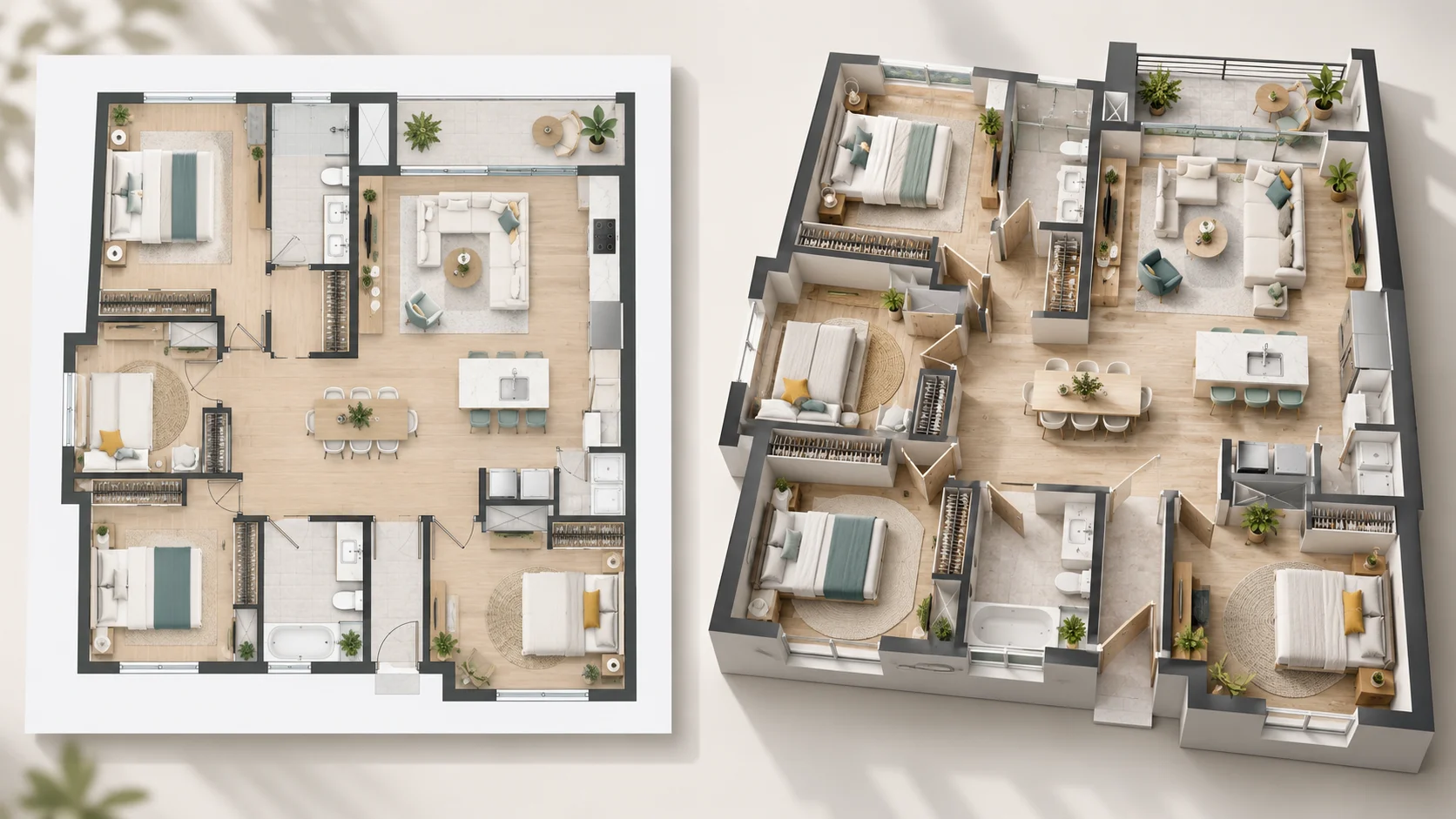
Turn a larger residential floor plan image into a 3D visualization and see how bedrooms, shared areas, and circulation connect.
An image to 3D floor plan AI turns an existing 2D floor plan image into a three-dimensional visualization of the same layout. Instead of manually rebuilding walls, rooms, and furniture in 3D software, you can start with the visual plan you already have.
The input can be a clear floor plan image, scanned plan, screenshot, or exported plan image. AI interprets the visible layout and creates a 3D floor plan that can be viewed from different perspectives and presented with different visual styles and backgrounds.
People searching for a floor plan image to 3D model or a way to convert a 2D floor plan image to 3D online for free are usually looking for the same workflow. The result is a visual 3D floor plan for understanding and presentation rather than an editable CAD, BIM, or general-purpose 3D modeling file.
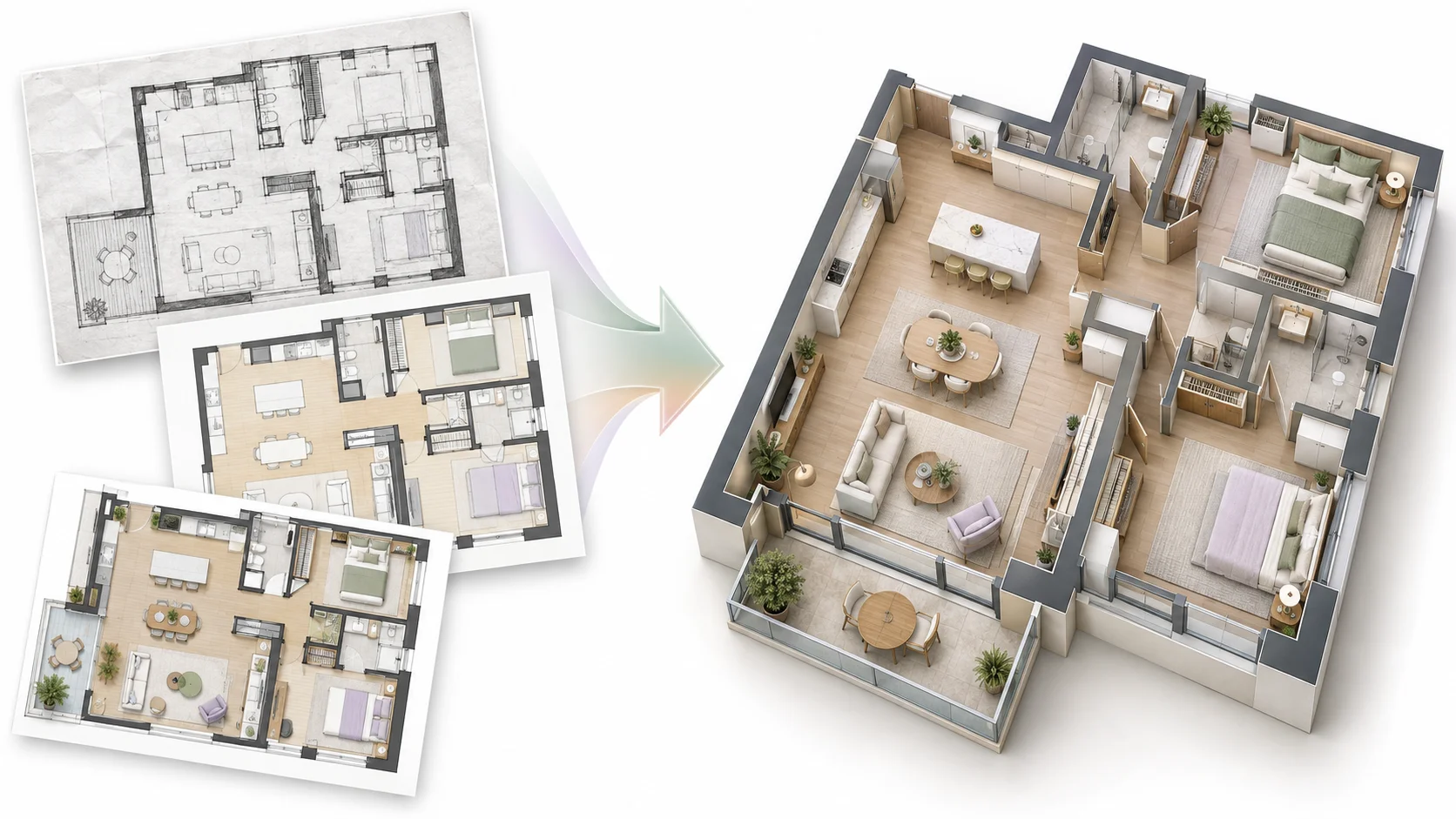
Start from an existing image, scan, screenshot, or exported floor plan instead of recreating the layout from scratch.
Use AI to turn the visible plan structure into a 3D visualization without manually modeling every wall and room.
Add depth to a 2D plan so room relationships, circulation, and furniture placement become easier to read.
Review the generated floor plan from top, isometric, aerial, or eye-level perspectives depending on what you want to understand.
Use the before-and-after comparison to see how the generated 3D view relates to your original floor plan image.
Start the core image-to-3D floor plan workflow online for free without creating an account first.
Add a clear 2D plan image, scan, screenshot, or exported layout that shows the main walls, rooms, and openings.
Select the presenting style, viewing perspective, and background that best fit the result you want.
Create the 3D floor plan, then compare the generated visualization with your original image.
Turn a floor plan image into a three-dimensional visualization based on the structure visible in the uploaded plan.
Work with clear scanned plans, screenshots, and exported floor plan images without manually redrawing the layout first.
Use AI to interpret the uploaded image and create a 3D floor plan without building every room manually.
Explore the generated layout from top, isometric, aerial, or eye-level views.
Adjust the available style and background while keeping the result grounded in the uploaded floor plan image.
Compare the original floor plan image and generated 3D result directly in the same preview.
Convert a 2D floor plan image to 3D online for free and start without signing up.
Common questions about converting 2D floor plan images into 3D floor plans with AI.
Yes. Upload your 2D floor plan image, choose the available presentation settings, and create a 3D visualization online for free.
Upload a 2D floor plan image, scan, or screenshot and turn it into a clear 3D floor plan online with AI.
Create 3D Floor Plan