

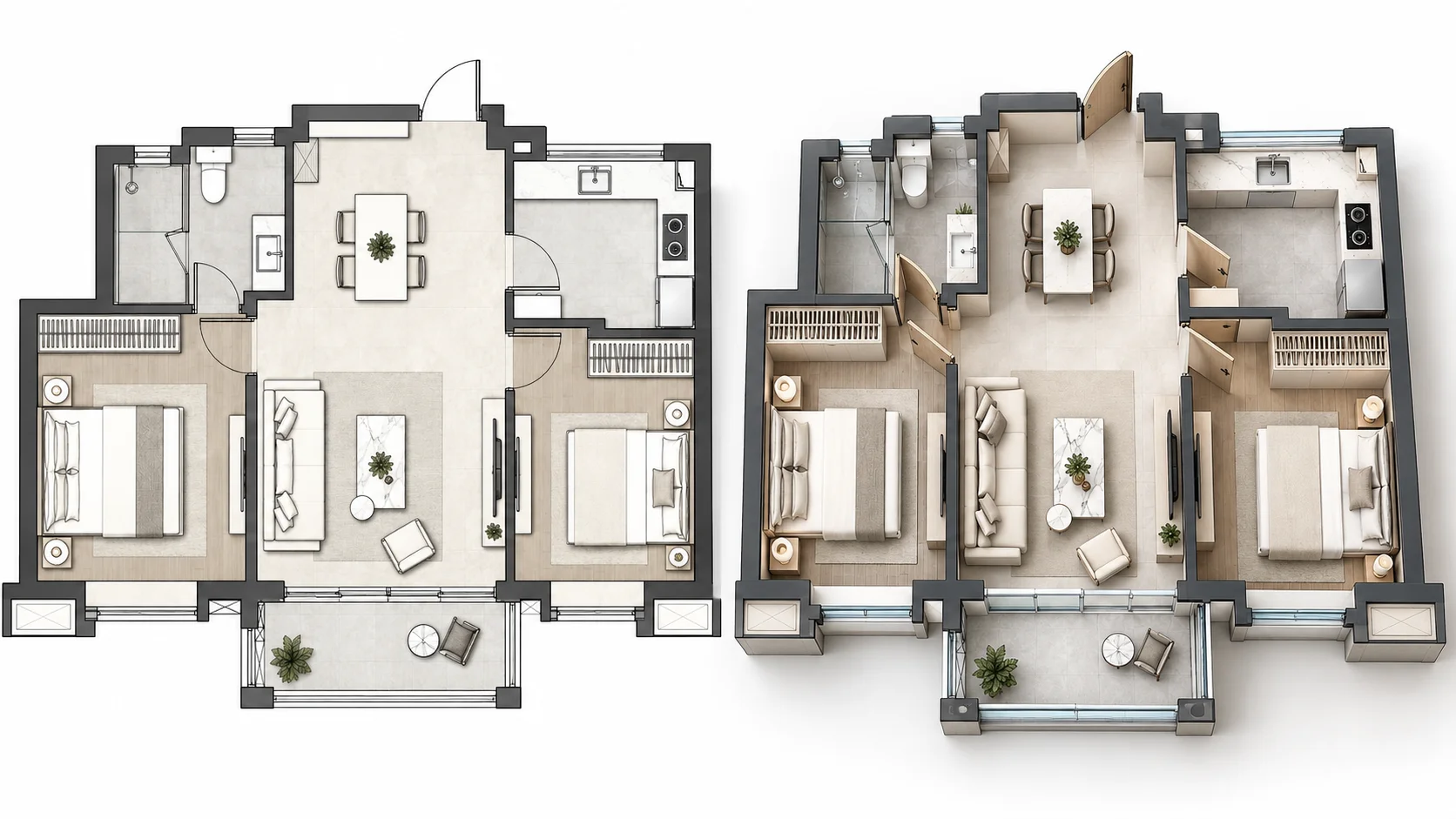
Plan Furniture in a 3D Apartment Interior
Turn an apartment floor plan into a furnished 3D view and see how seating, storage, beds, and circulation fit within the available space.
Upload an existing 2D floor plan and turn it into a furnished 3D interior visualization with AI. See room relationships, furniture placement, and circulation with added depth, then choose the style, viewing angle, and background that fit your design.
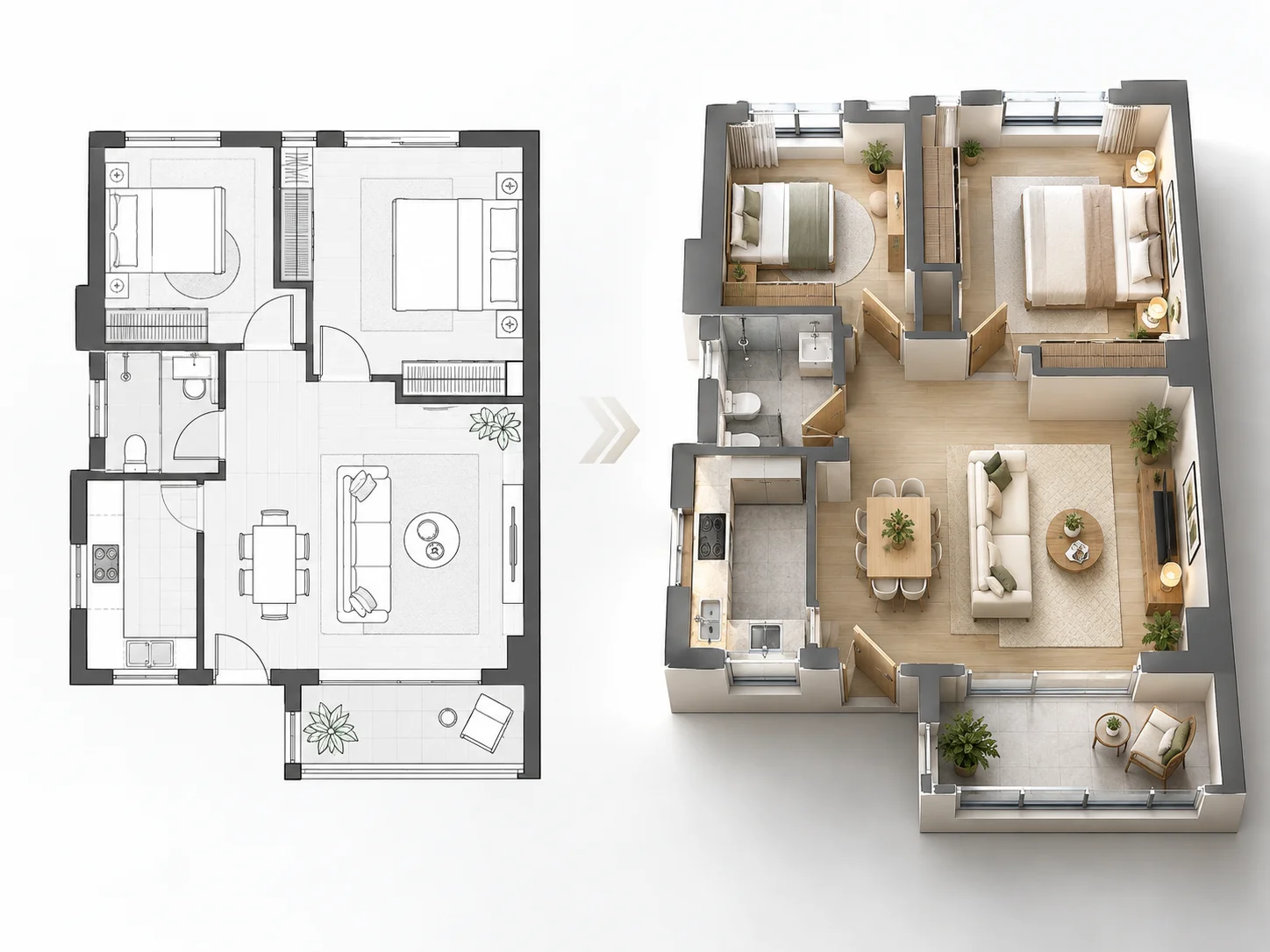
Explore how different 2D layouts can become furnished 3D interiors for space planning, furniture visualization, and clearer design communication.
Turn an apartment floor plan into a furnished 3D view and see how seating, storage, beds, and circulation fit within the available space.
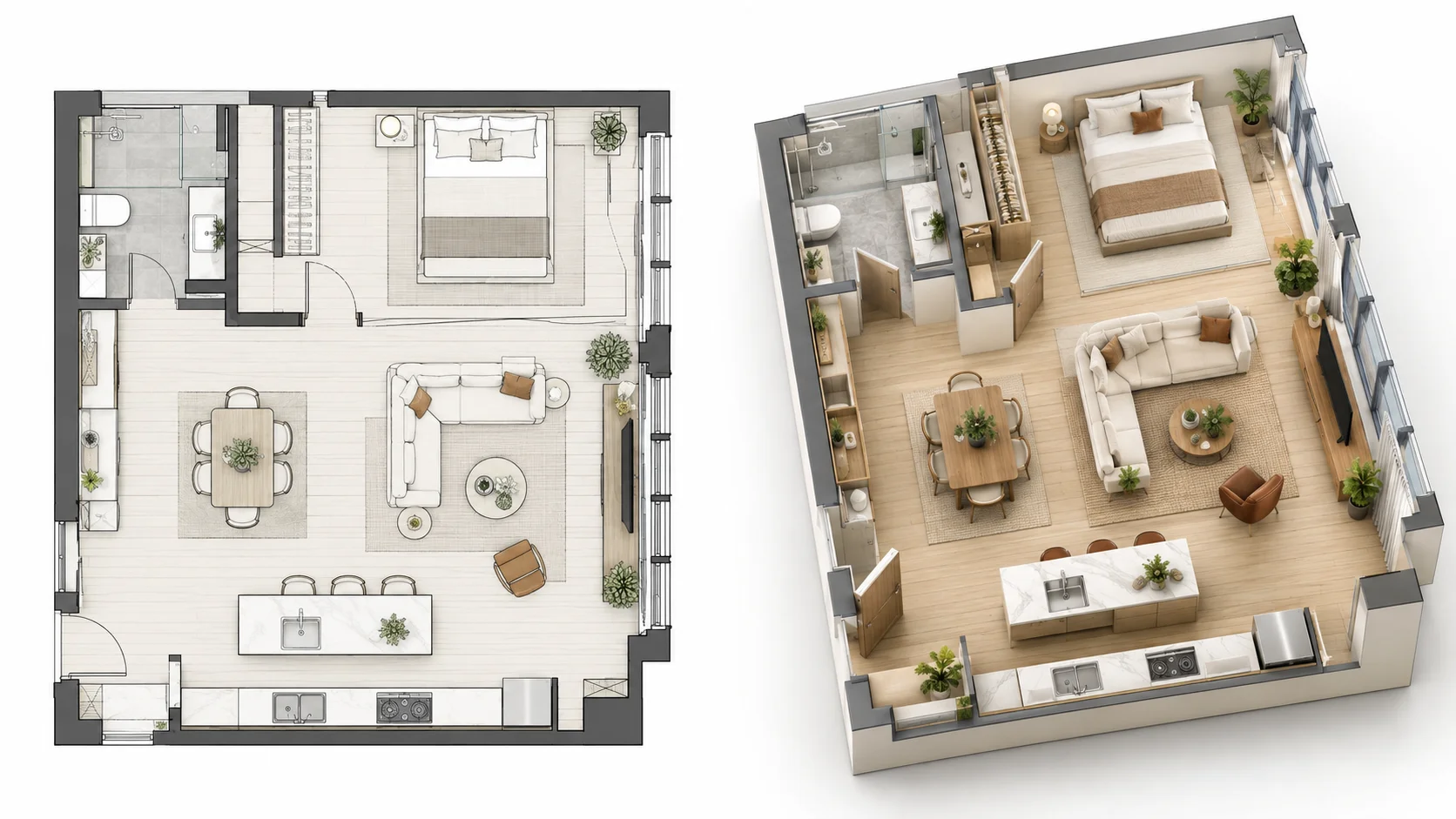
See how living, dining, and kitchen zones connect once a flat floor plan is presented as a three-dimensional interior.
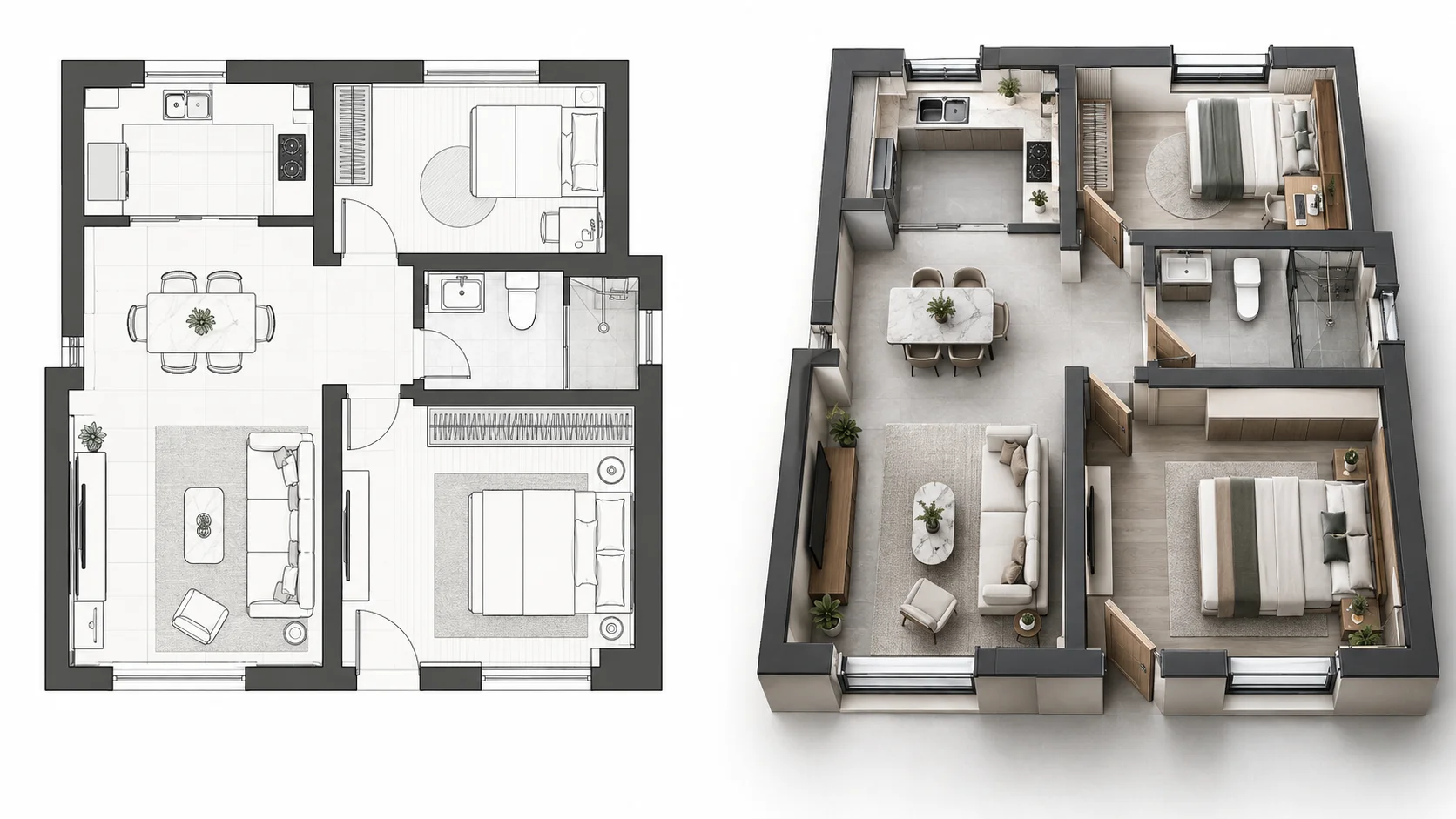
Use a modern presentation style to visualize the same floor plan with furniture, materials, and a clearer sense of spatial depth.
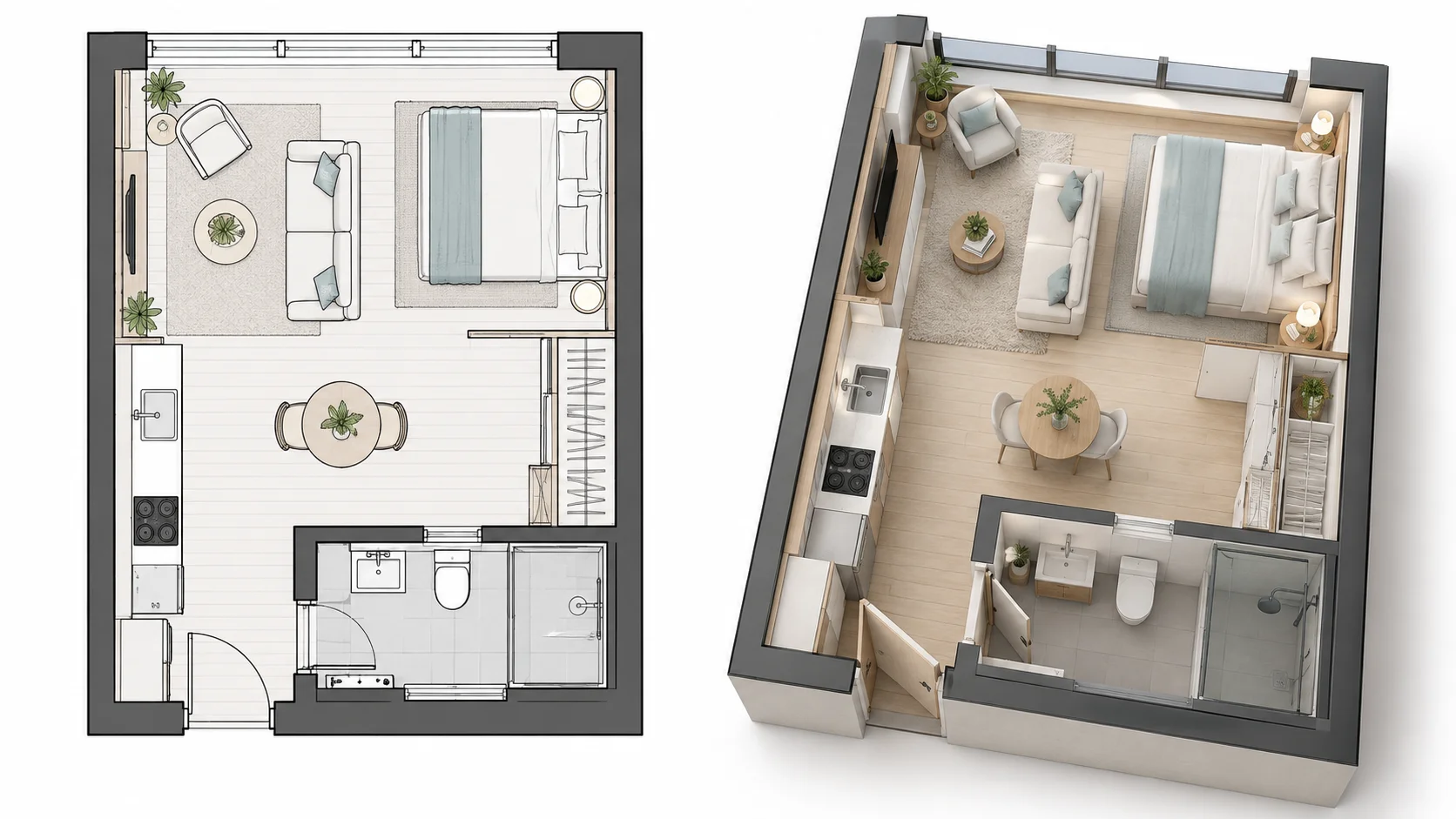
Turn a compact studio layout into a 3D interior to understand how sleeping, living, dining, and storage functions can share the space.
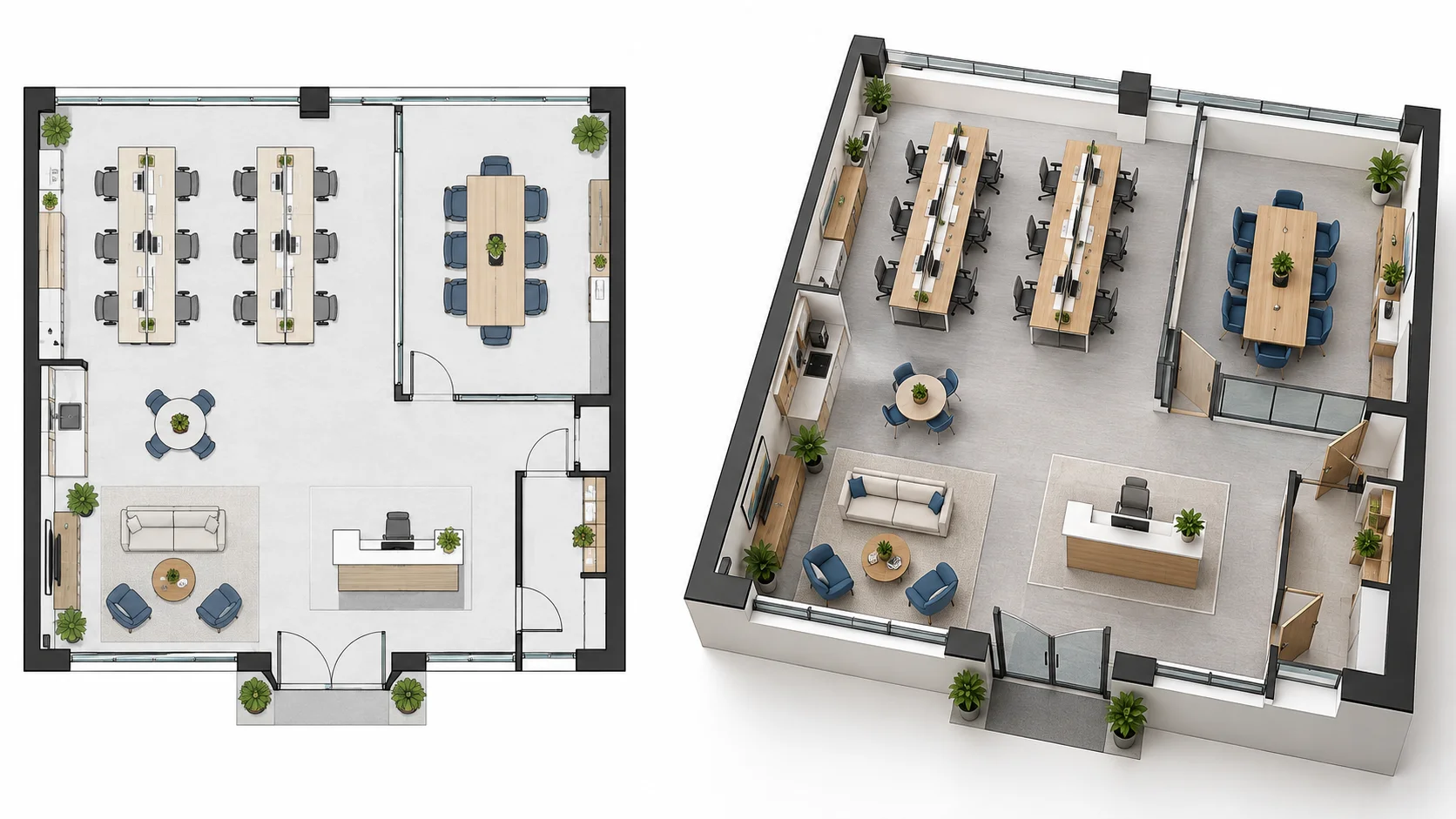
Convert an office plan into a furnished 3D interior view to review workstations, meeting areas, shared spaces, and movement through the layout.
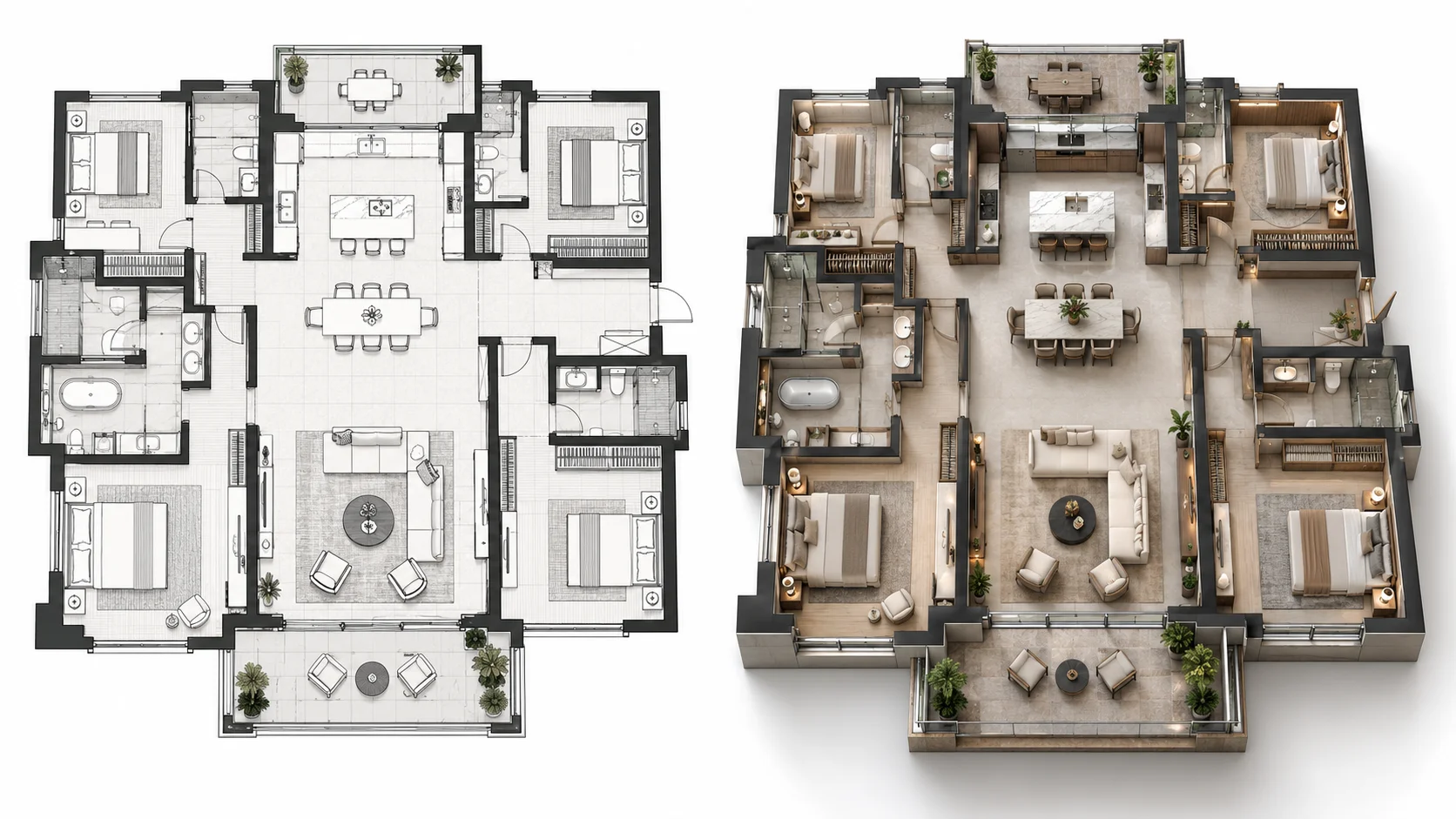
Transform a larger home plan into a polished 3D interior visualization with richer furnishings and materials for a more presentation-focused result.
A floor plan to 3D interior design AI turns an existing 2D layout into a furnished three-dimensional interior visualization. Instead of seeing rooms only as flat lines and symbols, you can explore the same plan with visible wall height, furniture, materials, and spatial depth.
This 2D to 3D interior design AI workflow starts with the floor plan you already have. AI interprets the visible layout and creates a 3D interior view that can help you understand furniture placement, room relationships, circulation, and the overall use of space.
People searching for interior design AI from a floor plan, AI interior design with floor plan upload, or a way to convert a floor plan to interior design are often looking for this type of visualization. The result is intended for spatial understanding and design presentation rather than detailed manual interior modeling.
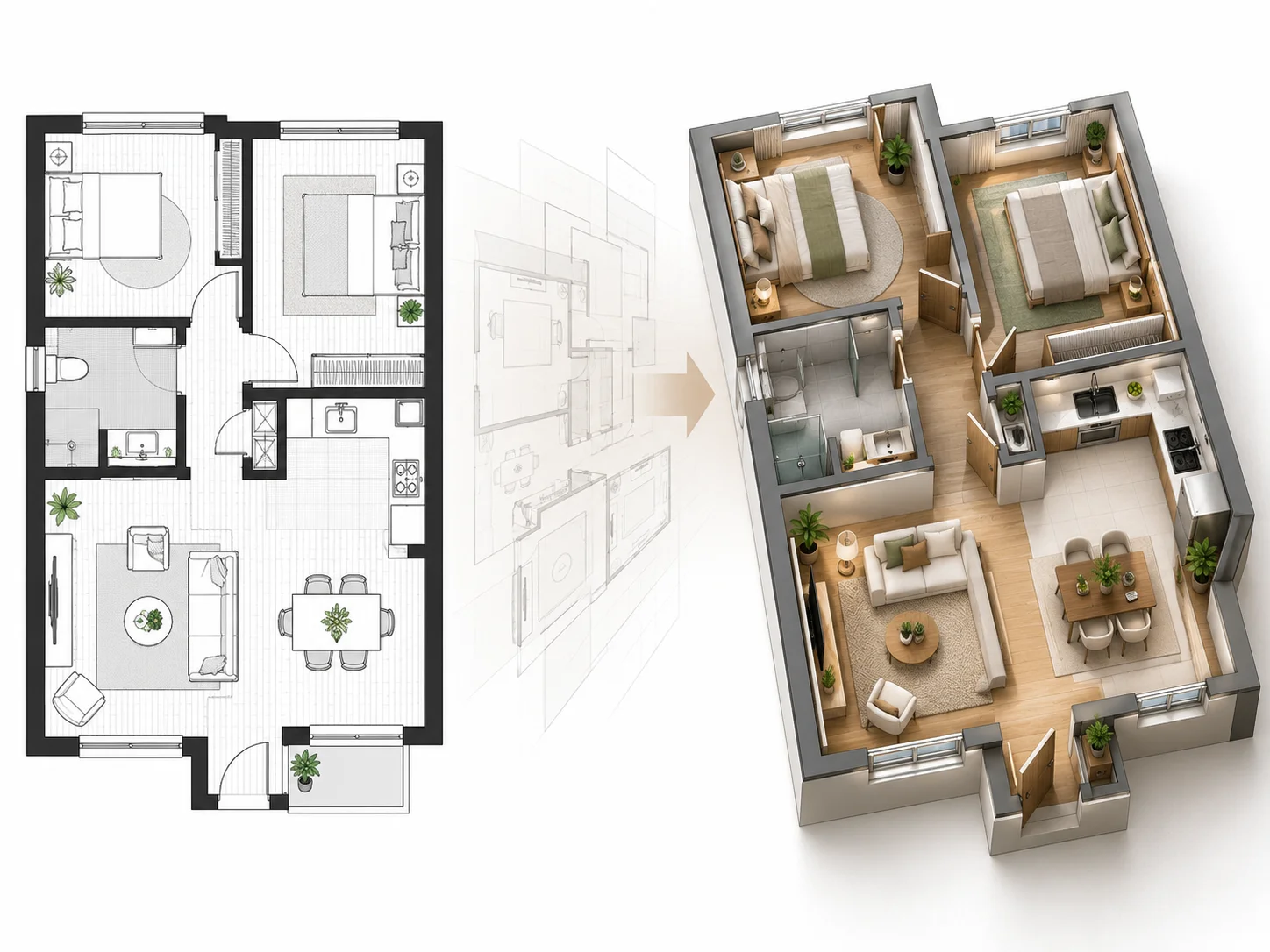
See how furniture can occupy the rooms in three dimensions instead of relying only on flat symbols in the original plan.
See how living areas, bedrooms, kitchens, circulation, and other spaces relate once the plan has visible depth.
Use the 3D interior view to make proportions, furniture zones, and movement through the layout easier to review.
Change the available presenting style to explore different visual directions while keeping the underlying floor plan.
Use top, isometric, aerial, or eye-level perspectives depending on how you want to understand and present the space.
Start the floor-plan-to-3D interior workflow online for free without creating an account first.
Add the 2D floor plan or interior layout you want to visualize as a furnished 3D space.
Select the presenting style, viewing perspective, and background that best fit the 3D interior result you want.
Generate the 3D floor plan, then compare the furnished interior visualization with your original 2D layout.
Turn an existing 2D floor plan into a furnished three-dimensional interior visualization based on the original layout.
See furniture with spatial depth so room use, placement, and circulation become easier to understand.
Use the generated 3D view to review how rooms, furniture zones, and movement through the layout work together.
Use AI to interpret the uploaded plan and create a visual 3D interior without manually modeling every room.
Choose from available visual styles and viewing perspectives to present the same floor plan in different ways.
Compare the original 2D floor plan with the generated furnished 3D interior visualization.
Turn a 2D floor plan into a 3D interior visualization online for free without signing up first.
Common questions about converting floor plans and 2D layouts into 3D interior design visualizations with AI.
Yes. Upload a supported floor plan and AI can create a furnished three-dimensional interior visualization based on the visible layout.
Upload your 2D layout and create a furnished 3D interior visualization for space planning, furniture review, and clearer design communication.
Create 3D Floor Plan