

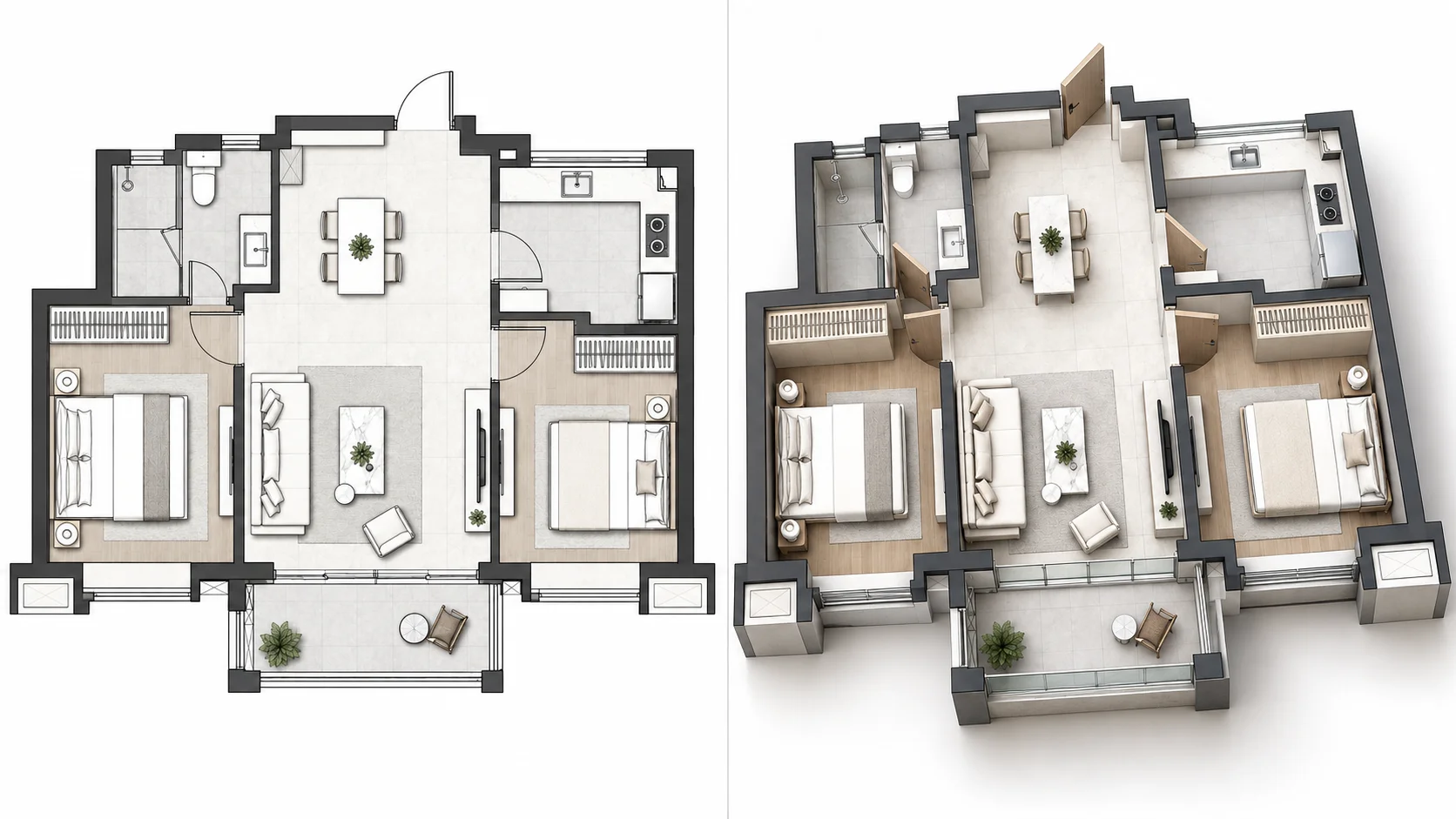
Create a Residential 3D Elevation View
Turn a house floor plan into a raised isometric 3D visualization with visible walls, furniture, and spatial depth.
Turn a flat 2D floor plan into a dimensional 3D architectural view with AI. See walls, rooms, furniture, and spatial relationships with visible height and depth, then choose the perspective and presentation that best fit your plan.
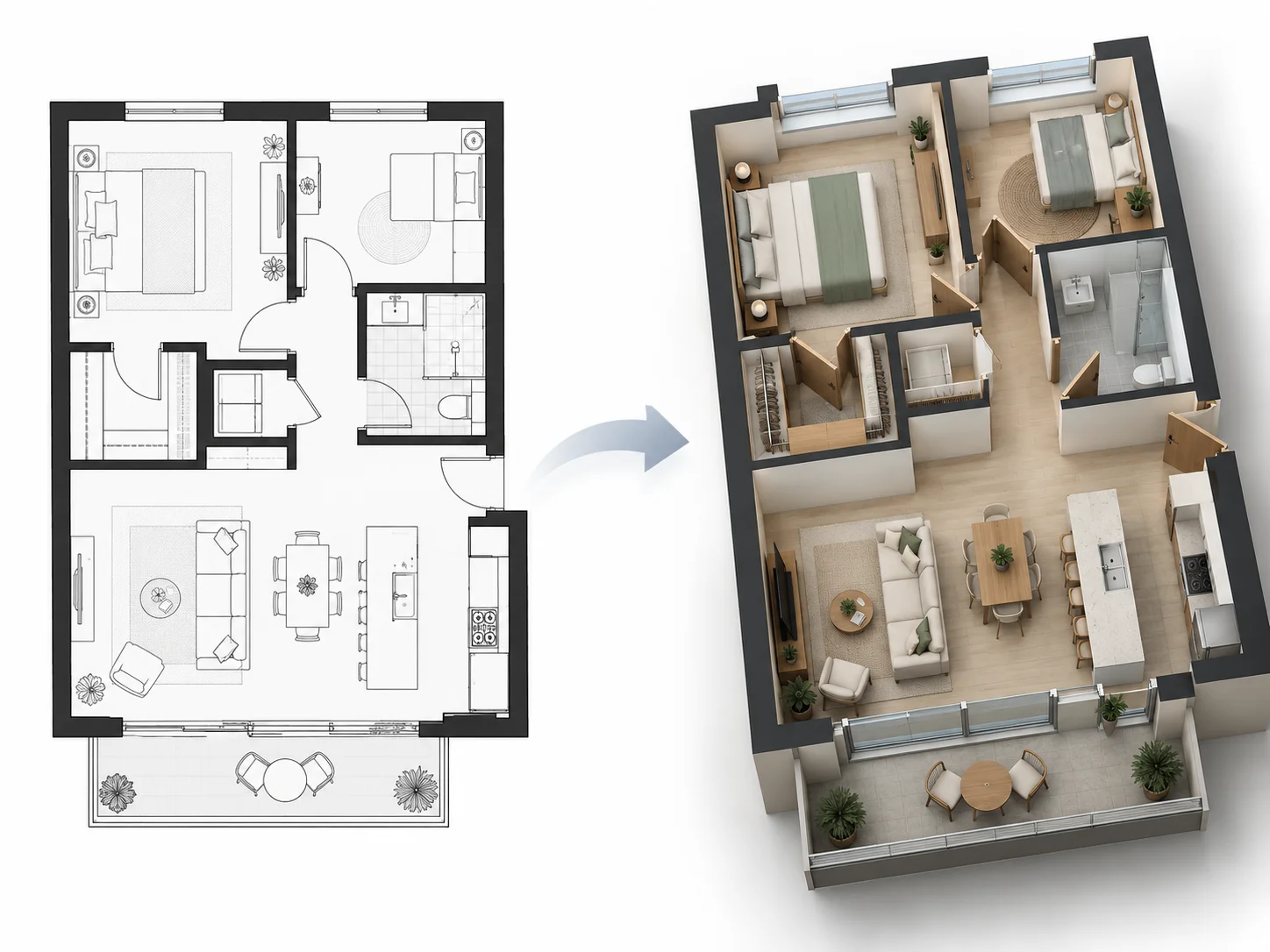
Explore how flat floor plans can become elevated, dimensional 3D visualizations that make wall height, room relationships, and spatial organization easier to understand.
Turn a house floor plan into a raised isometric 3D visualization with visible walls, furniture, and spatial depth.
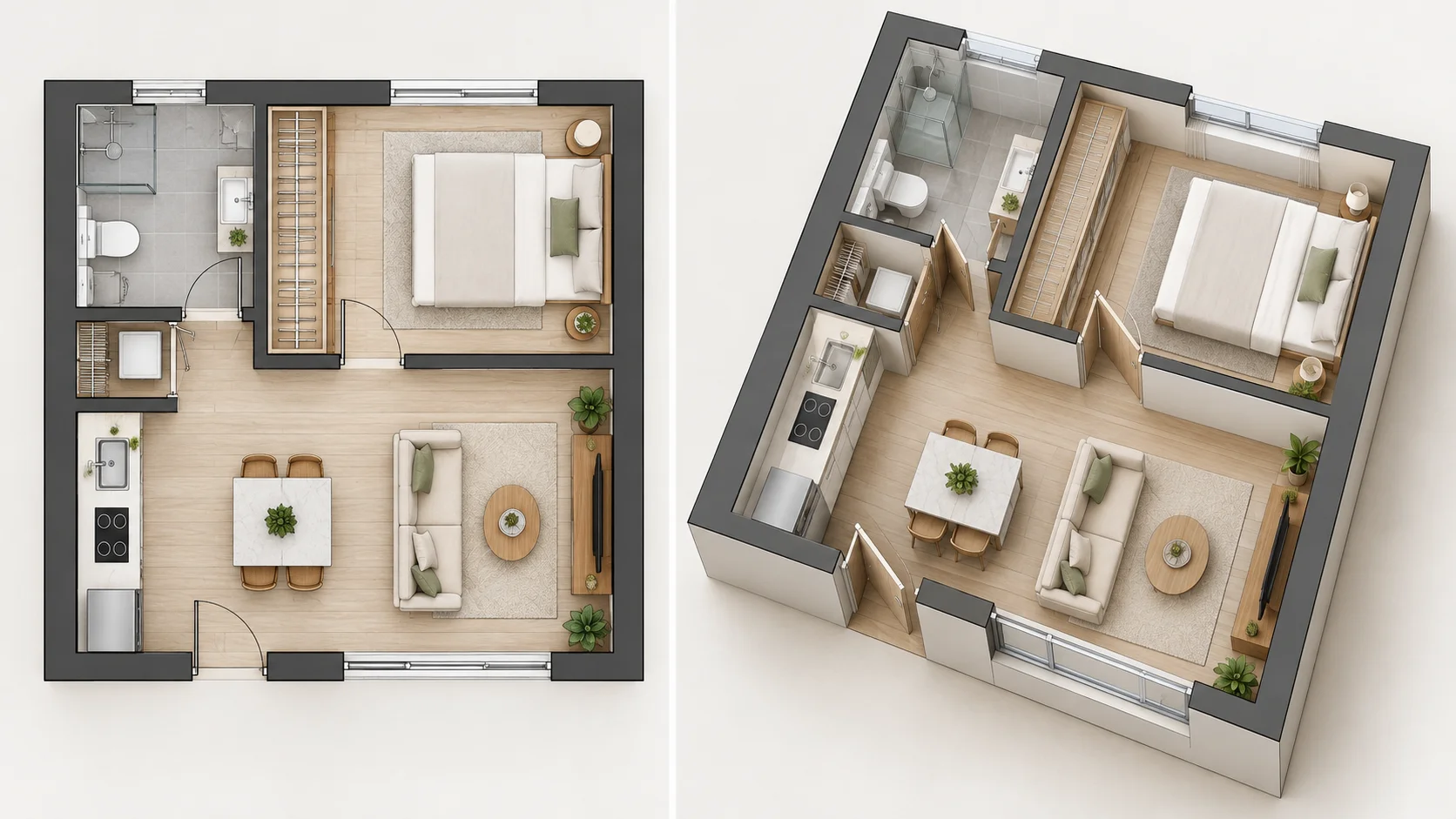
Move from a flat apartment drawing to an elevated three-dimensional view that makes the complete layout easier to interpret.
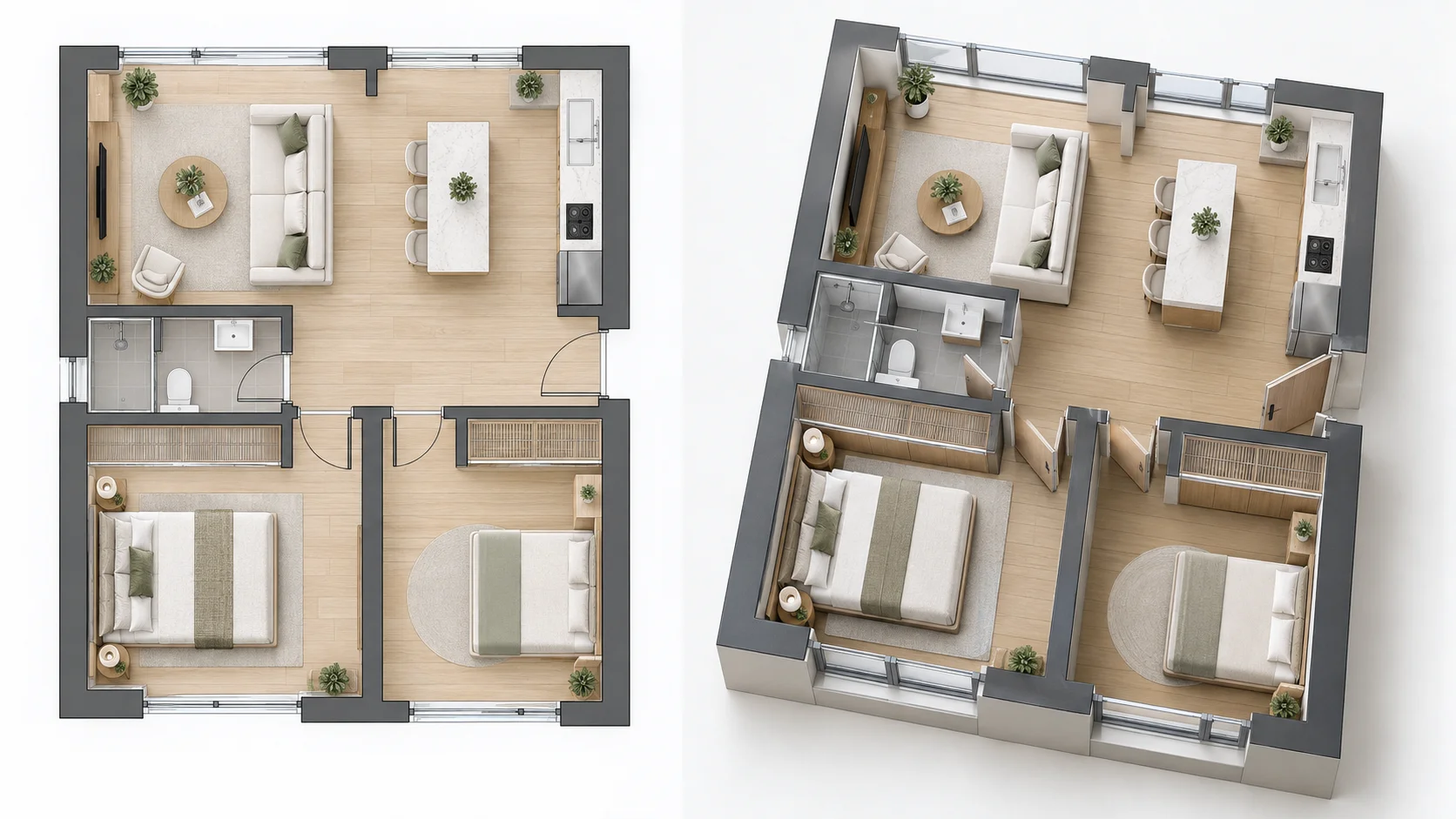
Use a high-angle architectural view to keep the overall layout visible while adding wall height, furniture volume, and depth.
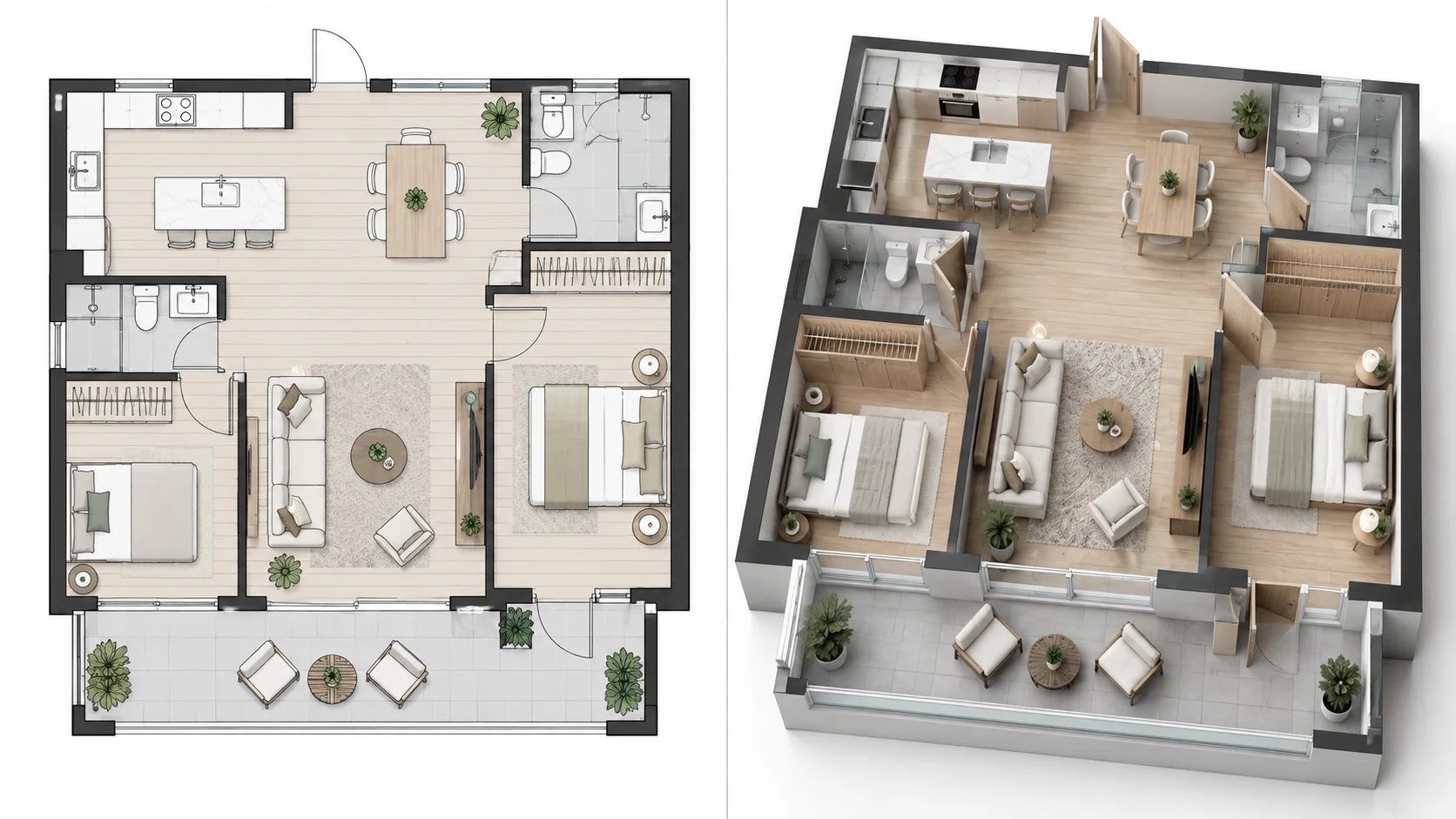
Turn flat wall lines into raised three-dimensional walls so room boundaries and spatial relationships are easier to understand.
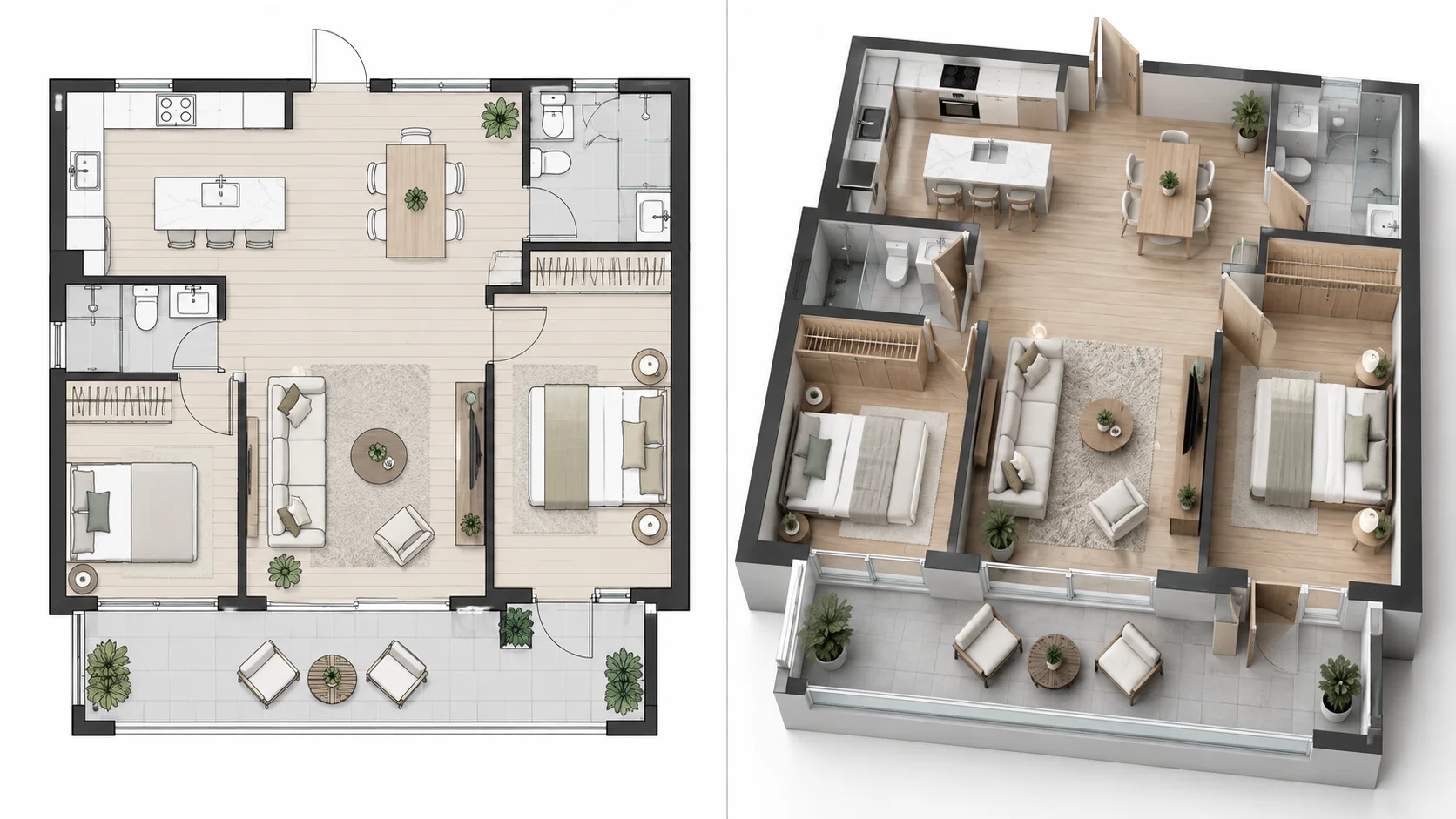
Convert a larger residential plan into an elevated 3D view that makes multiple rooms, shared spaces, and circulation easier to read.
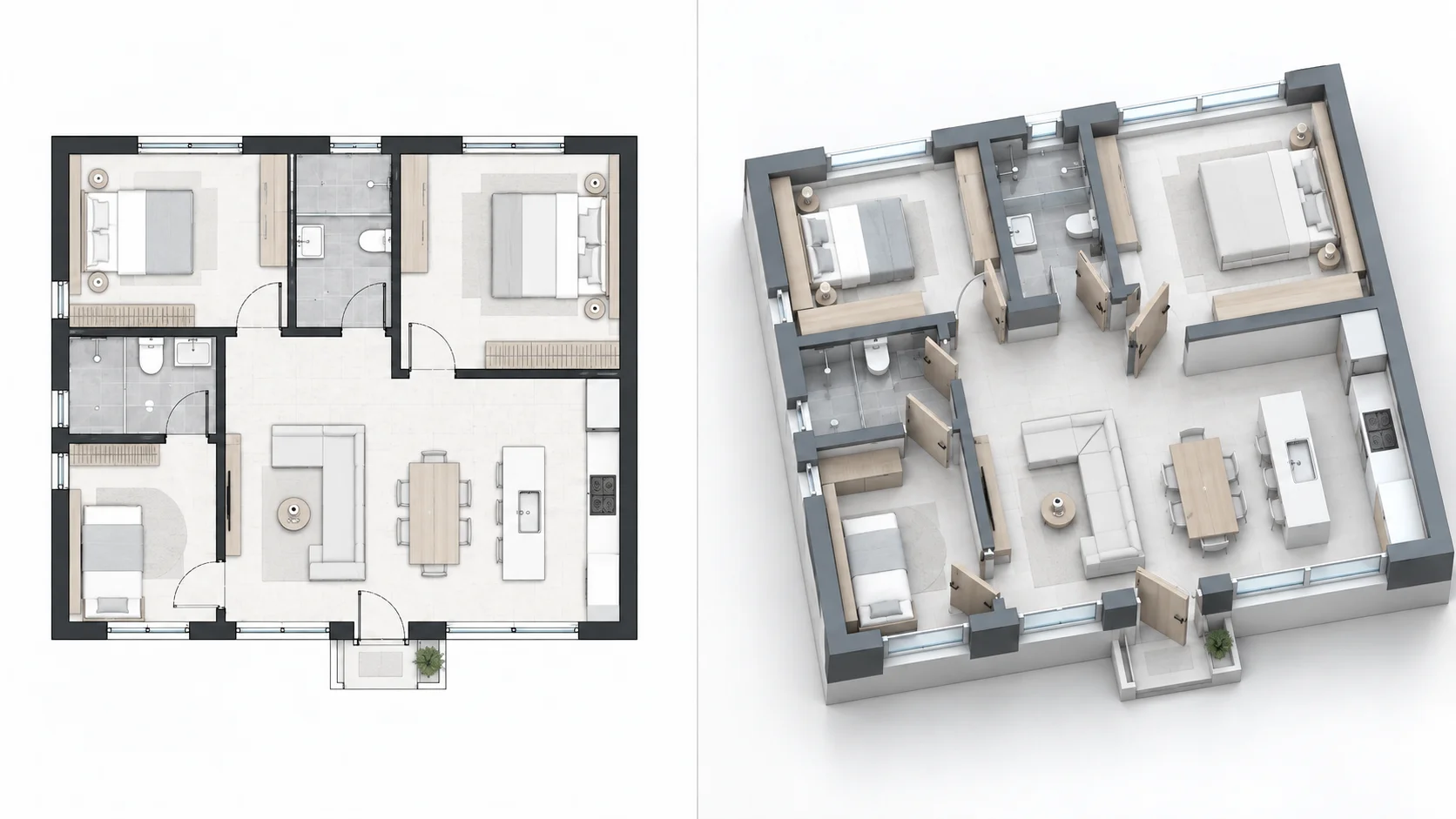
Use an elevated architectural presentation to communicate the plan with more dimensional clarity than a conventional flat drawing.
A 2D plan to 3D elevation AI turns a flat floor plan into a dimensional architectural visualization with visible wall height, furniture volume, and spatial depth. It gives the original layout an elevated three-dimensional form that can be easier to understand than a 2D drawing alone.
A floor plan to 3D elevation AI starts with the layout you already have and creates a visual 3D interpretation without requiring you to manually rebuild every wall and room. Isometric and high-angle perspectives are especially useful for seeing both the plan arrangement and the vertical dimensions of the space.
Here, 3D elevation means a dimensional architectural view created from a 2D plan. It is different from a conventional architectural elevation drawing, which usually shows a front, side, rear, or exterior facade as a flat orthographic view. Those conventional elevation concepts belong to the dedicated Floor Plan to Elevation workflow.
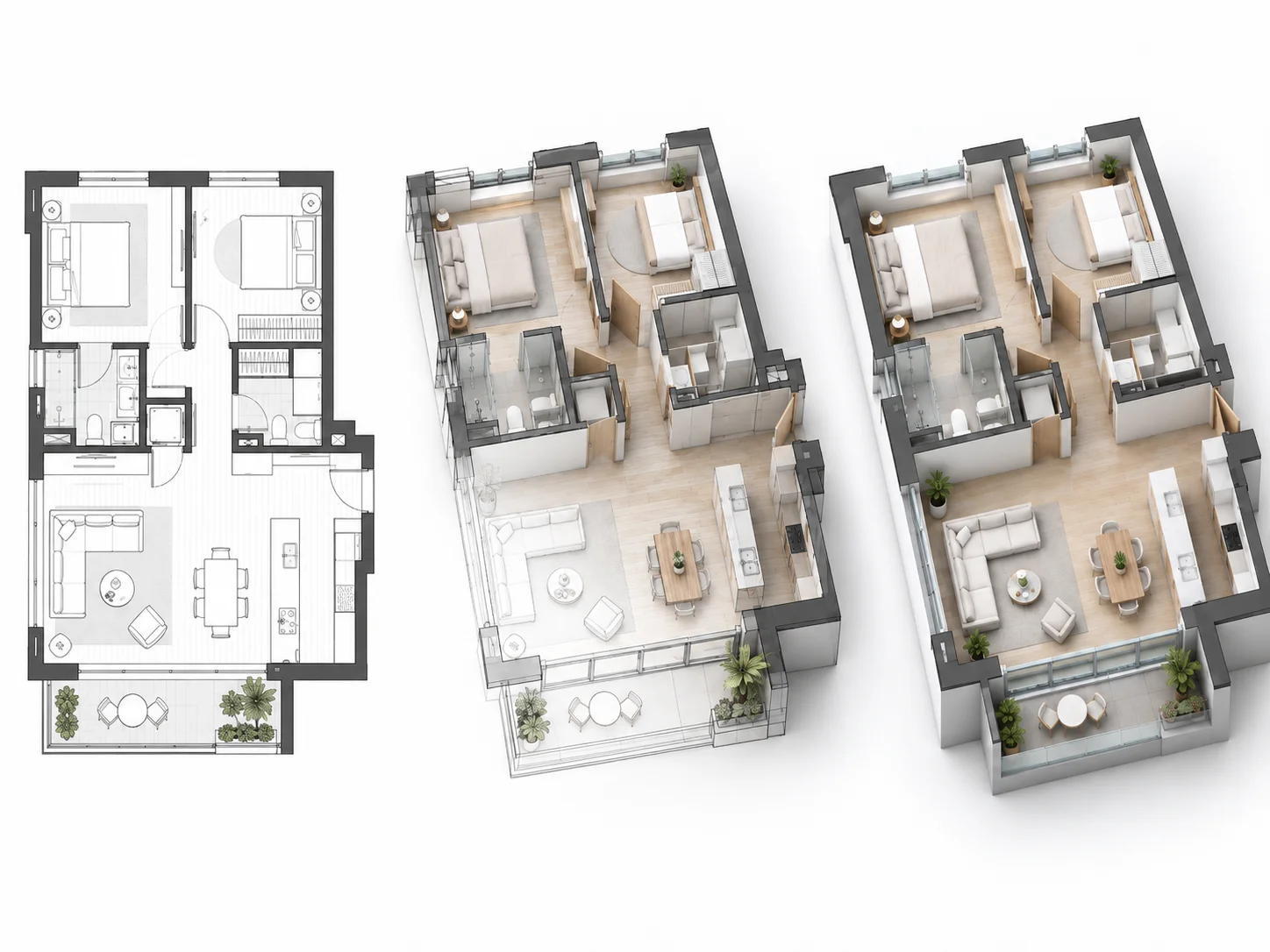
Turn flat wall lines into raised three-dimensional elements so the layout has clearer height, volume, and spatial structure.
See rooms, openings, furniture, and circulation with depth instead of relying only on a top-down drawing.
Present the same plan from an isometric or high-angle 3D perspective that shows both layout organization and vertical dimensions.
Start from the existing 2D plan instead of manually rebuilding every wall and room before you can see the layout in three dimensions.
Review the original flat layout and generated dimensional 3D view together to understand how the plan translates into space.
Start the 2D-plan-to-3D elevation workflow online for free without creating an account first.
Add the floor plan or architectural layout you want to transform into a dimensional 3D view.
Select the presenting style, viewing perspective, and background. Isometric or aerial views are useful when you want to emphasize height and spatial depth.
Generate the dimensional 3D result, then compare it directly with your original 2D plan.
Turn an existing flat floor plan into a raised three-dimensional architectural visualization based on the original layout.
See walls and architectural elements with three-dimensional height instead of flat plan lines alone.
Use an angled isometric view to see the floor layout and vertical spatial structure at the same time.
Explore the complete layout from an elevated perspective while keeping rooms and circulation visible.
Use AI to interpret the uploaded plan and create a dimensional 3D result without rebuilding the layout manually.
Compare the original flat plan with the generated 3D elevation view to see how the layout translates into space.
Turn a 2D floor plan into a 3D elevation-style visualization online for free without signing up first.
Common questions about converting 2D plans into dimensional 3D elevation views with AI.
Yes. Upload a supported 2D floor plan and AI can create a dimensional three-dimensional architectural visualization based on the layout.
Upload your floor plan and create an elevated three-dimensional architectural view with visible height and spatial depth.
Create 3D Floor Plan