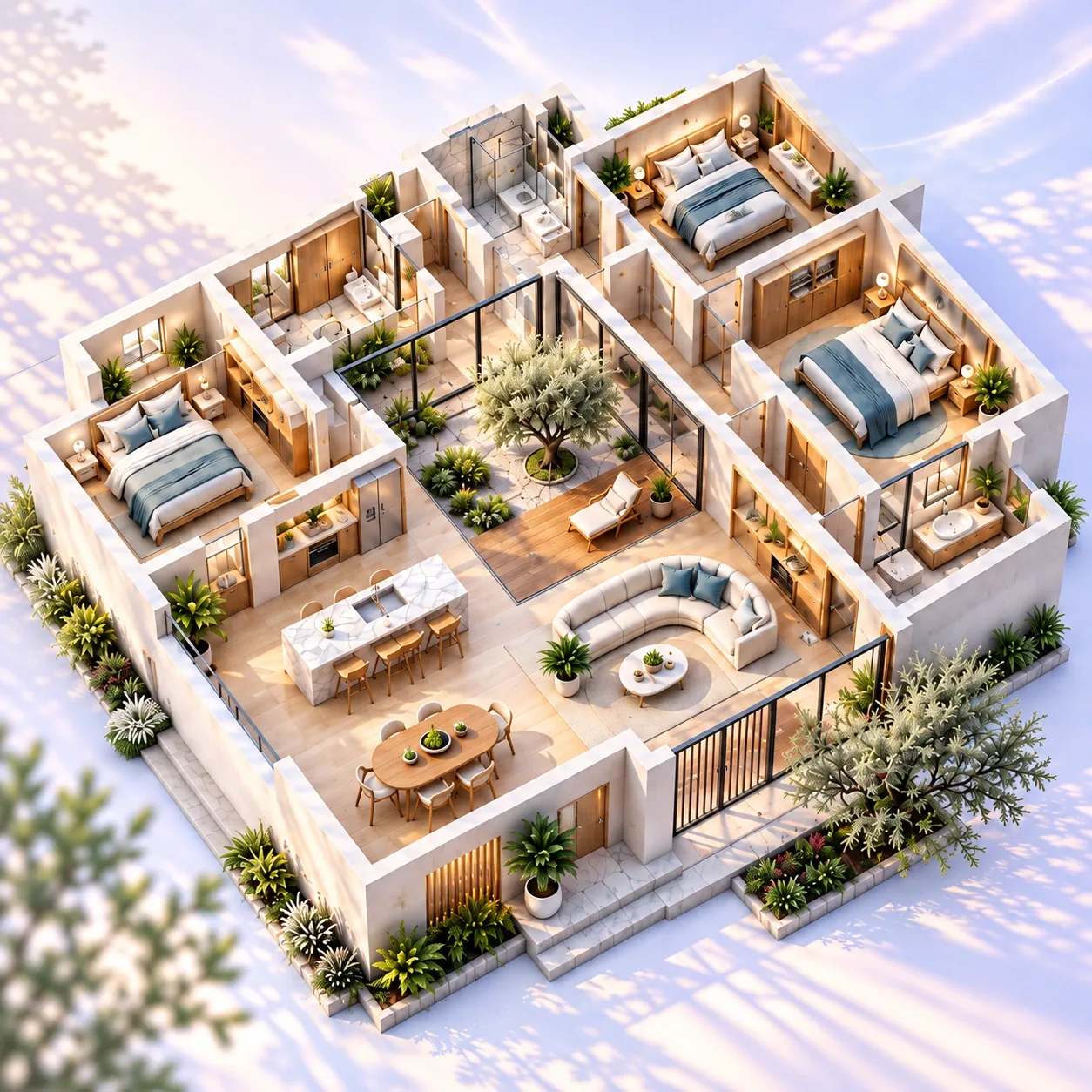

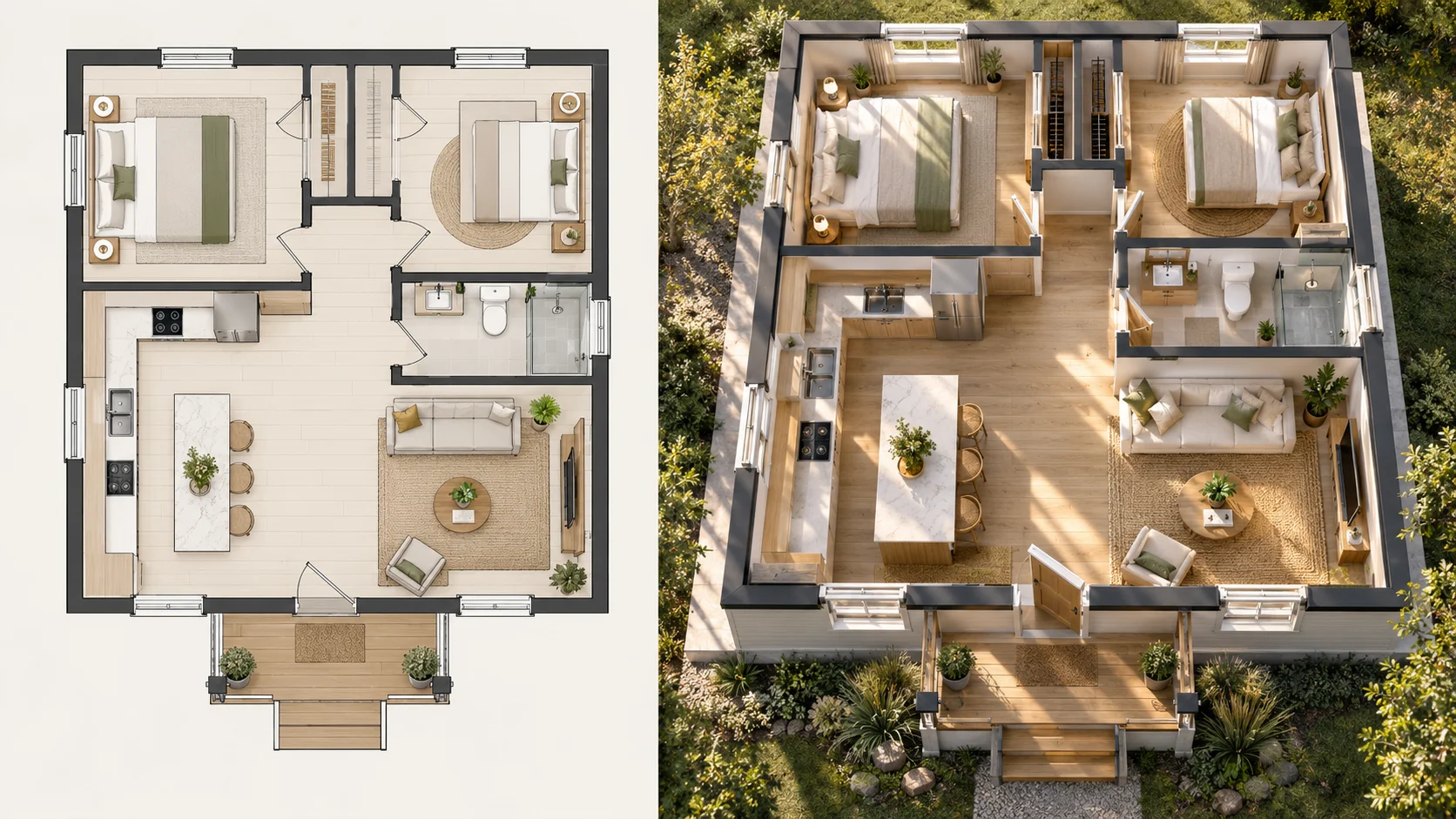
Understand a Compact Home More Clearly
Turn a compact house plan into a 3D view that makes room proportions, circulation and furniture placement easier to read.
Turn an existing residential plan into a clear 3D view with AI. Adjust the presentation to suit your home, create the result, and compare it with the original plan. Free to use online, with no sign-up required.
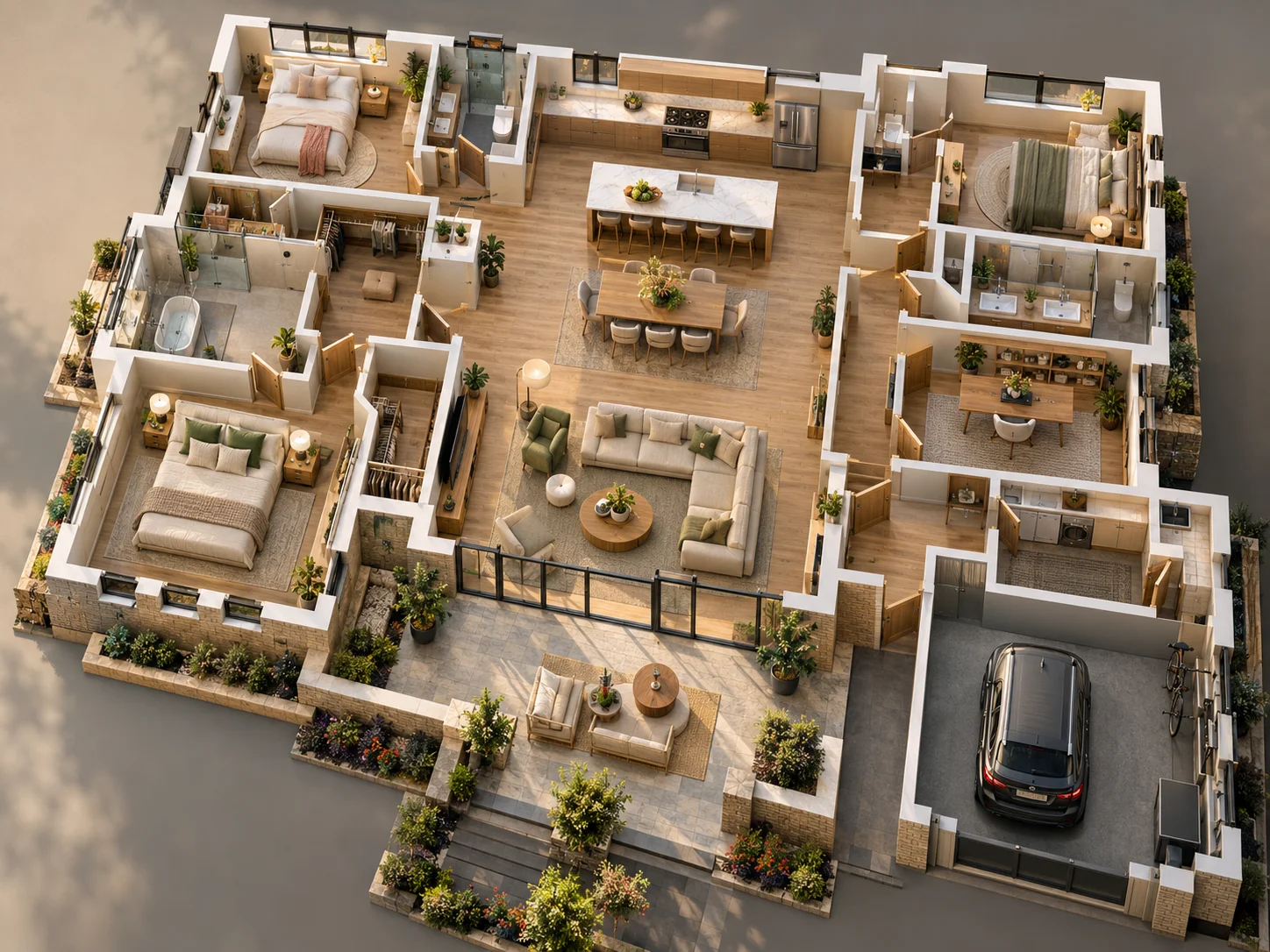
See how different residential plans can become easier to understand when walls, rooms and circulation are shown with depth.
Turn a compact house plan into a 3D view that makes room proportions, circulation and furniture placement easier to read.
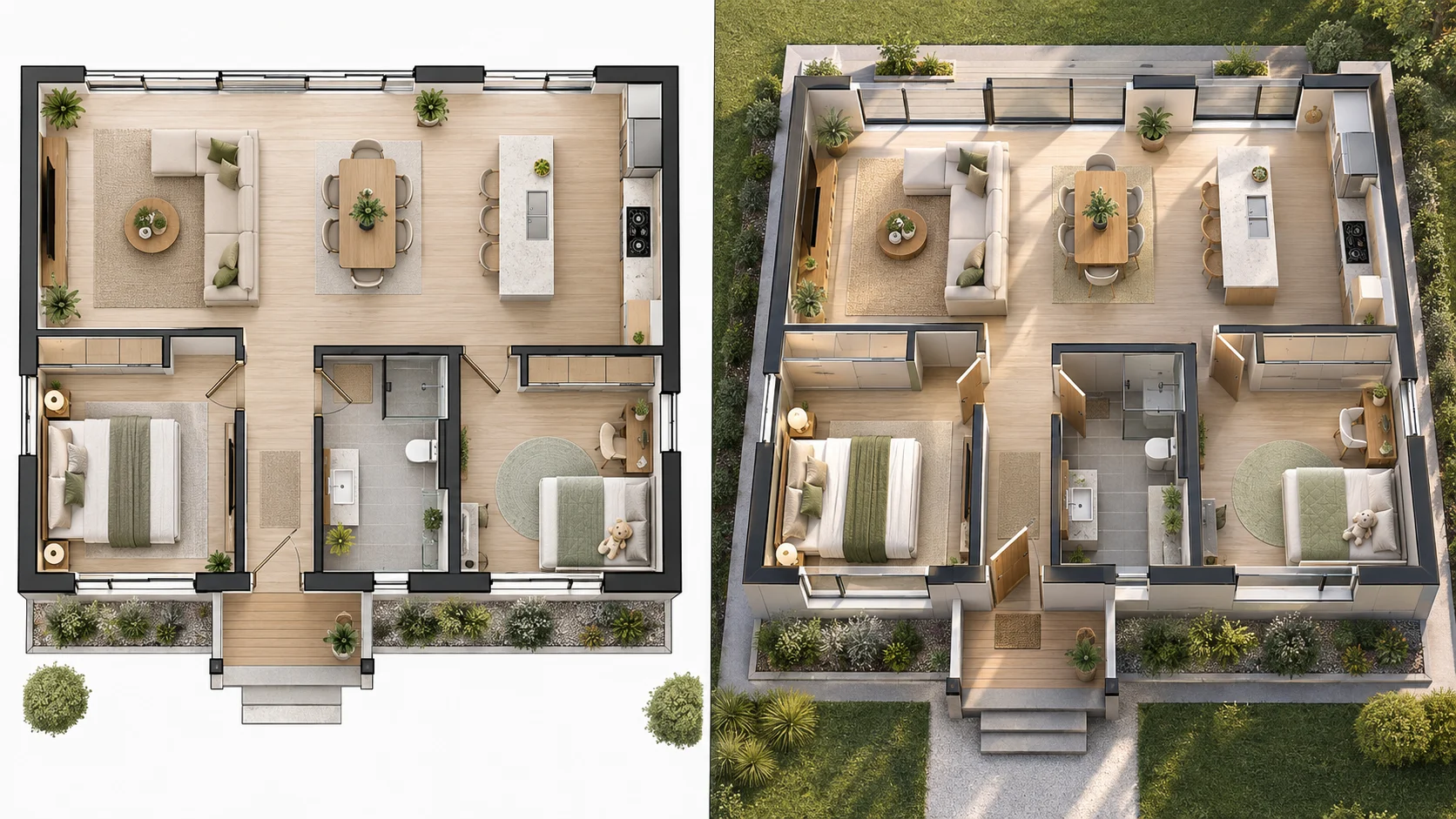
See how living, dining and kitchen areas connect once a flat residential layout is presented with three-dimensional depth.
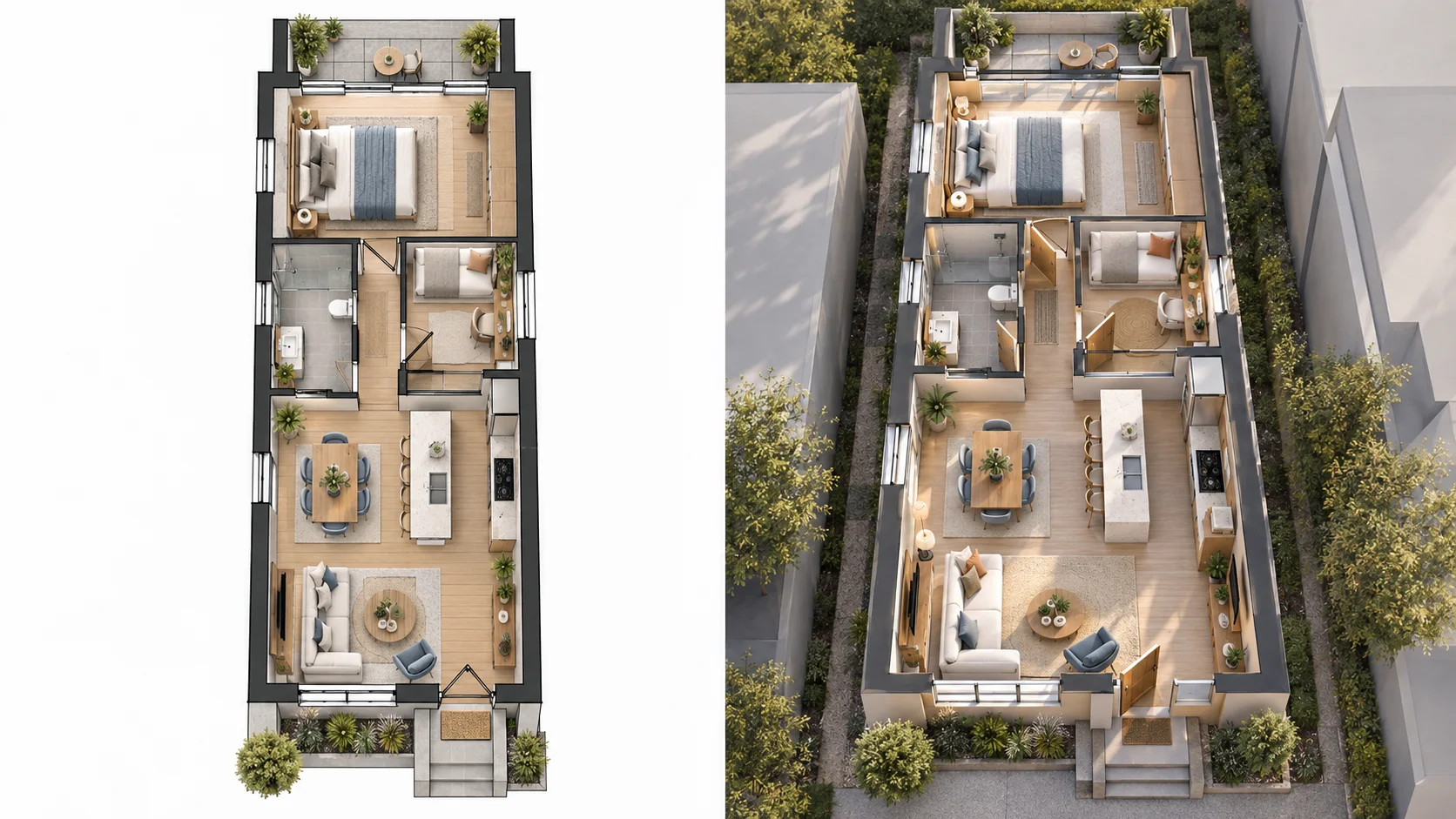
Bring a long, narrow townhouse plan into 3D to better understand how rooms and circulation work across the layout.
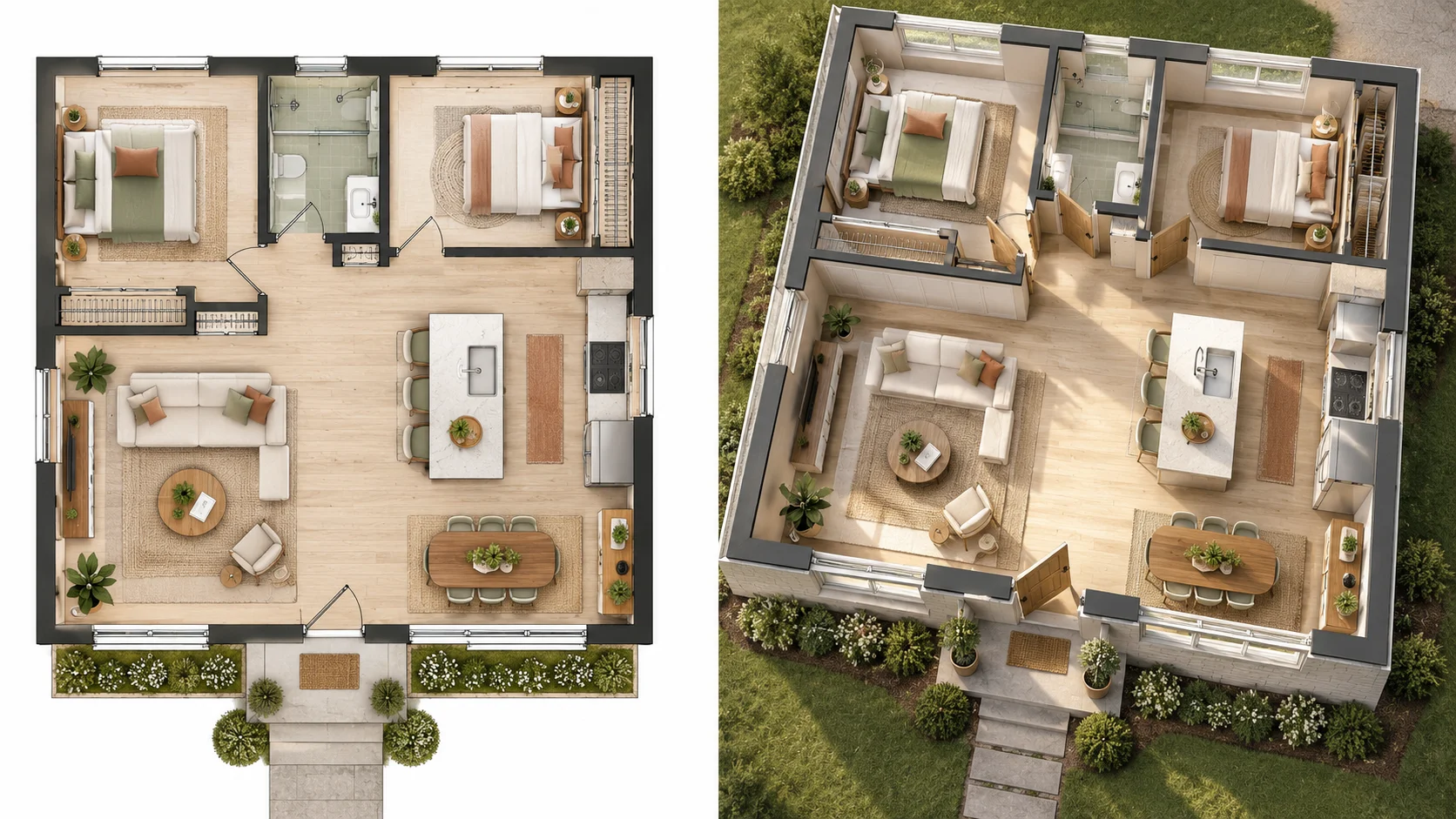
Use a 3D result to understand how an updated room arrangement may work before discussing the plan with others.
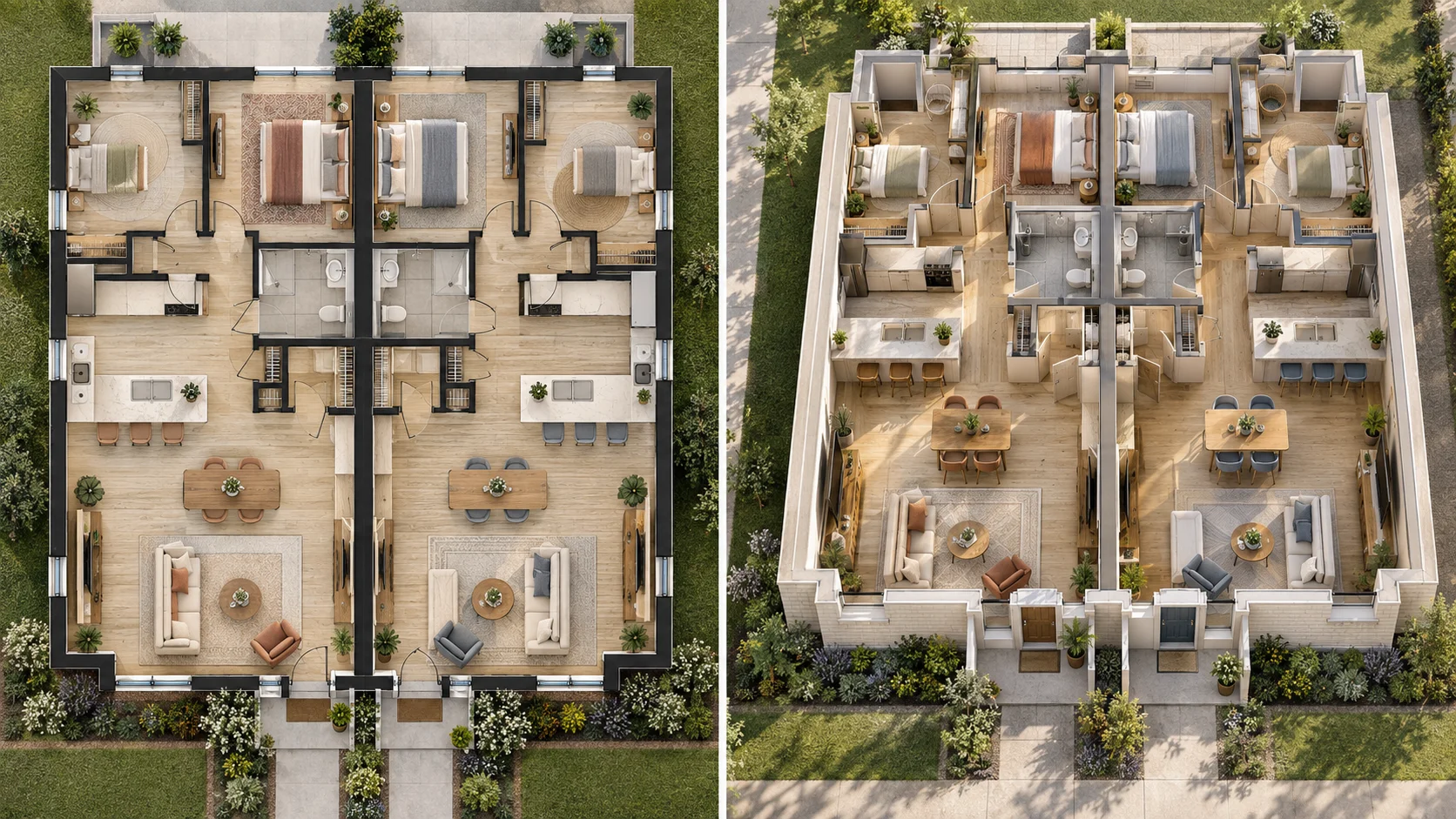
Give separate living zones and shared boundaries more spatial context than a traditional 2D drawing alone.
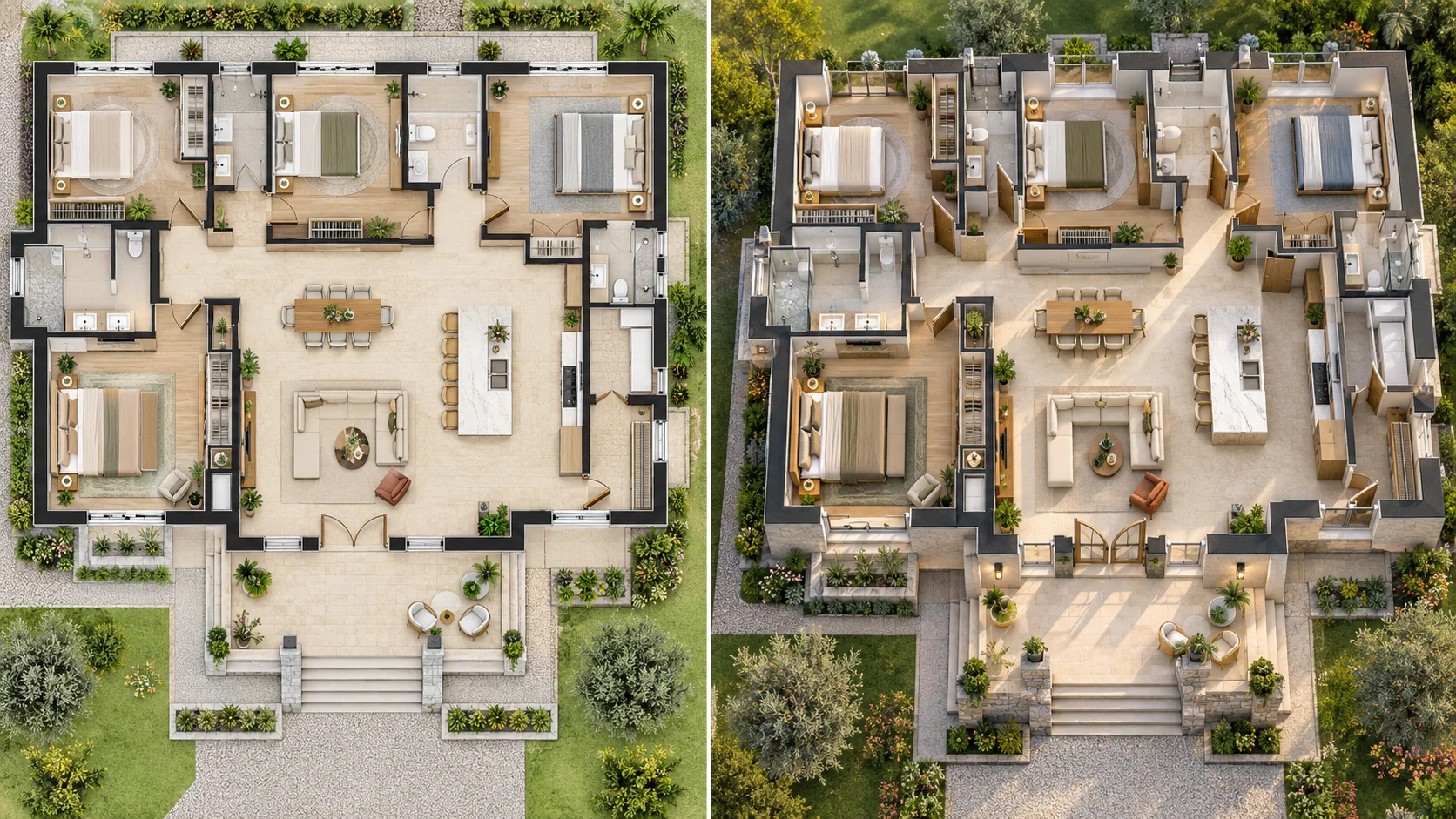
Turn a more complex residential layout into a polished 3D presentation that is easier to discuss, review and share.
House Plan to 3D takes an existing residential drawing and creates a three-dimensional view based on the visible layout. It helps make room relationships, circulation and overall spatial organization easier to understand without manually rebuilding the home in 3D software.
If you are looking for a 2D to 3D house plan converter or a house plan to 3D model workflow, the goal is often the same: turn a flat drawing into something that communicates the space more clearly. This tool creates a visual 3D result from the plan you upload.
Before creating the result, you can adjust the available presentation settings, including the view, visual style and background. That makes the workflow useful for home planning, renovation discussions, property presentation and early design review.
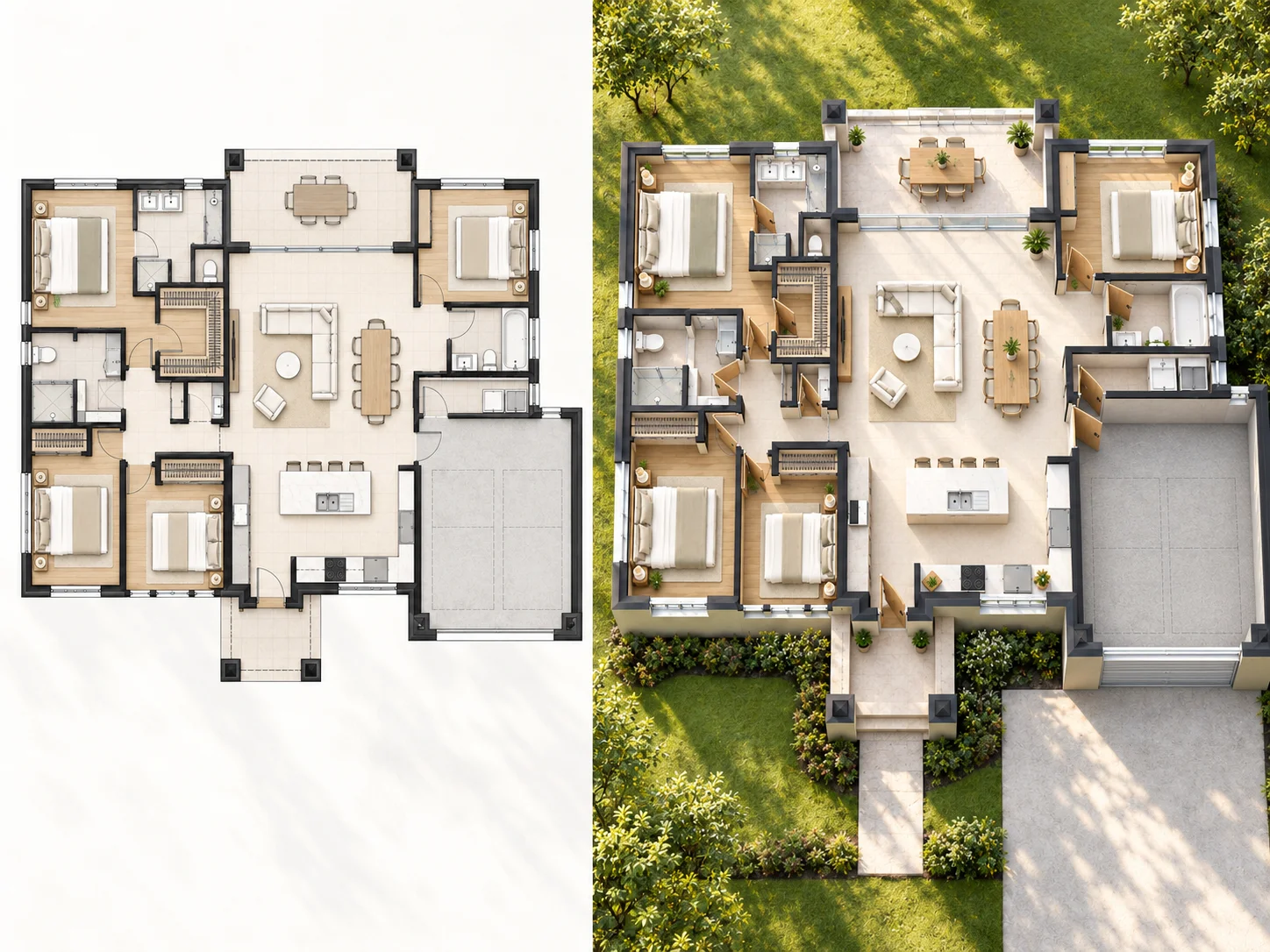
Move beyond a flat drawing and see how rooms, circulation and different parts of the home relate in three dimensions.
Use the available presentation controls to adjust how the home is viewed, styled and shown against its background.
Start with an existing house plan instead of manually rebuilding every room and wall from scratch.
Use the workflow for a range of home-planning scenarios, from compact layouts to larger residential plans.
Check the generated 3D result against the original using the before-and-after comparison.
Create a 3D result online for free without signing up first.
Add the 2D residential plan you want to work with.
Adjust the available view, style and background settings to shape how the home will appear.
Click Create 3D Floor Plan, then compare the generated version with the original house plan.
Turn an existing 2D house plan into a three-dimensional view that is easier to understand and present.
Use AI to interpret the visible residential layout and create the 3D result without manually modeling the space.
Adjust the available view, style and background controls before creating the result.
Keep the result centered on the rooms, circulation and spatial relationships shown in the uploaded plan.
Compare the source house plan and generated result directly in the same workflow.
Move from upload to 3D result without working through a complex modeling interface.
Start creating online without payment or account registration.
Answers to common questions about turning residential plans into 3D.
Yes. You can upload an existing house plan and create a 3D result online for free.
Upload your 2D house plan, adjust how the result is presented, and create a clear 3D view online for free. No sign-up required.
Create 3D Floor Plan