

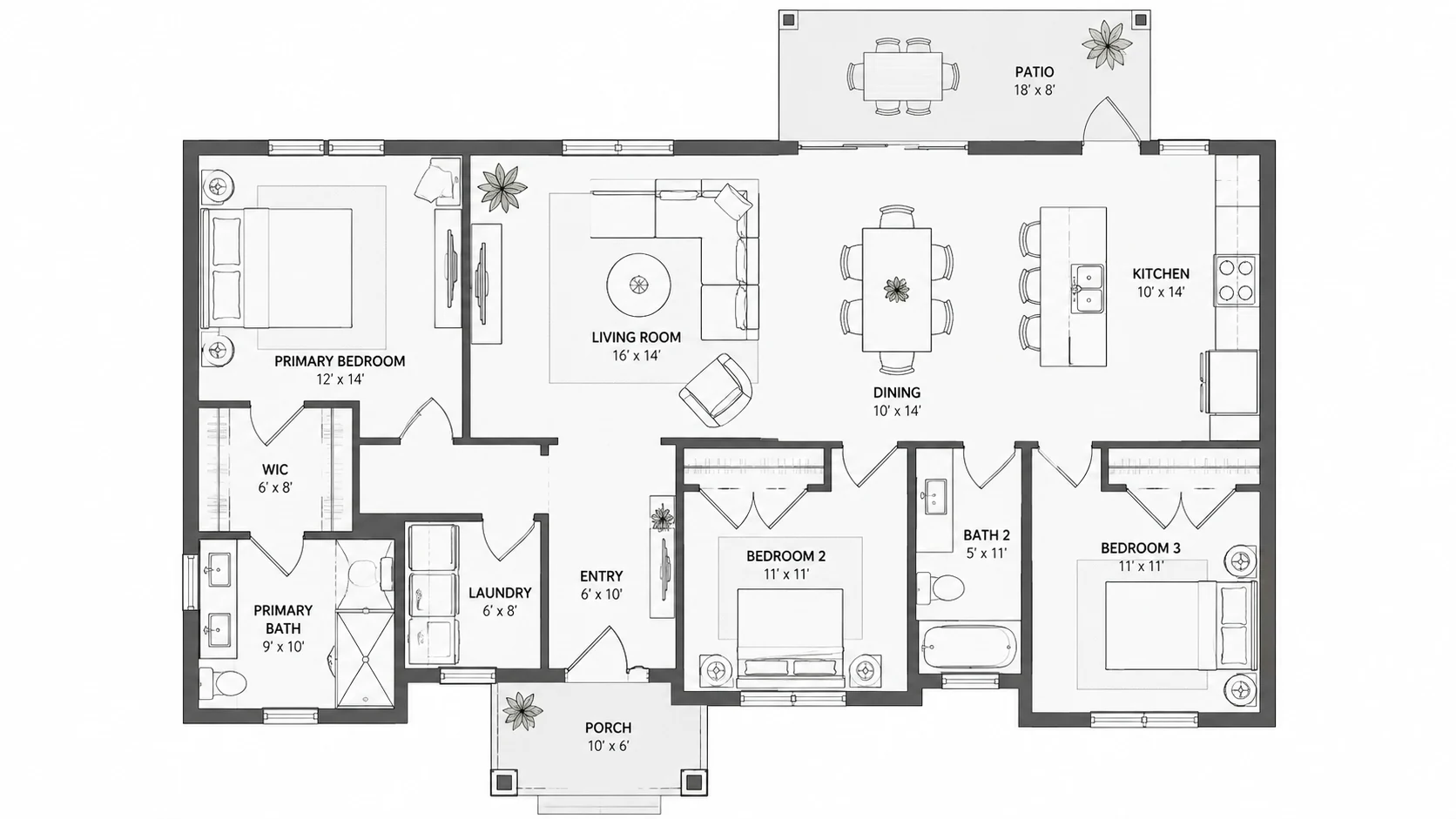
Furnish an Empty Floor Plan
Add suitable furniture throughout an empty floor plan while keeping the original architectural layout intact.
Upload an existing floor plan and let AI decide where the furniture should go. Add furniture to an empty plan or rearrange an existing furniture layout while keeping the original walls, doors, windows, and room structure.
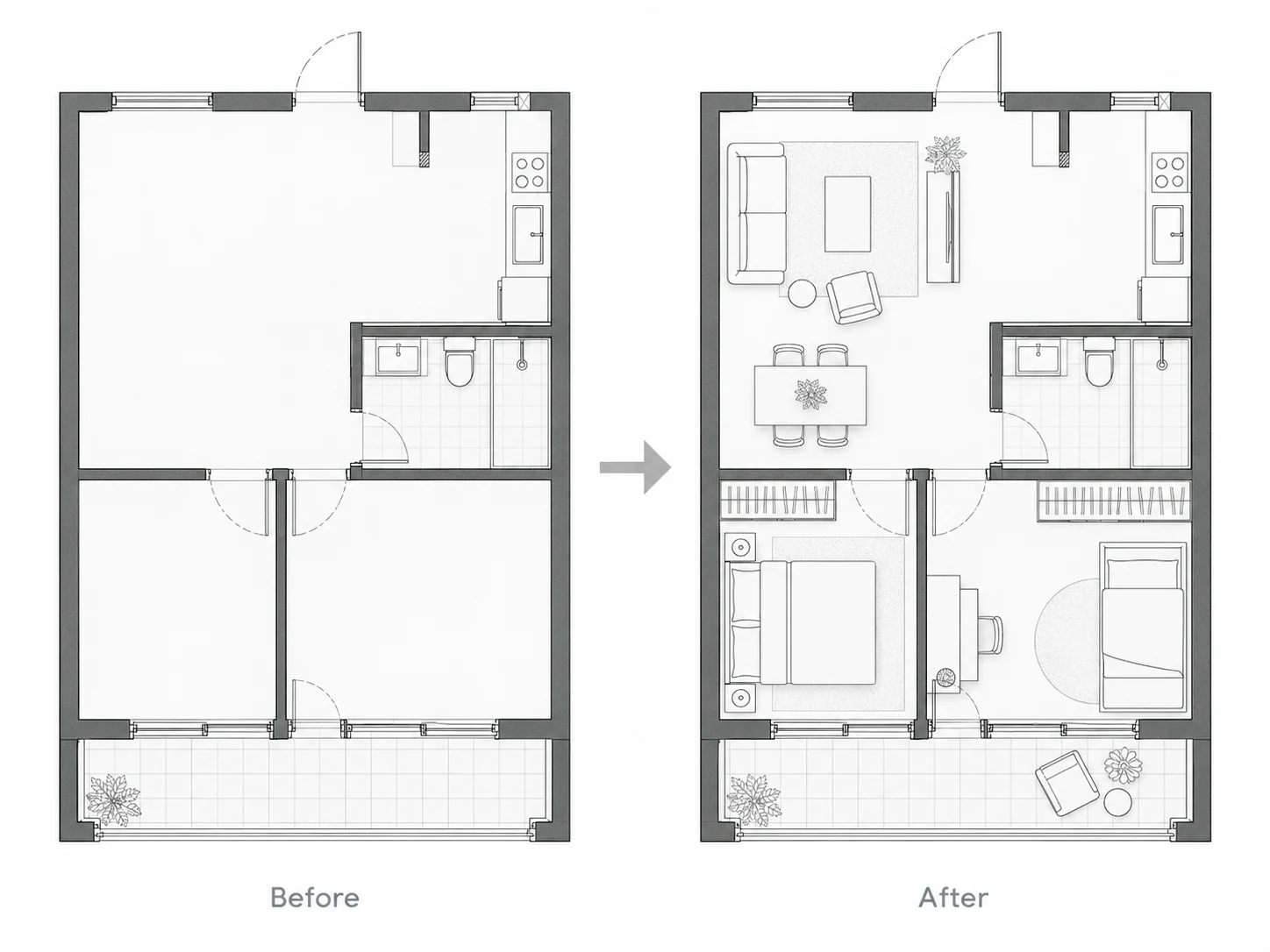
Turn empty or existing floor plans into practical furnished layouts with automatic furniture placement and arrangement.
Add suitable furniture throughout an empty floor plan while keeping the original architectural layout intact.
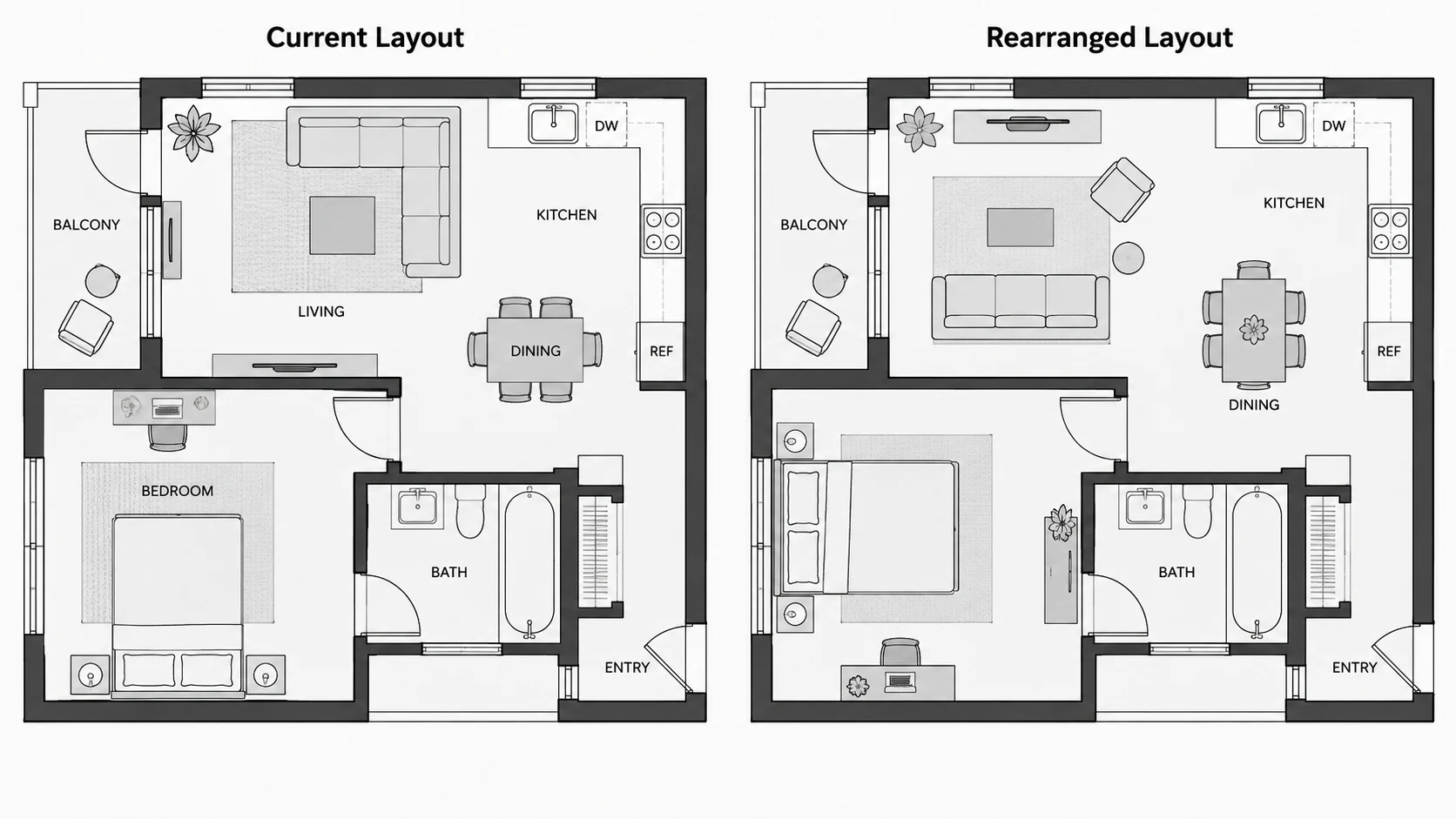
Create a new furniture arrangement from a floor plan that already contains furniture.
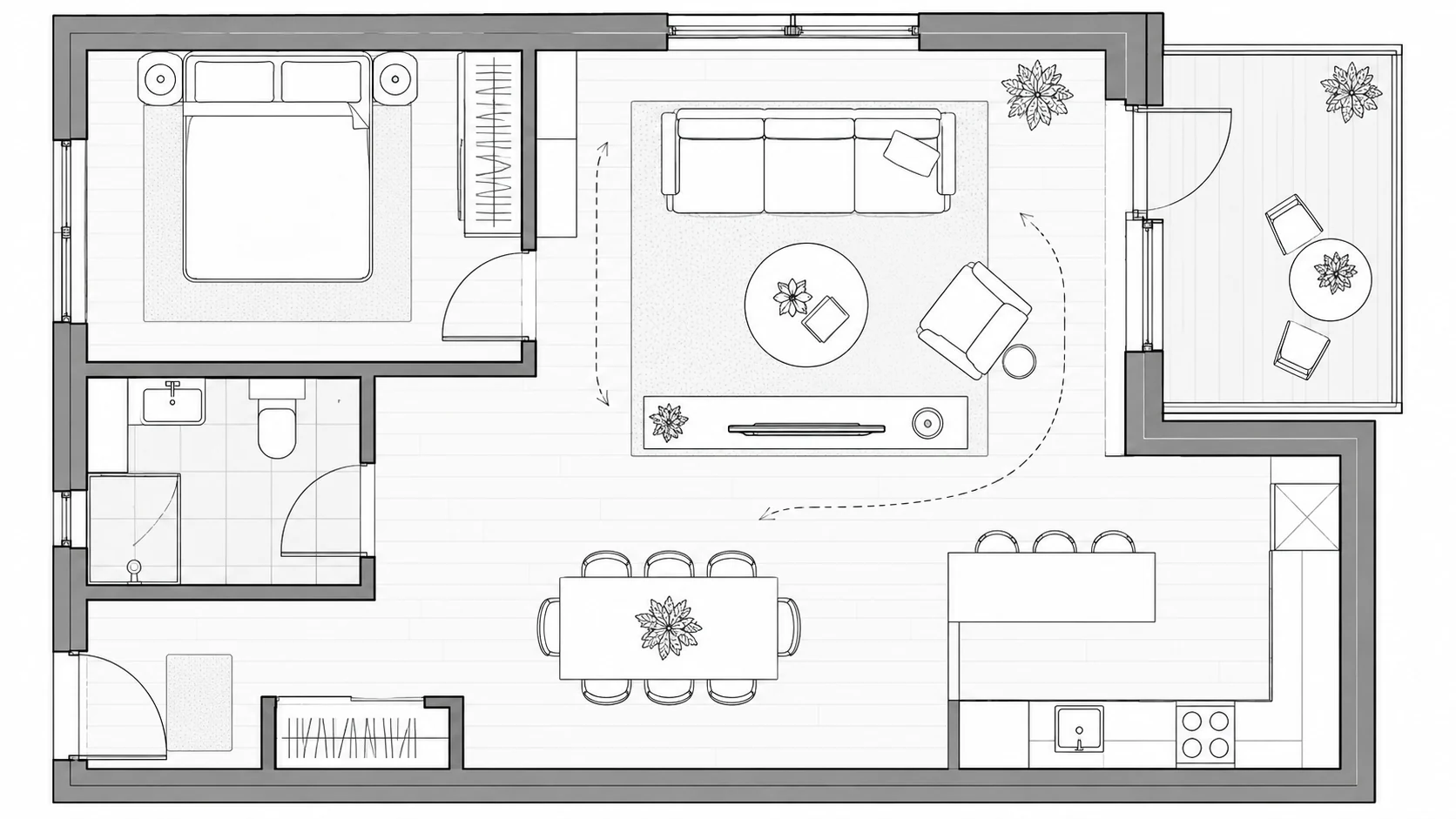
Arrange sofas, tables, seating, and other furniture around the existing living area layout.
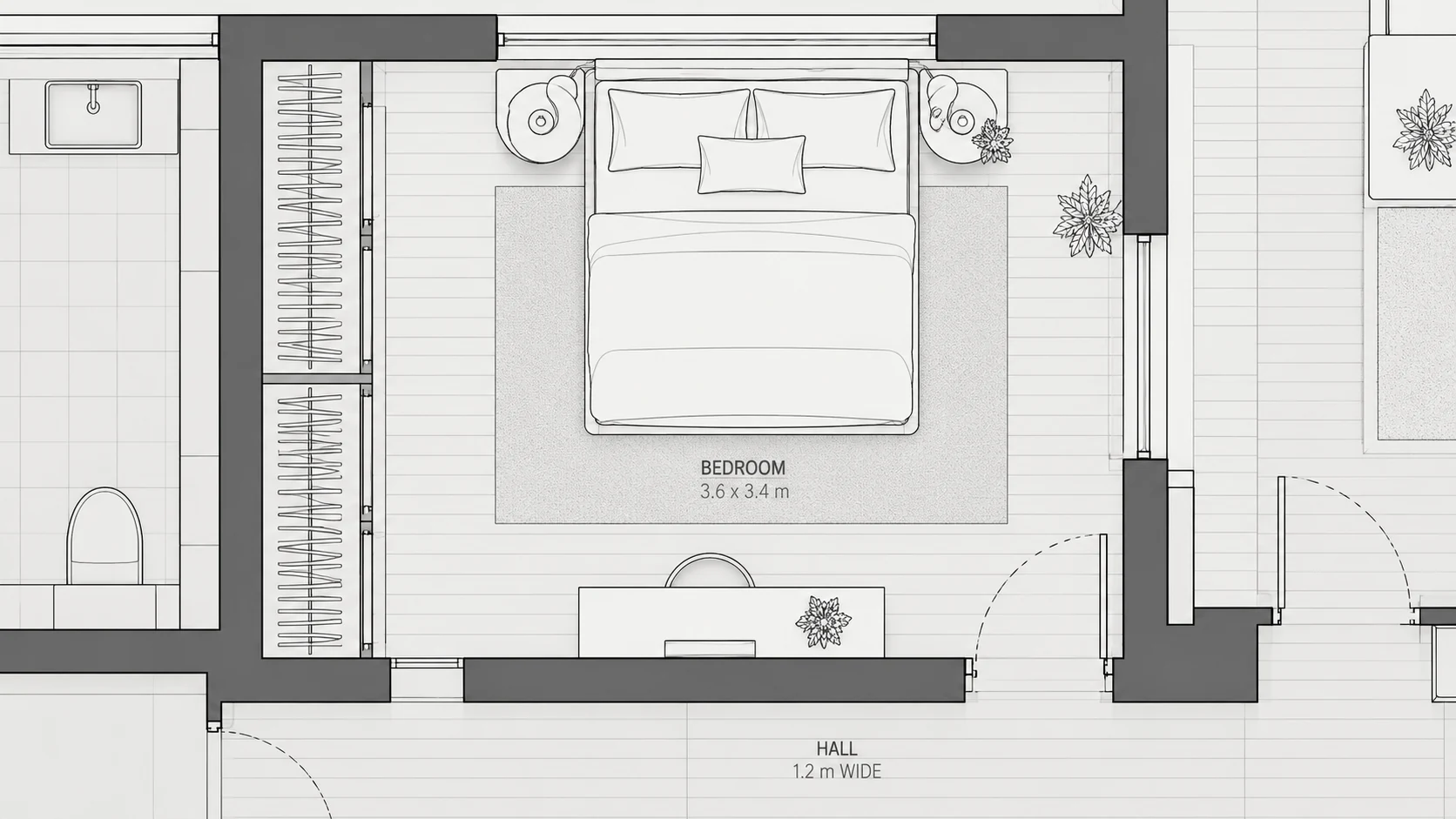
Generate a practical bedroom furniture layout based on the existing room shape and openings.
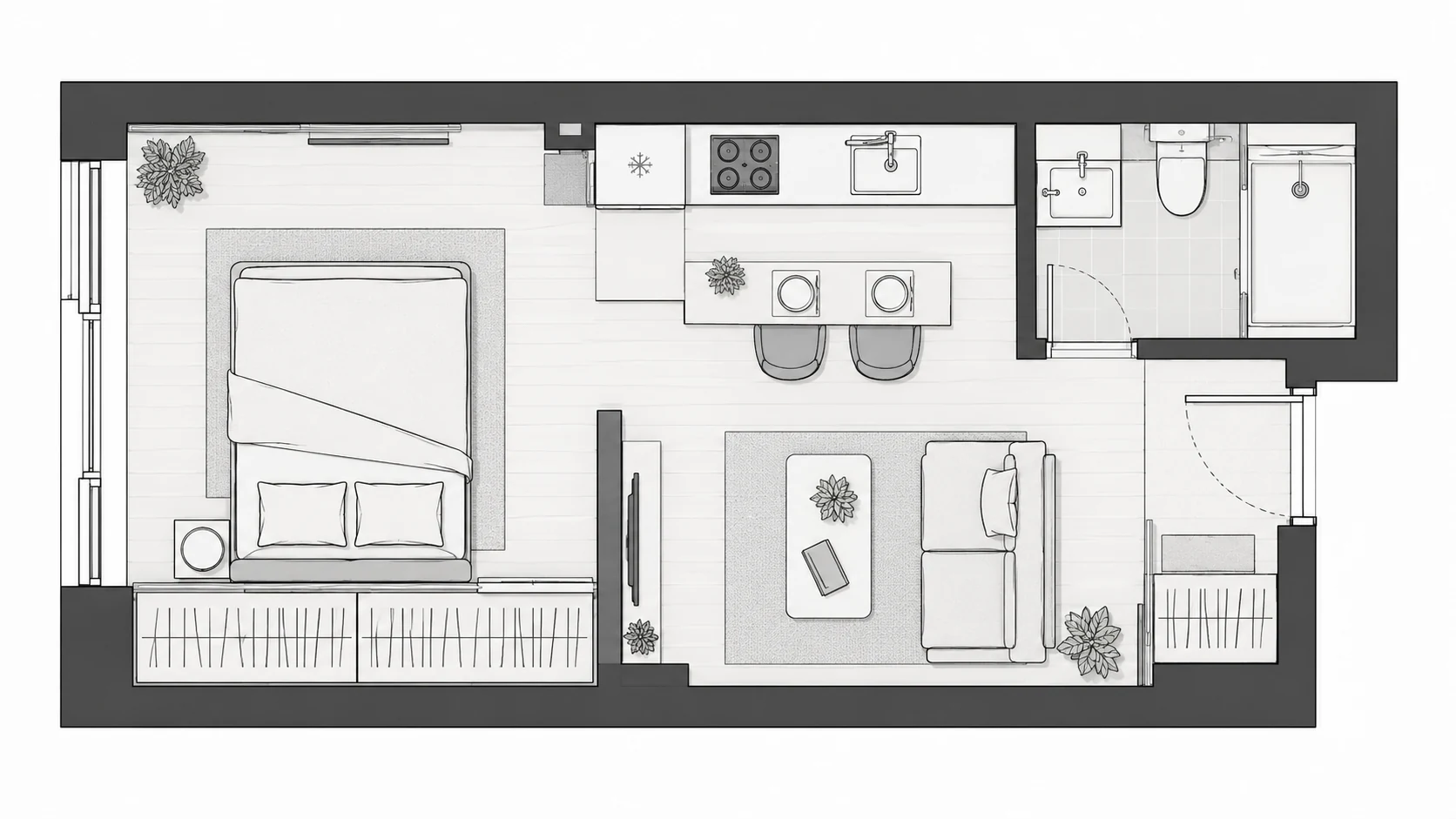
Use AI furniture placement to make better use of limited space in a compact floor plan.
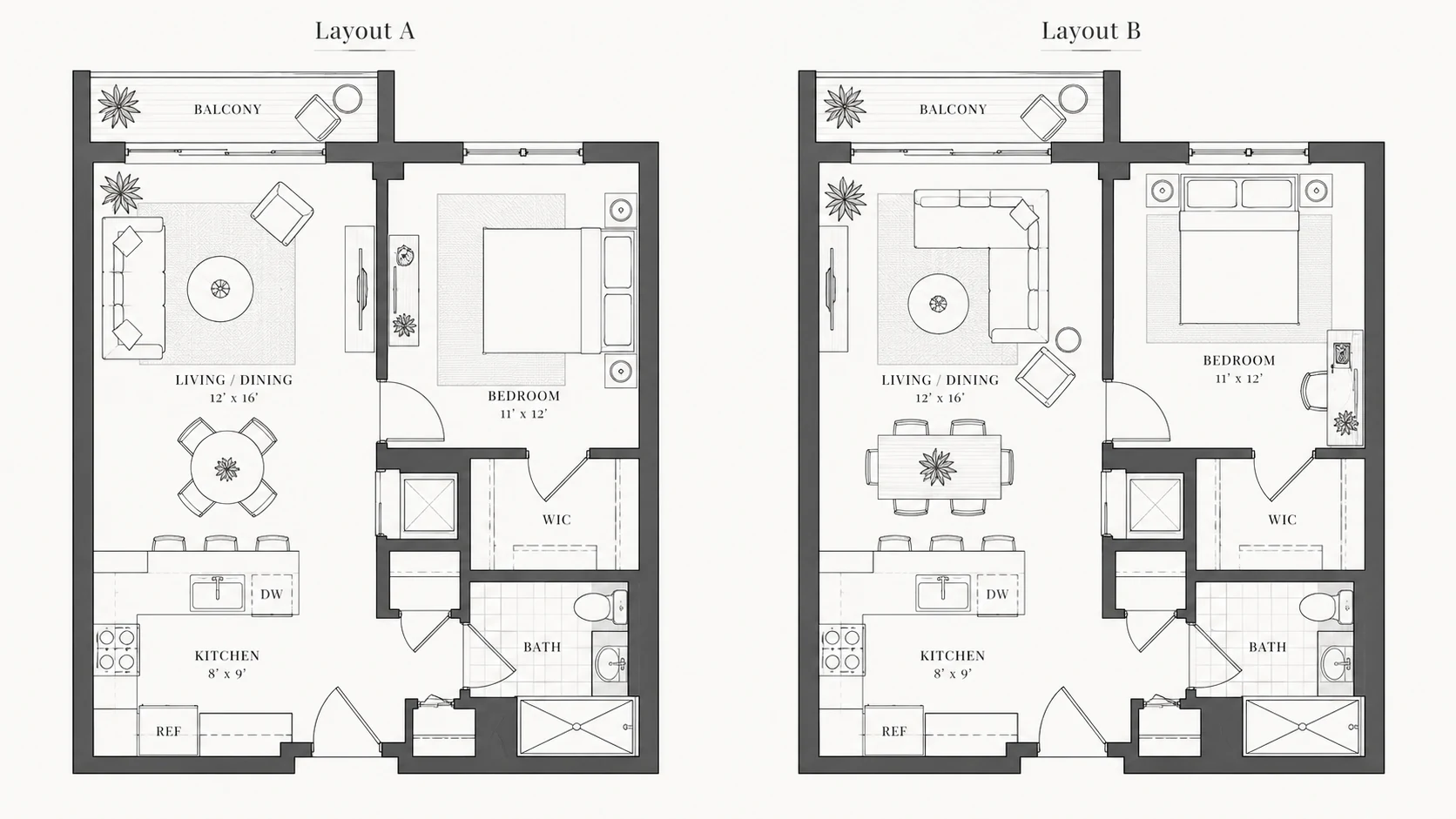
Generate a different way to organize furniture without redesigning the architectural floor plan.
An AI Floor Plan Furniture Layout tool helps turn an existing floor plan into a floor plan with furniture. Instead of manually deciding where every sofa, bed, table, or chair should go, AI analyzes the existing room structure and creates a furniture arrangement for you.
You can use Add Furniture for an empty or lightly furnished floor plan, or Rearrange Furniture when you want a different layout for furniture that is already shown.
The tool focuses on furniture placement and arrangement. It keeps the existing walls, doors, windows, and room boundaries as the foundation rather than redesigning the architectural floor plan.
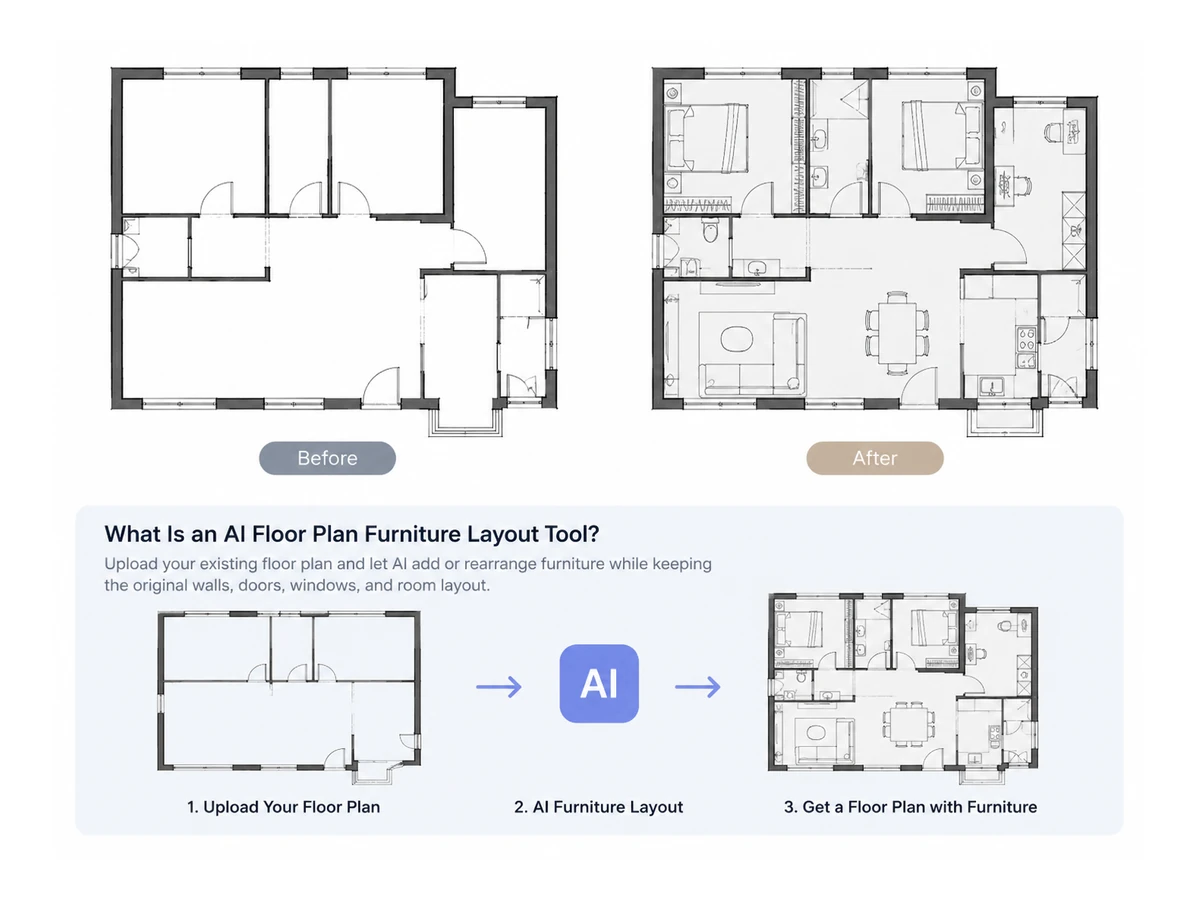
Let AI decide where furniture can be placed instead of arranging every item manually.
Keep walls, doors, windows, and room boundaries unchanged while working on the furniture layout.
Turn an empty or lightly furnished plan into a complete furnished floor plan.
Explore a new furniture arrangement without rebuilding the floor plan.
Choose Add Furniture or Rearrange Furniture and generate your new layout.
Try AI furniture placement on your floor plan for free.
Upload the existing floor plan you want to furnish or rearrange.
Select Add Furniture for an empty plan or Rearrange Furniture for an existing furniture layout.
Click Generate Furniture Layout and review your new floor plan with furniture.
Automatically add furniture to empty or lightly furnished rooms.
Create a different arrangement using an existing furnished floor plan.
Furniture placement is generated around the existing walls, doors, windows, and room layout.
Let AI make furniture placement decisions instead of manually positioning each item.
Generate a floor plan that clearly shows furniture placement within the existing space.
Upload, choose a layout mode, and generate without complicated design controls.
Explore more
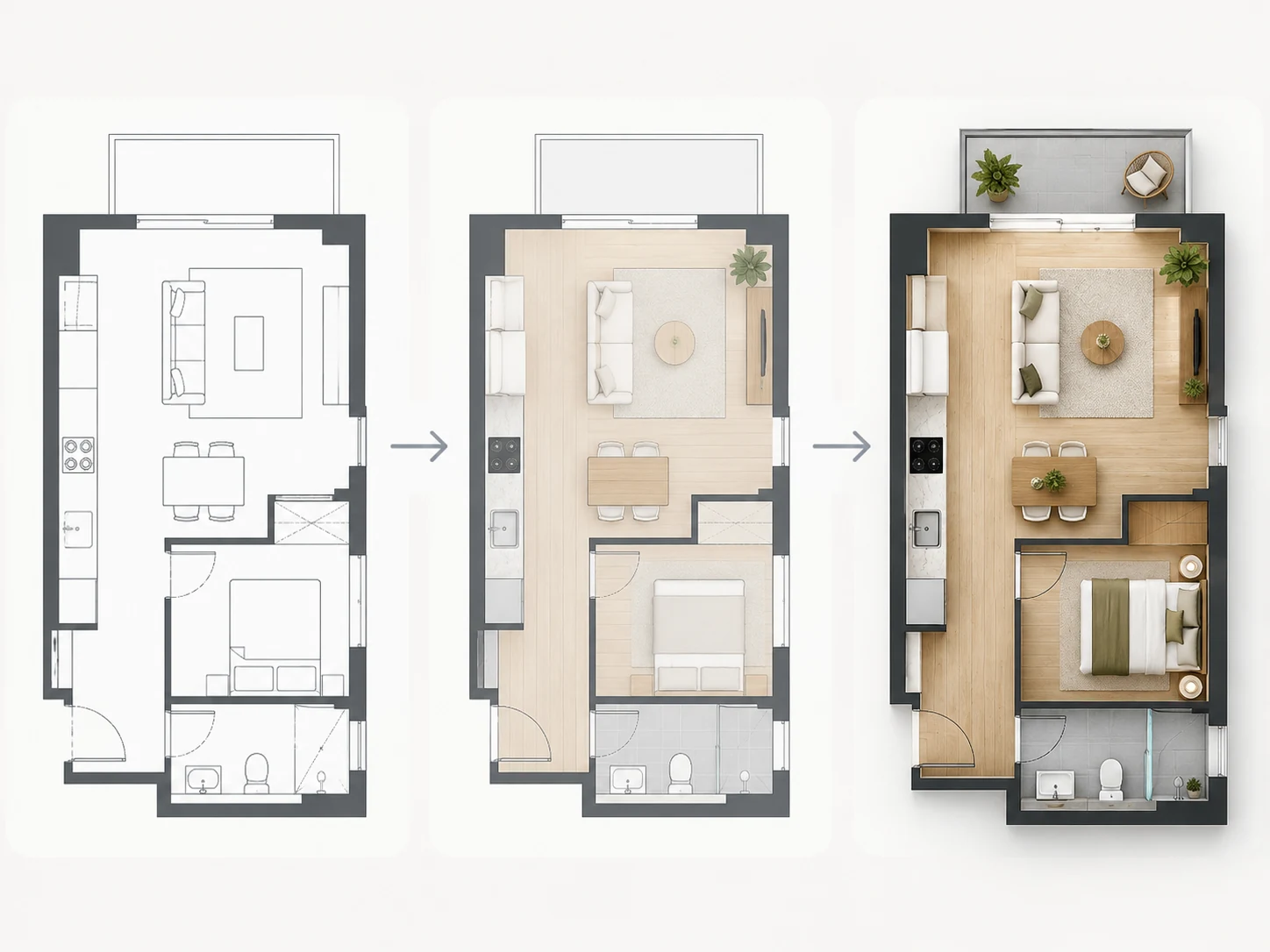
Turn your furnished floor plan into a polished rendered floor plan with different visual styles while keeping the existing layout as the foundation.
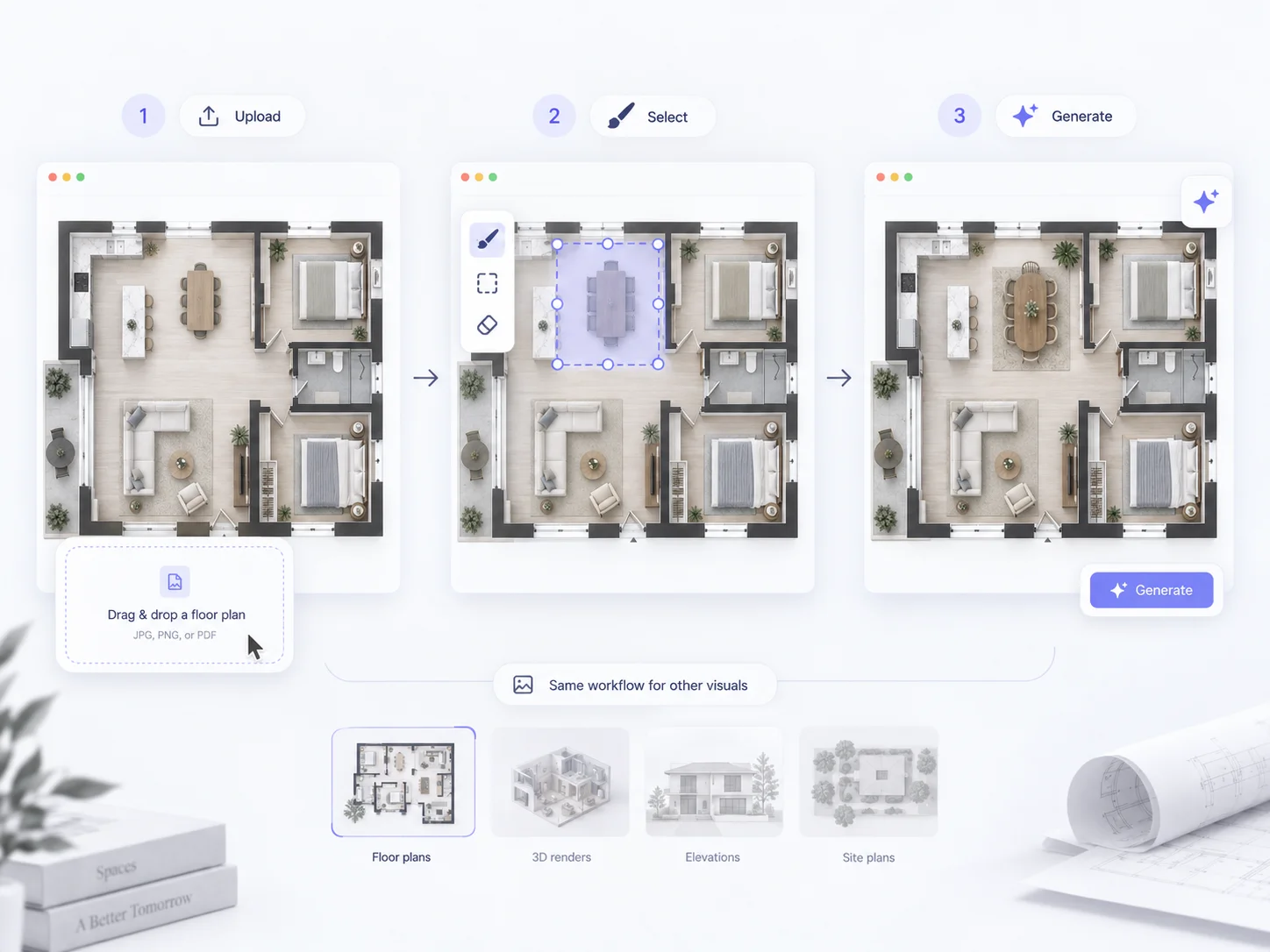
Edit specific parts of your floor plan when you already know what needs to change, such as walls, rooms, doors, windows, or individual layout elements.
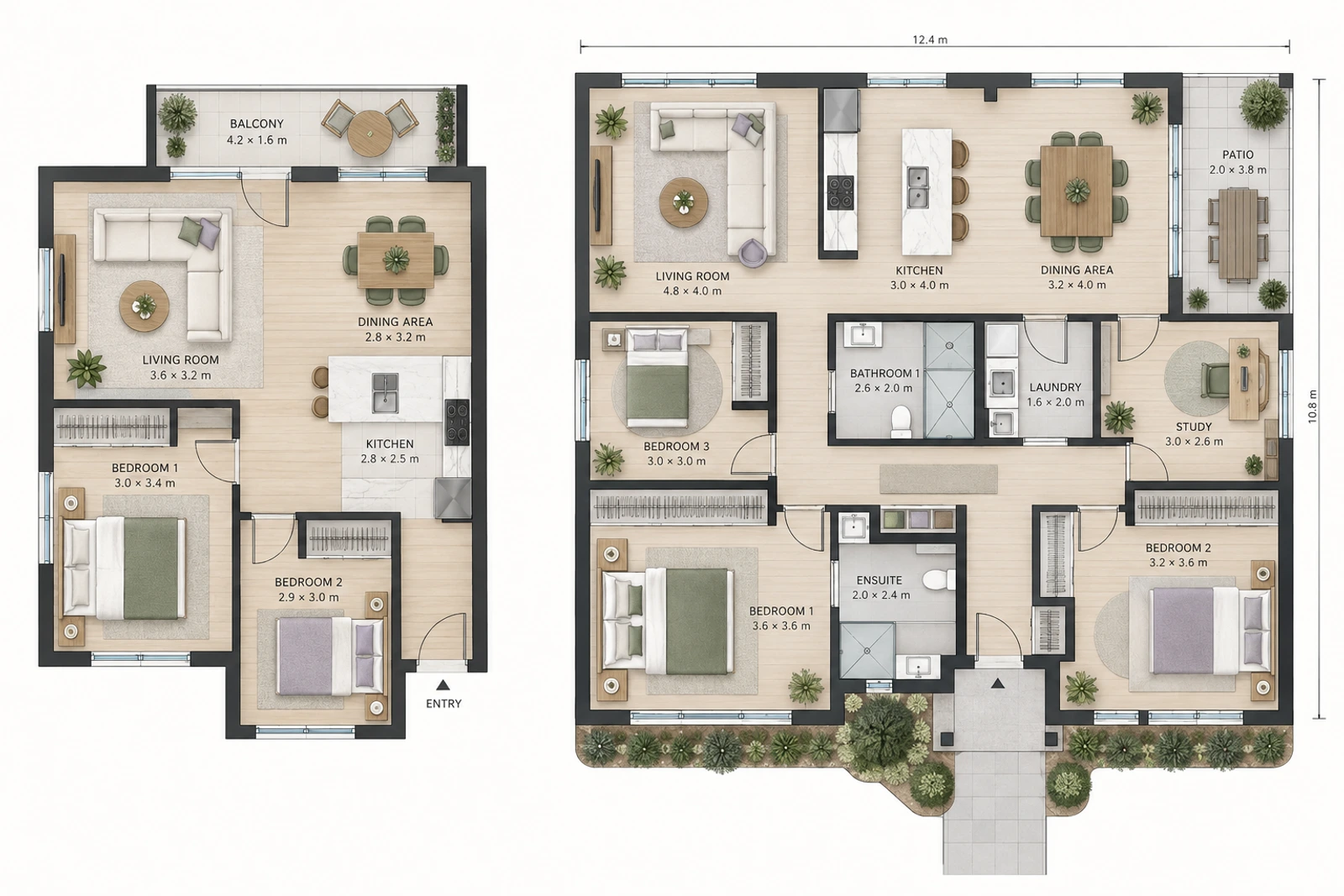
Create a new floor plan with AI when you do not already have an existing layout, then use Furniture Layout to add or arrange furniture afterward.
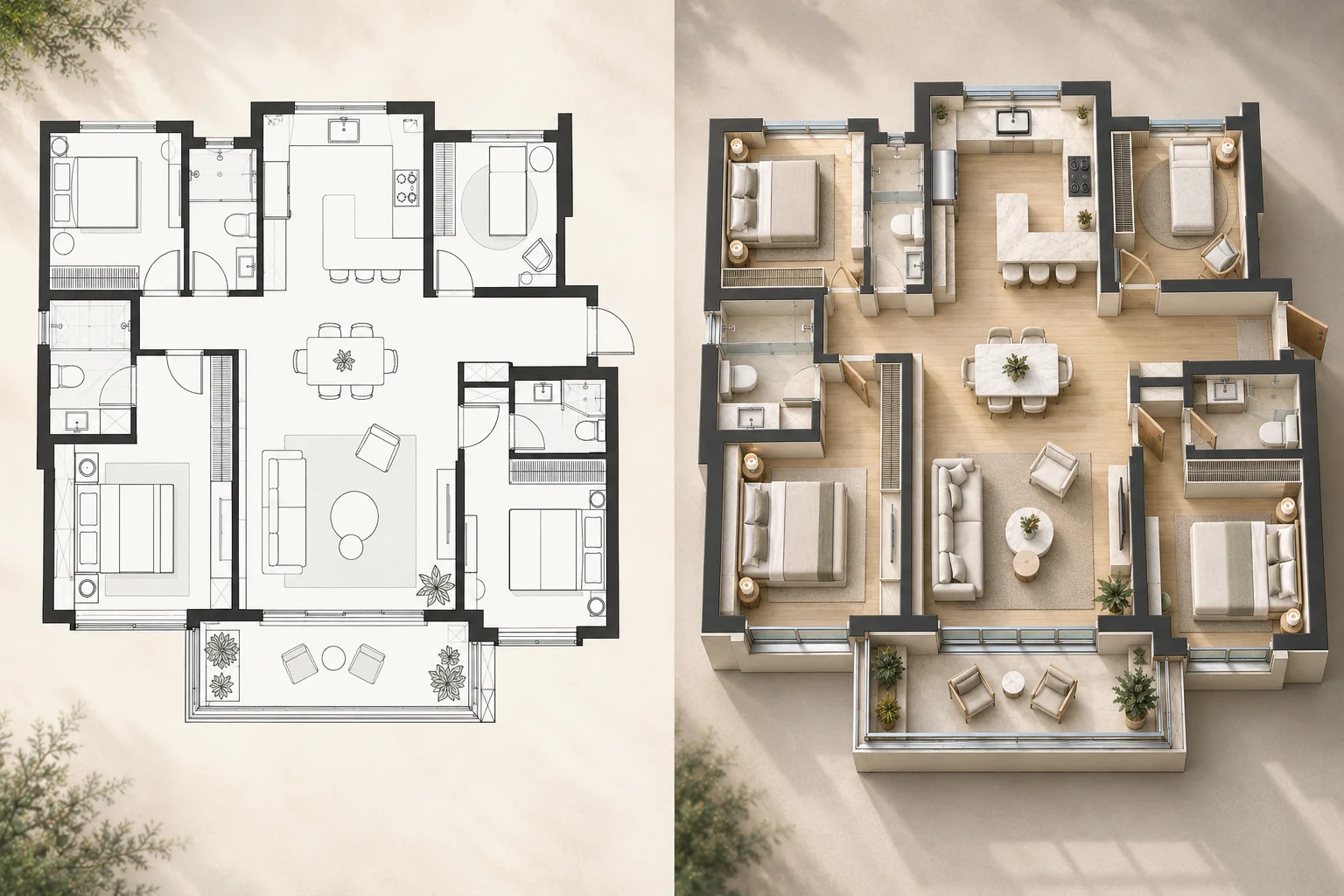
Turn your completed 2D floor plan into a 3D visualization to better understand the furnished layout, room relationships, and spatial arrangement.
Learn how AI furniture placement works with existing floor plans.
A floor plan with furniture shows the architectural layout together with furniture placement, helping you understand how the available space can be used.
Upload your existing floor plan and let AI create a furniture arrangement while preserving the original architectural layout.
Upload Your Floor Plan